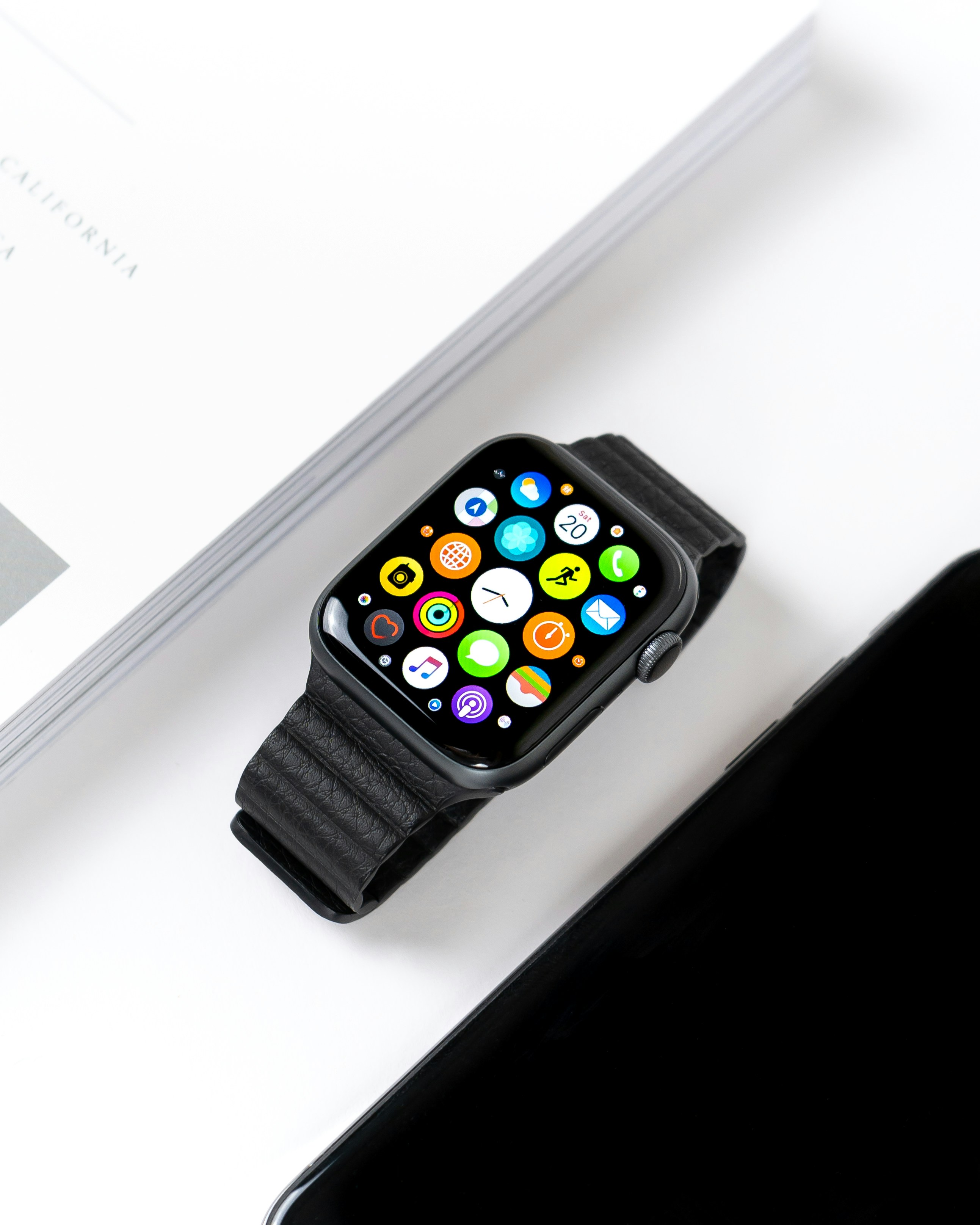
An Apple Watch can do a lot, but many new users only use it for checking the time and reading a few notifications. That is normal at first. Once the setup is done, the next question is usually more practical: how do you actually use Apple Watch well every day?
This Apple Watch beginner guide is for people who already understand the basic setup but want the watch to feel more useful in real life. You do not need to master every setting or install dozens of apps. The best everyday experience usually comes from small habits: checking the right notifications, using Siri for quick actions, tracking activity, switching watch faces, using Wallet, setting timers and learning quick settings.
Think of Apple Watch as a simple tool for fast moments. It is there to help you act quickly, stay aware and reduce how often you need to pull out your iPhone.
Apple Watch Beginner Guide: What Everyday Use Really Means
Everyday use does not mean using every feature. It means knowing which features are useful during a normal day.
For most people, Apple Watch works best for short actions. You glance at a message, check your next event, start a timer, track a walk, pay with Wallet or ask Siri to set a reminder. These are small moments, but they add up.
A good Apple Watch daily routine usually includes:
- Checking important notifications
- Using Siri for simple commands
- Tracking activity and workouts
- Switching watch faces based on your day
- Using Wallet when you are out
- Setting timers and alarms
- Opening Control Center for quick settings
The goal is not to make your watch complicated. The goal is to make it feel natural.
How to Use Apple Watch Daily Without Overthinking It
The easiest way to use Apple Watch daily is to give it clear jobs.
Your iPhone is still better for long messages, browsing, reading and complex apps. Apple Watch is better for fast checks and quick actions. Once you accept that difference, the watch becomes much more useful.
Check notifications without letting them control your day
Notifications are one of the most common Apple Watch features, but they can become annoying if you allow too many.
Use your watch for alerts that need fast attention. Messages, calls, calendar events, reminders, delivery updates, health alerts and important app notifications usually make sense. Random promotions, social media noise and low priority updates usually do not.
When a notification appears, you can glance, dismiss, reply quickly or open the related app. The watch is especially useful when you only need to decide whether something matters right now.
A simple rule helps: if a notification does not need your wrist, turn it off for Apple Watch.
Use Siri for quick daily actions
Siri is one of the most useful Apple Watch basics for beginners because it saves you from tapping through menus.
You can use Siri to start actions that would take longer by hand. Try commands like:
- “Set a timer for 10 minutes”
- “Remind me to call Alex at 6”
- “Start an outdoor walk”
- “What’s the weather today?”
- “Wake me up at 7 tomorrow”
Siri is especially helpful when your hands are busy. Cooking, walking, exercising or getting ready are perfect moments to use voice commands.
You do not need to use Siri for everything. Use it when speaking is faster than tapping.
Track activity in a simple way
Apple Watch is great for activity tracking, but you do not need to obsess over every metric.
Start with the Activity rings. They give you a simple view of movement, exercise and standing. If the default goals feel unrealistic, adjust them so they match your life. A goal that you can actually follow is more useful than one that makes you give up.
Use the Workout app when you go for a walk, run, bike ride or gym session. Starting a workout gives you better tracking than simply wearing the watch passively.
For everyday Apple Watch use, focus on consistency. A short walk tracked regularly is more valuable than a perfect setup you never use.
Apple Watch Daily Features Worth Using
Apple Watch has many features, but some are especially useful in daily life. These are the ones most beginners should learn early.
Change watch faces for different situations
A watch face is more than a design choice. It controls what information you see first.
You can create different faces for different parts of your day. For example, you might use one face for work with calendar, reminders and weather. For workouts, you might prefer activity rings, heart rate and workout shortcuts. In the evening, a simpler face may feel calmer.
Complications are the small information sections on a watch face. Good beginner choices include:
- Weather
- Calendar
- Activity rings
- Battery
- Timer
- Alarms
- Workout
Do not fill the screen just because you can. A clear face with a few useful complications is usually better than a crowded one.
Use Wallet for payments, passes and tickets
Wallet can make Apple Watch feel genuinely convenient.
Depending on what you have set up, you may be able to use Apple Watch for payments, transit cards, boarding passes, event tickets or loyalty cards. This is useful because the watch is already on your wrist and easy to access.
For payments, you usually double click the side button and hold the watch near the reader. For passes or tickets, open Wallet and choose the item you need.
Wallet is one of the best Apple Watch daily features because it removes small friction. You do not need to take out your phone or search through your bag for simple moments.
Use timers more than you think
Timers are one of the simplest Apple Watch features, but they are also one of the most useful.
You can use timers while cooking, working, studying, exercising, doing laundry or taking short breaks. Since the alert taps your wrist, it is harder to miss than a phone timer in another room.
Try using timers for:
- Cooking pasta or tea
- Focus sessions
- Short breaks
- Stretching
- Laundry reminders
- Workout intervals
This is where Apple Watch shines. It handles small daily tasks quietly and quickly.
Set alarms from your wrist
Alarms are useful on Apple Watch because they can tap your wrist instead of relying only on sound.
You can use alarms for waking up, reminders during the day or repeated routines. Some people prefer a haptic alarm because it feels more private and less disruptive than a loud phone alarm.
For bedtime, Apple Watch can also work well with Sleep settings if you wear it at night. Just remember to plan your charging routine so the battery does not become a problem.
Start workouts directly from Apple Watch
The Workout app is one of the most important tools for everyday health tracking.
You can start common workouts such as outdoor walk, indoor walk, outdoor run, cycling, strength training and more. Starting a workout manually helps the watch record more useful data.
For beginners, walking is a great place to start. You do not need an intense fitness plan to benefit from Apple Watch. Tracking daily walks can help you understand your movement and build a more active routine.
If you forget to start a workout, your watch may suggest one for certain activities. Still, it is better to start it yourself when you remember.
How to Use Quick Settings on Apple Watch
Control Center is the place to manage quick settings. It is one of the most useful parts of Apple Watch for everyday use.
Control Center gives you fast access to settings without opening the main Settings app. Depending on your watchOS version and setup, you may access it with the side button or through the watch interface.
Useful quick settings include:
- Silent Mode
- Focus or Do Not Disturb
- Theater Mode
- Water Lock
- Flashlight
- Battery percentage
- Airplane Mode
- Ping iPhone
The Ping iPhone button is a favorite for many users. If your iPhone is nearby but you cannot find it, tap the button and your phone will play a sound.
Silent Mode is also worth using. Many Apple Watch users prefer wrist taps instead of sound alerts because they are private and less distracting.
The more you use Control Center, the less confusing Apple Watch feels.
A Simple Apple Watch Daily Routine
A simple Apple Watch routine can make the device feel useful without adding stress.
In the morning, check the weather, your calendar and your Activity rings. If you use alarms, stop or snooze them from your wrist. If you wear your watch overnight, check your sleep summary if that is part of your routine.
During the day, use notifications carefully. Reply to short messages, dismiss what does not matter and use Siri for reminders or timers. If you go for a walk or workout, start tracking it from your watch.
When you are out, use Wallet for payments, tickets or passes when available. Use Control Center for Silent Mode, Focus, Theater Mode or Ping iPhone.
In the evening, switch to a calmer watch face if you like. Reduce notifications with Focus and charge your watch at a consistent time.
This is how to use Apple Watch daily in a realistic way: simple actions, repeated often.
Apple Watch Basics for Beginners: Common Mistakes to Avoid
New users often make Apple Watch harder than it needs to be.
One common mistake is allowing too many notifications. If your wrist keeps buzzing, you will start ignoring the watch. Another mistake is installing too many apps before learning the built in tools. Most beginners should first understand notifications, watch faces, Control Center, Siri, Wallet, timers, alarms and workouts.
Another mistake is using a crowded watch face. Too much information can make the watch harder to read. Start simple and add complications only when you need them.
Battery anxiety is also common. Instead of constantly checking the percentage, create a charging routine. Charge while showering, working at your desk or getting ready.
Apple Watch becomes easier when you stop trying to use every feature at once.
Who This Apple Watch Simple Guide Is Best For
This guide is best for people who already paired and set up their Apple Watch but still feel unsure about daily use.
It is especially useful for first time Apple Watch users, people who want fewer distractions, fitness beginners, productivity users and anyone who wants to use the watch more naturally.
It is also helpful for users who feel like their watch is underused. If you only check the time and dismiss notifications, learning a few daily features can make a big difference.
You do not need an advanced setup. A clean watch face, useful notifications, Siri, timers, Wallet, workouts and quick settings are enough to make Apple Watch feel valuable every day.
Conclusion
This Apple Watch beginner guide is built around one idea: use the watch for quick daily actions, not complicated tasks. Check important notifications, ask Siri for simple help, track activity, use Wallet, set timers, start workouts and learn Control Center.
You do not need to use every feature at once. Start with the Apple Watch daily features that fit your routine. Over time, your watch will feel less like a new device and more like a natural part of your day.