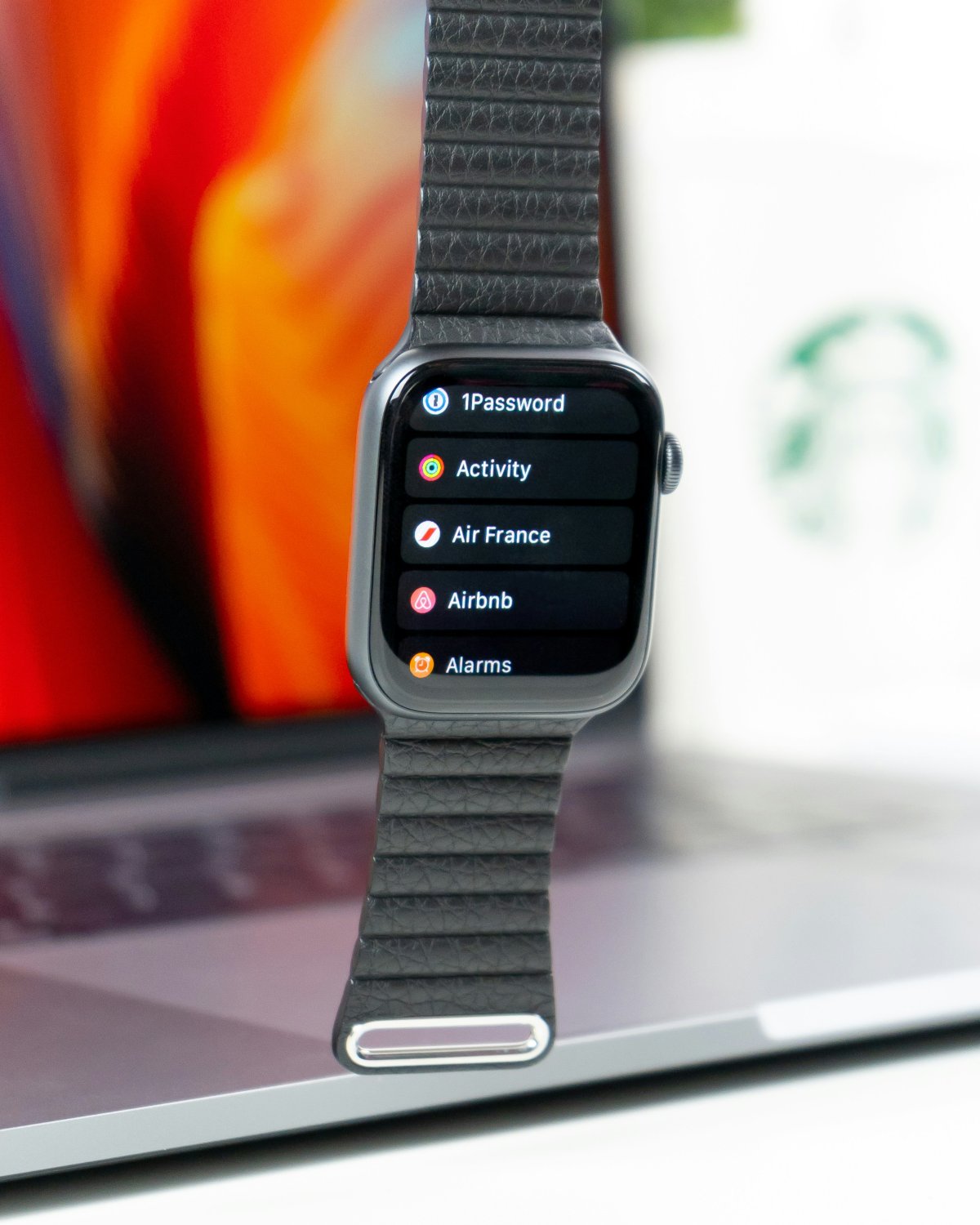
There are a few Apple Watch mistakes new users should avoid if they want the watch to feel useful instead of annoying. Most problems come from leaving every default setting as it is, adding too many apps or ignoring basic setup steps.
Apple Watch works best when it is simple, secure and matched to your daily routine.
1. Letting Every Notification Reach Your Wrist
One of the biggest Apple Watch notification mistakes is allowing every iPhone alert on your watch.
If every app taps your wrist, Apple Watch quickly becomes distracting. Start with calls, messages, calendar, reminders and important apps. Turn off low value alerts you do not need immediately.
A cleaner notification setup makes the watch feel calmer and more useful.
2. Ignoring Battery Habits
Many Apple Watch battery mistakes come from poor charging routines.
New users often forget to charge before sleep, workouts or long days. Get used to charging during a shower, desk break or evening routine. Also check brightness, Always On Display, Background App Refresh and Low Power Mode.
Small battery habits prevent panic later.
3. Skipping Privacy Settings
Apple Watch holds personal data, so privacy settings matter.
Check passcode, Wrist Detection, notification privacy, location permissions, Health permissions and Find My. A passcode is especially important if you use Wallet or Apple Pay.
Do not treat the watch like a basic accessory. It carries sensitive information.
4. Wearing It Too Loose for Workouts
A loose Apple Watch can affect workout tracking.
During exercise, the watch should sit snugly on your wrist with the back touching your skin. If it slides around, heart rate and workout data may be less reliable.
For daily wear, comfort matters. For workouts, secure fit matters more.
5. Not Setting Up Emergency Features
Emergency features are easy to ignore, but they are important.
Check Emergency SOS, Medical ID, emergency contacts and fall related settings if available for your model and region. These settings should be ready before you ever need them.
This is one of the most important Apple Watch setup mistakes to avoid.
6. Installing Too Many Apps
Apple Watch is not better with every app installed.
Too many apps make the home screen messy and harder to use. Keep the apps that help with health, communication, travel, payments, productivity and daily tasks. Remove apps you never open.
A simple Apple Watch setup is usually the best setup.
Conclusion
The biggest Apple Watch beginner mistakes are usually easy to avoid.
Do not overload notifications, ignore battery habits, skip privacy settings, wear the watch too loose during workouts, forget emergency features or install too many apps. Set up the basics first and your Apple Watch will feel cleaner, safer and more helpful from day one.