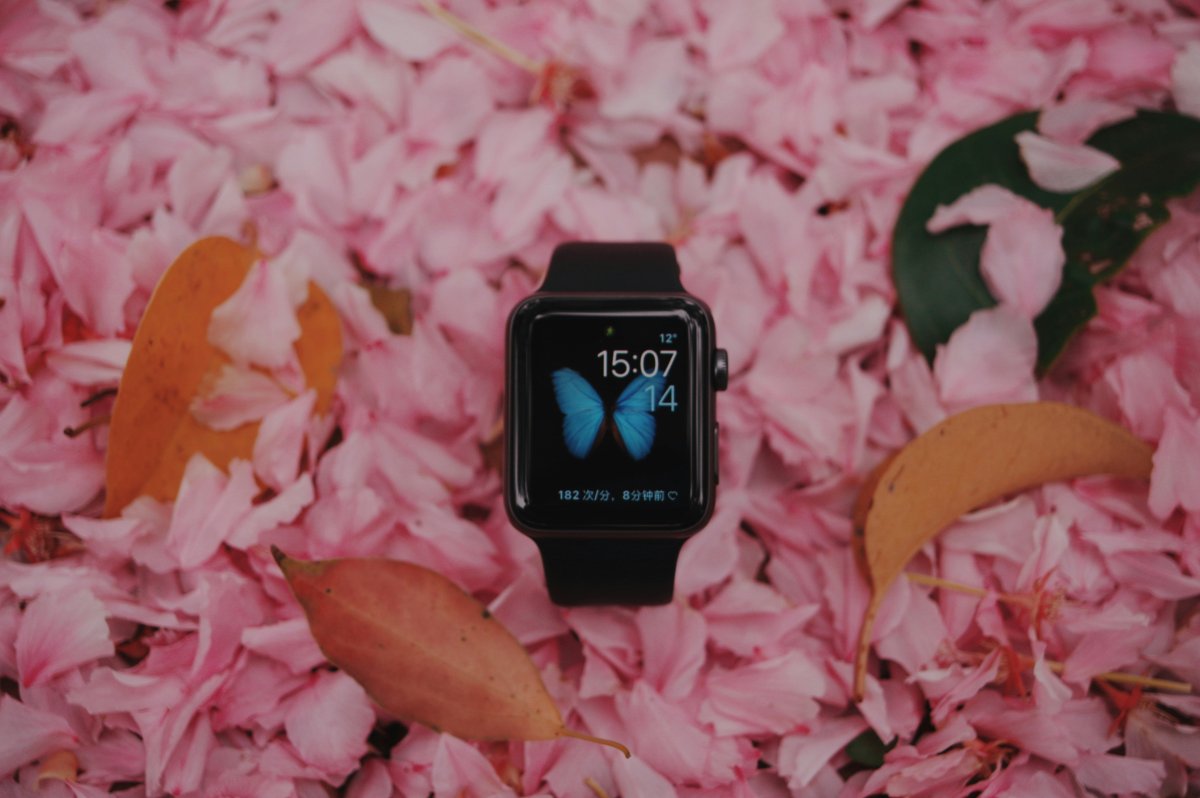
A good Apple Watch setup checklist helps new owners configure the most important features without getting lost in settings. Apple Watch can do a lot, but the first setup should focus on the basics: security, notifications, health, battery, safety and daily use.
Use this new Apple Watch checklist to get your watch ready in one sitting.
1. Pair Apple Watch With iPhone
Start by pairing your Apple Watch with your iPhone.
Keep both devices close, follow the setup screen and sign in with your Apple ID when asked. During setup, choose whether to restore from a backup or set up as new.
This is the first step because most Apple Watch settings, apps and health features depend on the iPhone connection.
2. Set a Passcode
Add a passcode early.
A passcode protects your watch and is required for features like Apple Pay. Keep Wrist Detection on so the watch locks when removed from your wrist.
This is one of the most important Apple Watch setup steps for security.
3. Clean Up Notifications
Do not let every iPhone alert reach your wrist.
Open the Watch app on iPhone and review Notifications. Keep important alerts like calls, messages, calendar, reminders and key work apps. Turn off low value alerts that would make your watch distracting.
A clean notification setup makes Apple Watch much easier to use every day.
4. Choose a Useful Watch Face
Pick a watch face that matches your routine.
For daily use, add complications like weather, calendar, activity, battery, reminders or timers. If you want a simpler look, choose fewer complications and keep only what you check often.
Your watch face should show useful information quickly, not just look nice.
5. Review Health Settings
Set up health features based on your needs.
Check Activity goals, heart rate settings, fitness tracking, sleep options and health permissions. Make sure your age, height, weight and other basic details are correct in the Health app.
Better health settings can make workout, activity and sleep data more useful.
6. Add Emergency Information
Open the Health app and review Medical ID and emergency contacts.
Then check Emergency SOS and fall related settings if available for your model and region. These features are easy to ignore, but they are important parts of an Apple Watch beginner checklist.
Emergency settings should be ready before you need them.
7. Set Up Sleep Tracking
If you plan to wear Apple Watch at night, set up Sleep.
Create a sleep schedule, enable Sleep Focus and build a charging habit so your watch has enough battery before bed. Sleep tracking works best when the watch fits comfortably and stays charged overnight.
8. Check Battery Settings
Open Battery settings and learn where Low Power Mode is.
Also review Always On Display, brightness, notifications and background activity. These settings can affect how long your Apple Watch lasts during the day.
If battery life matters, set it up before your first long day of use.
9. Clean Up Apps
Remove Apple Watch apps you do not use.
Keep the apps that help with daily tasks, health, communication, travel, payments, reminders and productivity. A smaller app list makes the watch feel faster and easier to manage.
If Grid View feels crowded, try List View.
Conclusion
This Apple Watch setup checklist gives new owners a simple path through the most important settings.
Pair your watch, set a passcode, clean up notifications, choose a useful face, review health settings, add emergency information, set up sleep tracking, check battery options and remove apps you do not need.
Once these basics are done, your Apple Watch will feel cleaner, safer and easier to use every day.