Best Apple Watch Apps for Everyday Use

The best Apple Watch apps are not always the most complicated ones. They are the apps that make your watch feel useful in normal daily moments: checking a document, replying to someone, tracking a workout, searching something quickly, listening to music or checking the weather before leaving home.

Apple Watch is not meant to replace your iPhone for everything. The screen is small, typing is limited and some tasks are still easier on a larger display. But with the right setup, it can become a powerful everyday tool for quick actions and fast access.

This guide focuses on practical Apple Watch apps for everyday use. The goal is not to list every popular app, but to highlight apps that solve real problems from your wrist. Whether you are a student, traveler, fitness user, professional or someone who simply wants a smarter watch experience, these apps can help you get more value from your Apple Watch.

What Makes the Best Apple Watch Apps Useful Every Day?

The best apps for Apple Watch usually have one thing in common: they respect the way people actually use a watch.

A good Apple Watch app should be fast to open, simple to understand and useful in short sessions. Nobody wants to manage a complicated workflow on a tiny screen. The best experience usually comes from quick access, glanceable information and small tasks that save you from pulling out your phone.

For everyday use, a strong Apple Watch app often fits one of these needs:

  • Quick communication
  • Fitness and health tracking
  • Productivity and reminders
  • Document access
  • Music and audio control
  • Web lookup
  • Weather alerts
  • Short entertainment breaks

That is why this list includes a mix of Apple Watch utility apps, productivity apps, fitness apps and lifestyle tools. Some are well-known apps many users already trust. Others are focused tools designed to fill gaps Apple Watch does not solve by default.

10 Best Apple Watch Apps for Everyday Use

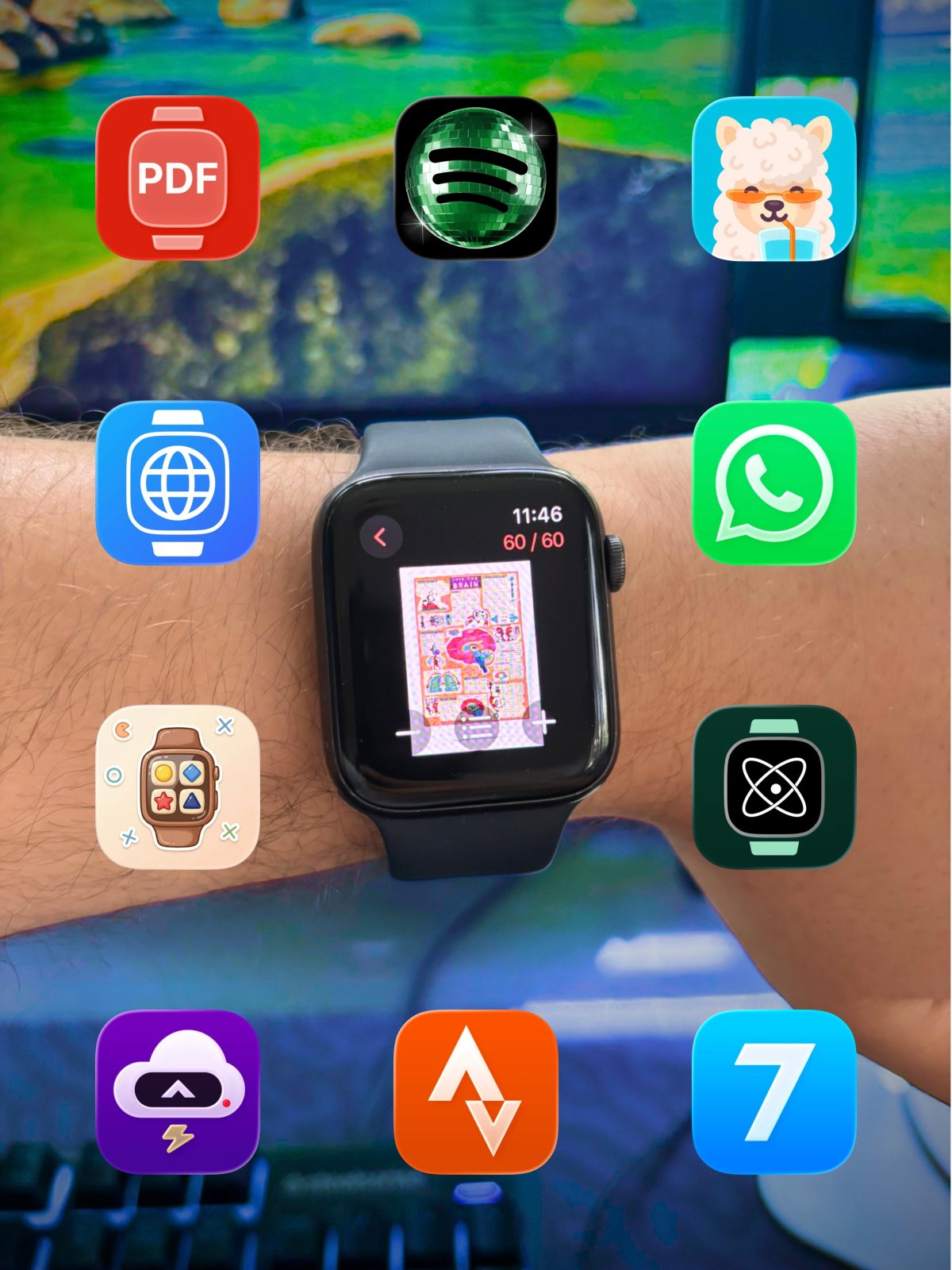
Below are 10 useful Apple Watch apps that can make your watch more practical in daily life. The list is arranged with a balance of productivity, fitness, communication, browsing, audio and quick utility.

1. WristDocs : PDF Watch Viewer

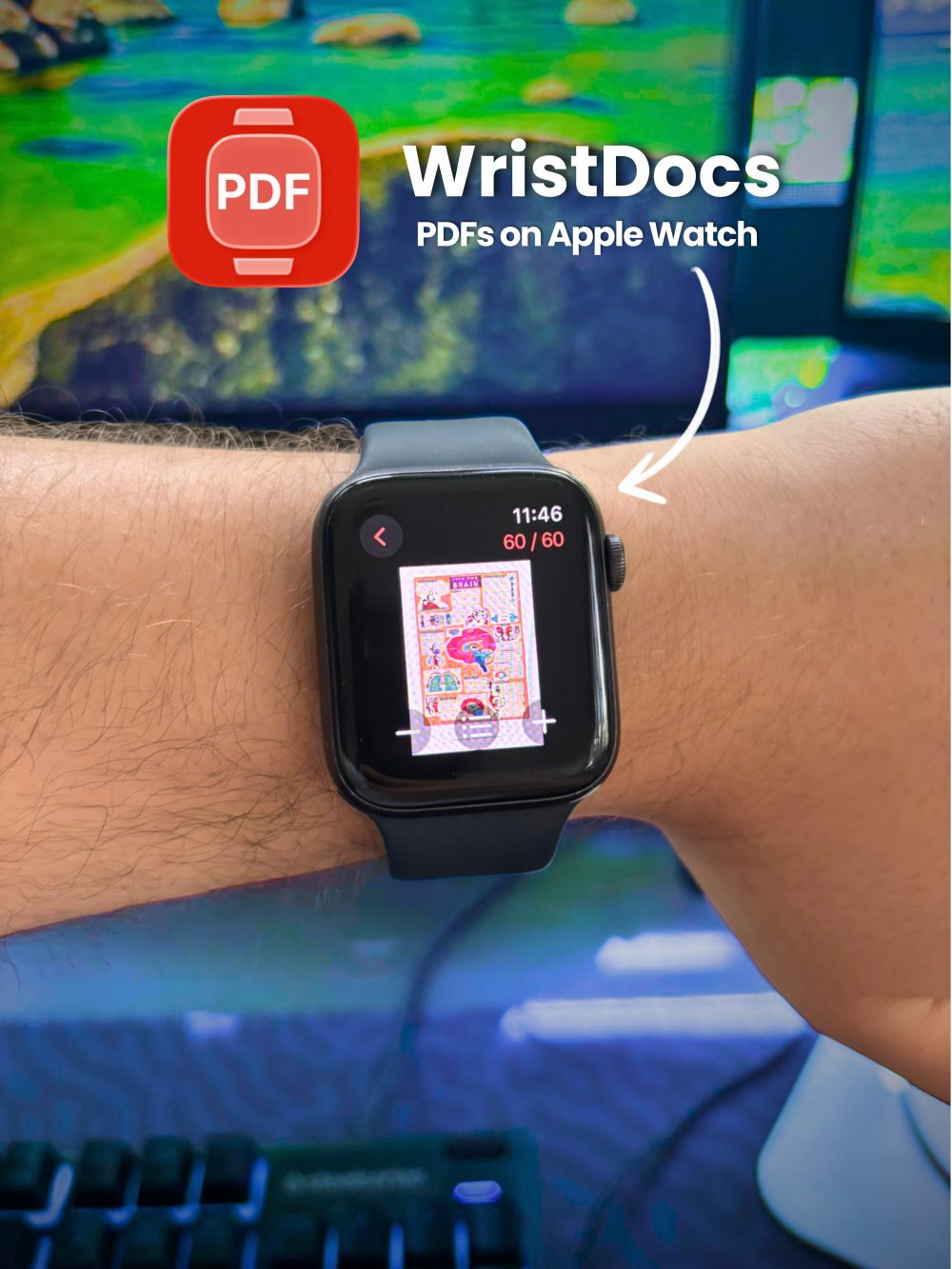
WristDocs : PDF Watch Viewer is useful if you want to read or reference PDF files directly from your Apple Watch.

Apple Watch is not the perfect device for long reading, but it can be surprisingly helpful for quick access. For example, you may want to check a study note, travel document, ticket, manual, work file or short reference PDF without opening your phone.

WristDocs fits this use case because it focuses on PDF viewing from the wrist. It is especially practical when the document is something you need to check quickly rather than read for an hour.

A useful option is:
https://apps.apple.com/us/app/pdf-watch-viewer-wristdocs/id6745387064

Best for: students, travelers, professionals and anyone who wants quick PDF access on Apple Watch.
Limitation: long PDFs and small text can still be harder to read on a watch screen, so it works best for short documents or quick reference files.

2. Spotify

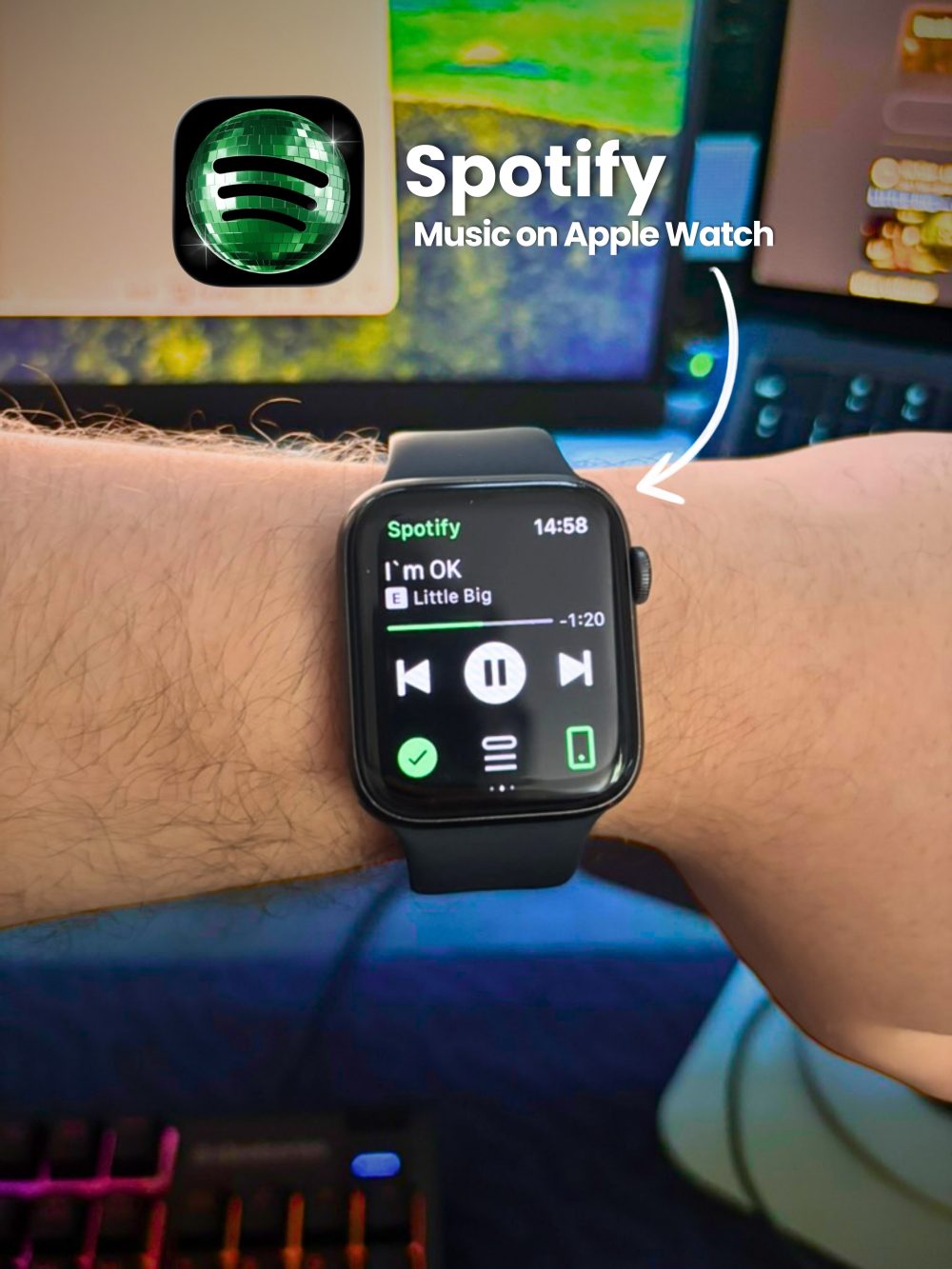
Spotify is one of the most useful Apple Watch apps for everyday audio.

If you listen to music, podcasts or playlists throughout the day, having playback controls on your wrist is genuinely convenient. You can pause, skip tracks, change playlists or control audio without reaching for your iPhone.

For workouts, walks and commuting, Spotify can make Apple Watch feel much more independent. It is especially useful when paired with Bluetooth headphones.

Best for: music listeners, podcast fans, runners, walkers and commuters.
Limitation: the full music browsing experience is still better on iPhone. On Apple Watch, Spotify is best for quick control and simple listening actions.

3. Chat AI on Watch : WristAnswer

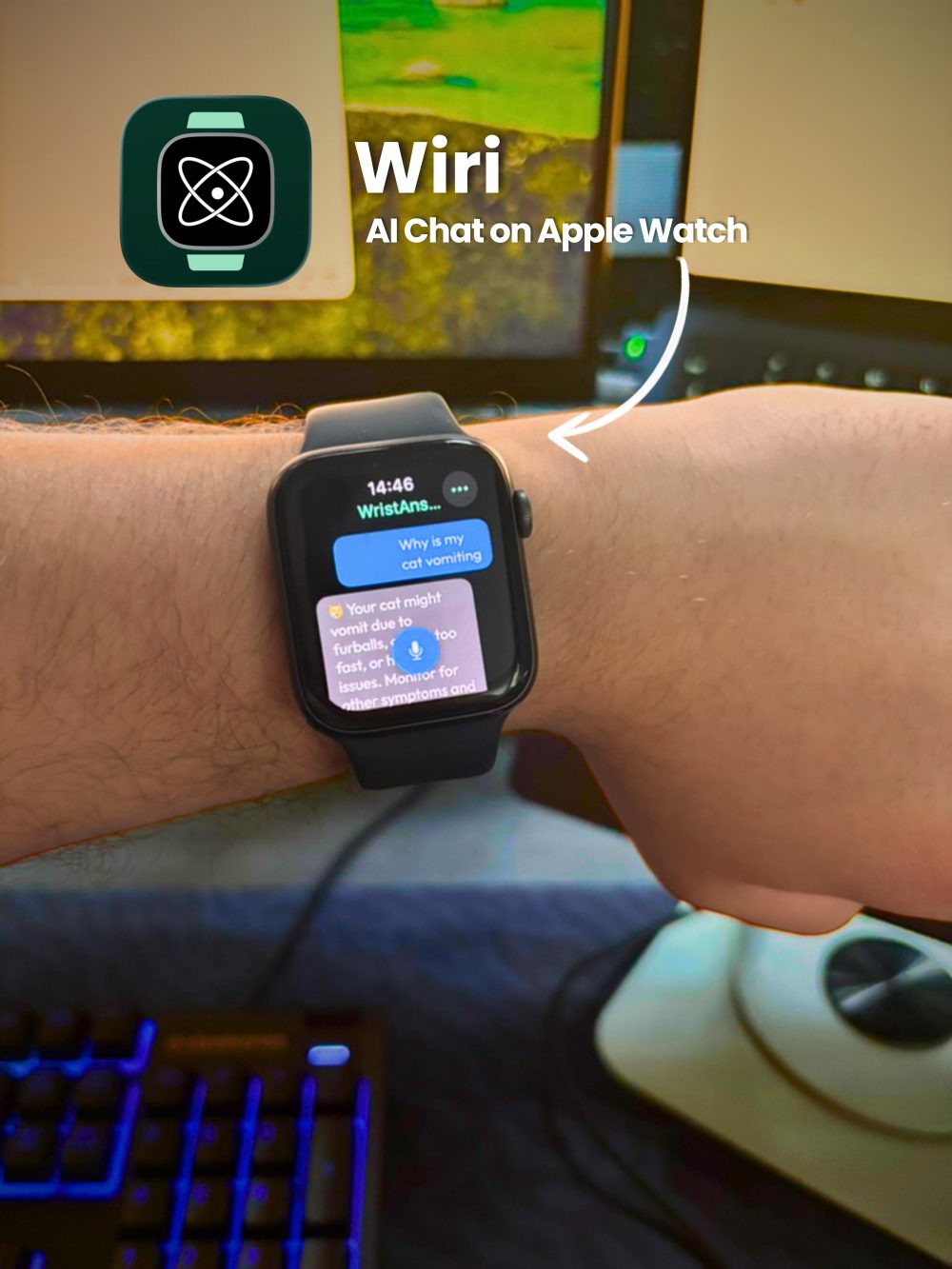
Chat AI on Watch : WristAnswer brings quick AI help to Apple Watch.

This is useful when you want a short answer, writing idea, explanation, translation-style help, travel suggestion or productivity support without opening your phone. Apple Watch is not ideal for long conversations, but it can be very useful for fast questions.

For example, you might ask for a quick summary idea, a short message draft, a simple explanation of a topic or help remembering what to write. That makes WristAnswer a practical Apple Watch productivity app rather than just a novelty.

A useful option is:
https://apps.apple.com/us/app/wristanswer-chat-ai-on-watch/id6758810005

Best for: productivity users, students, travelers and people who want quick answers from their wrist.
Limitation: short prompts and short answers work best. For longer writing or complex research, your iPhone or computer will still be more comfortable.

4. Strava : Run, Bike, Walk

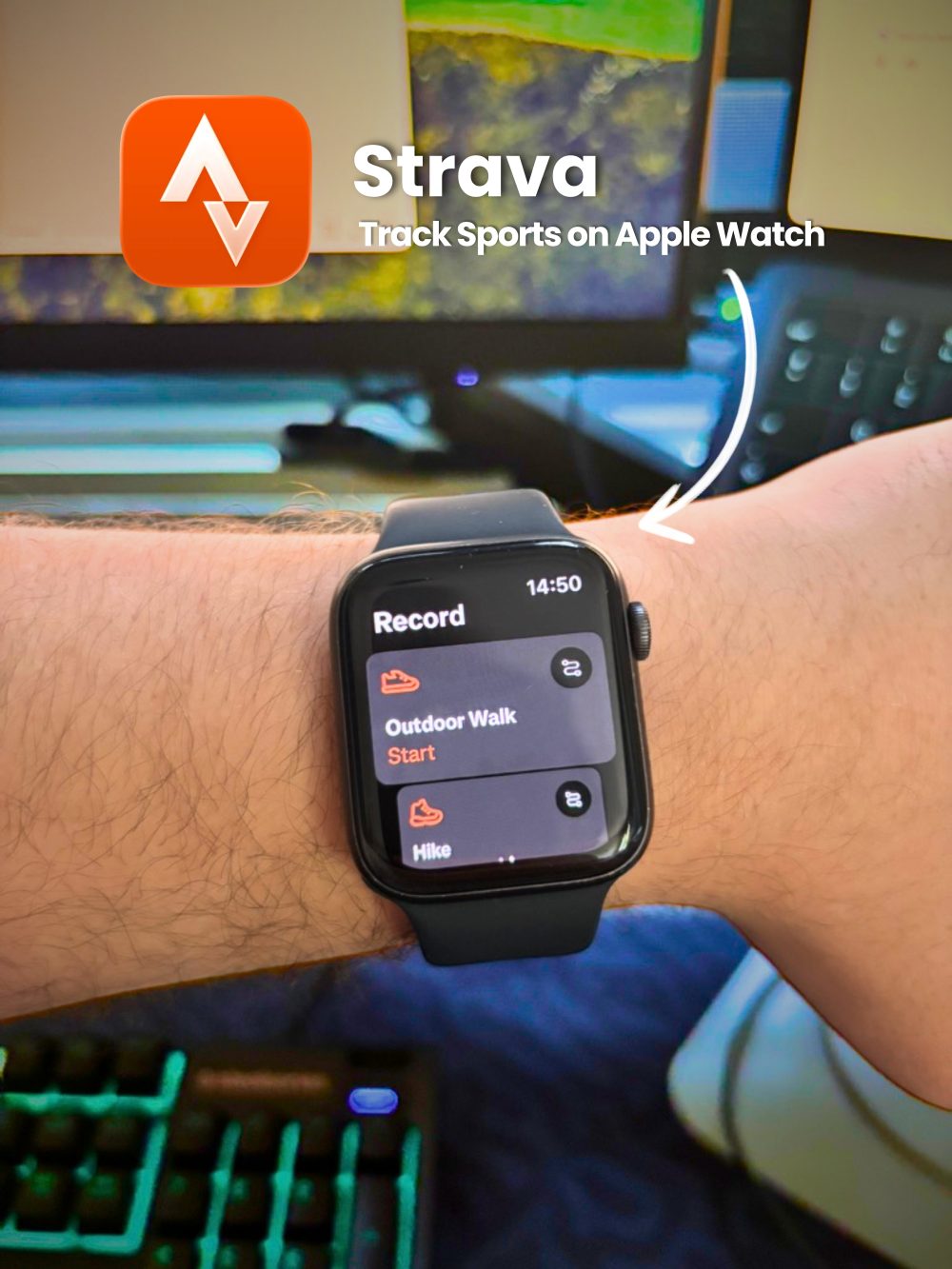
Strava is one of the most popular fitness apps for Apple Watch users.

It is useful for tracking runs, bike rides, walks and other activities. If you care about routes, pace, activity history and workout motivation, Strava gives Apple Watch a stronger fitness role.

For many people, the Apple Watch already works well as a fitness tracker. Strava adds a more social and performance-focused layer, especially for users who want to compare progress over time or share activities.

Best for: runners, cyclists, walkers and fitness-focused Apple Watch users.
Limitation: casual users may not need all of Strava’s features if they only want basic workout tracking.

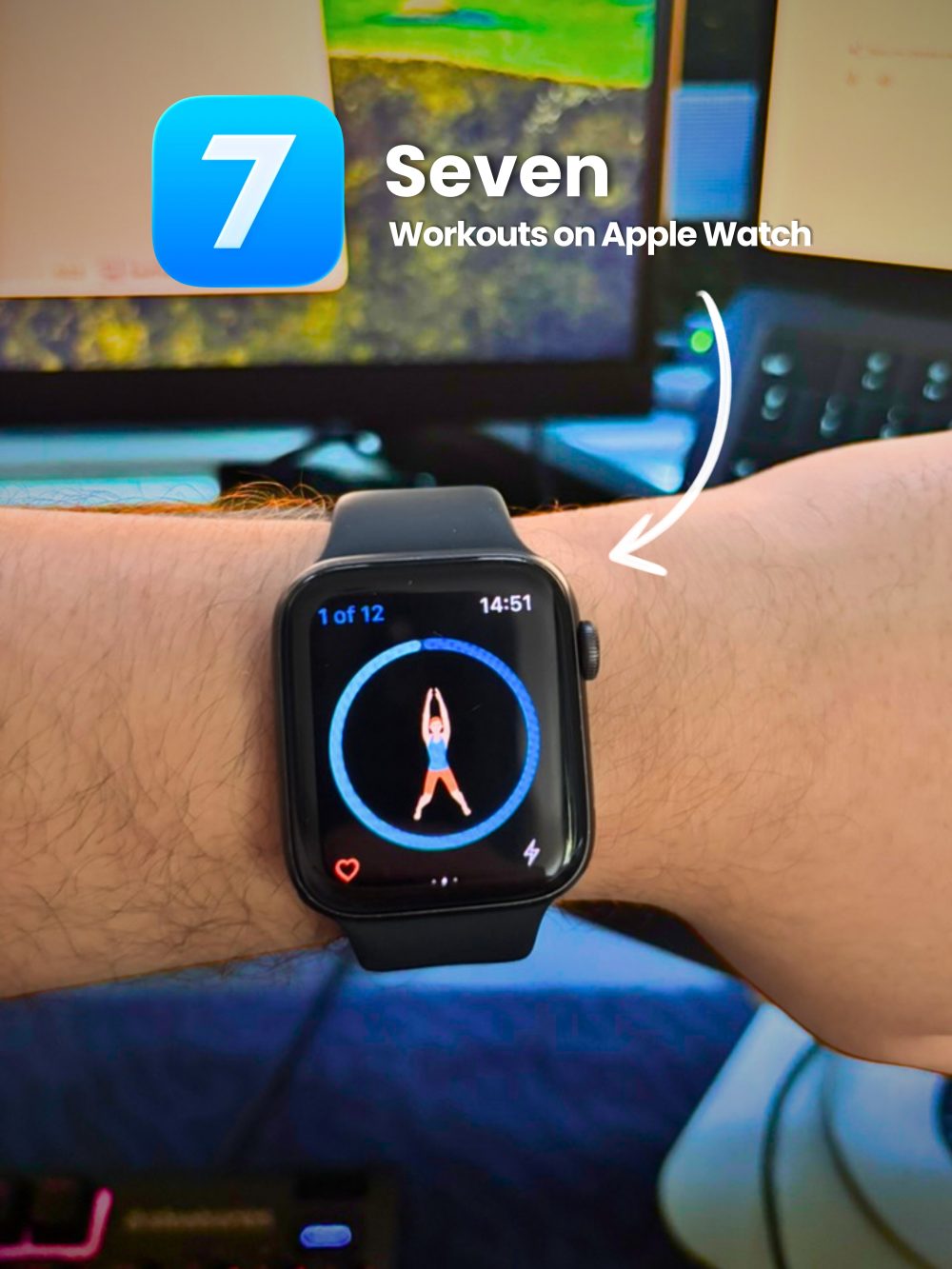
5. Seven : 7 Minute Workout

Seven is useful for people who want short, guided workouts without overthinking.

The idea is simple: quick workouts that can fit into a busy day. On Apple Watch, that kind of experience makes sense because the watch is already on your wrist and can guide you through a session without needing a complicated setup.

It is a good option if you want fitness to feel easier to start. A short workout app can help remove friction, especially on days when a full gym session feels unrealistic.

Best for: busy users, beginners and people who want simple guided workouts.
Limitation: short workouts are convenient, but they are not a complete replacement for a balanced fitness routine if you have bigger strength, endurance or health goals.

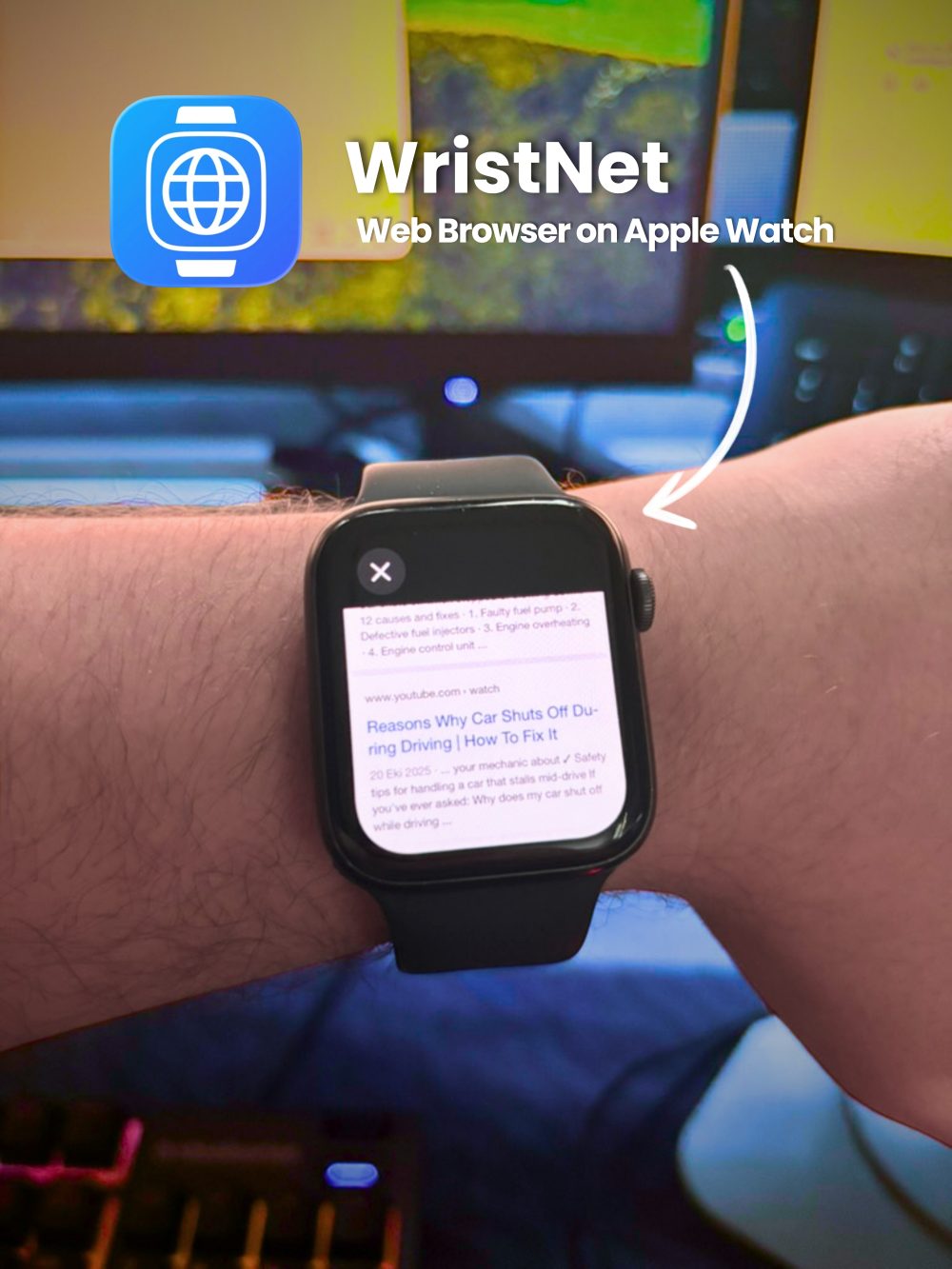
6. Watch Web Browser : WristNet

Watch Web Browser : WristNet is designed for people who want browser-based web access on Apple Watch.

Apple Watch does not offer the same browsing experience as an iPhone, but there are times when quick web access from your wrist can be useful. You might want to search something, check a page, open a link or access web-based services without pulling out your phone.

WristNet can be especially useful for quick Google searches, browsing lightweight pages or accessing platforms through a browser. For services like Instagram, TikTok, YouTube or Reddit, it should be understood as browser-based access, not an official Apple Watch app from those platforms.

A practical choice is:
https://apps.apple.com/us/app/watch-web-browser-wristnet/id6747051754

Best for: users who want quick web lookup, browser-based social access and Apple Watch utility features.
Limitation: some websites may not work perfectly on a small screen. Login flows, video playback, heavy pages and complex layouts can be less comfortable than on iPhone.

7. Arcadia : Watch Games

Arcadia is a fun option for short gaming sessions on Apple Watch.
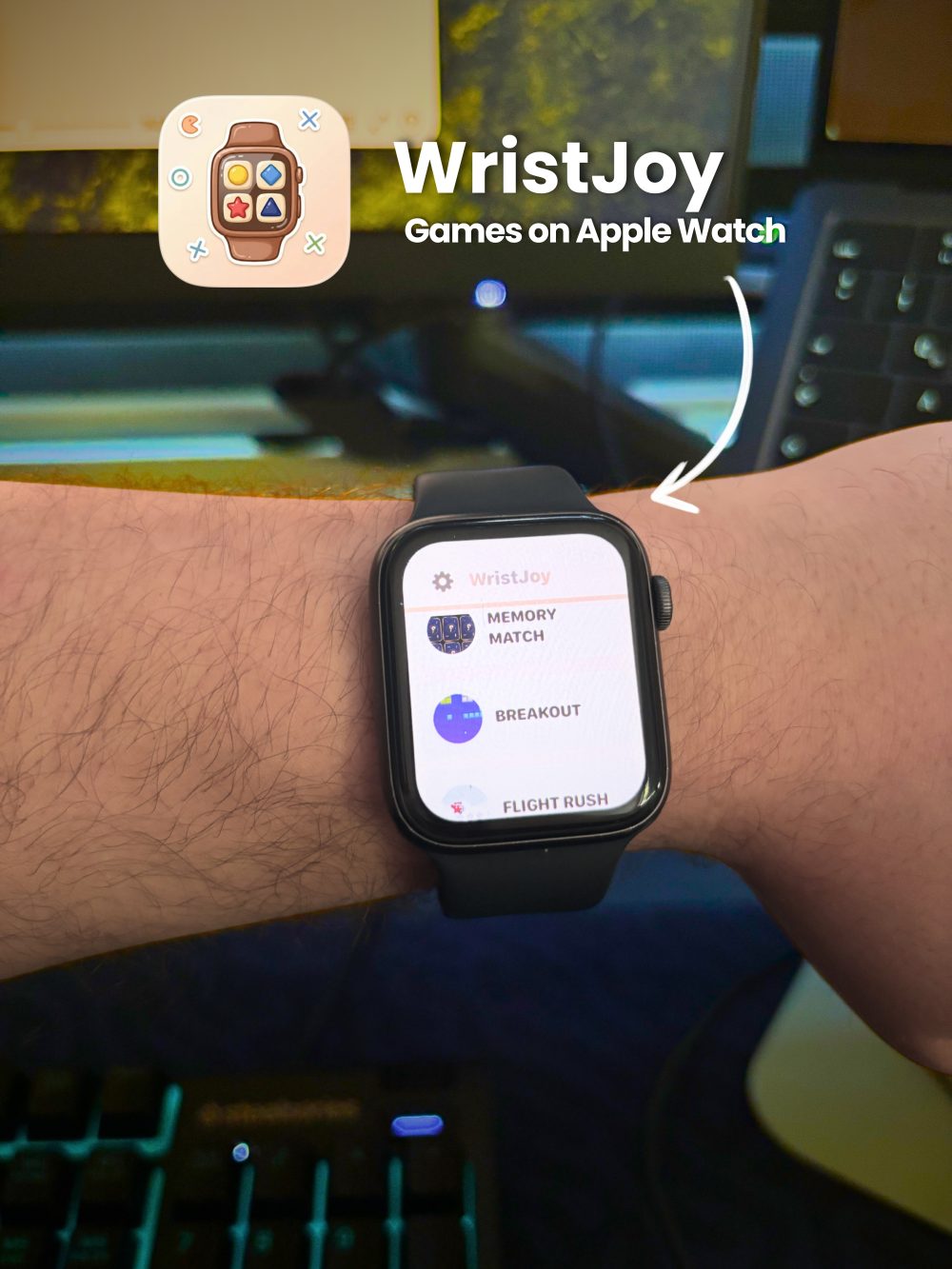
Gaming is not the main reason most people buy an Apple Watch, but small watch-friendly games can be enjoyable when you have a few spare minutes. The key is that the games need to be simple enough for the screen size and controls.

Arcadia fits the idea of lightweight entertainment. It can make the Apple Watch feel less like a pure productivity or fitness device and more like something you can enjoy casually.

Best for: casual users who want quick entertainment from the wrist.
Limitation: Apple Watch games are naturally limited by screen size, controls and battery life. They are best for short sessions, not deep gaming.

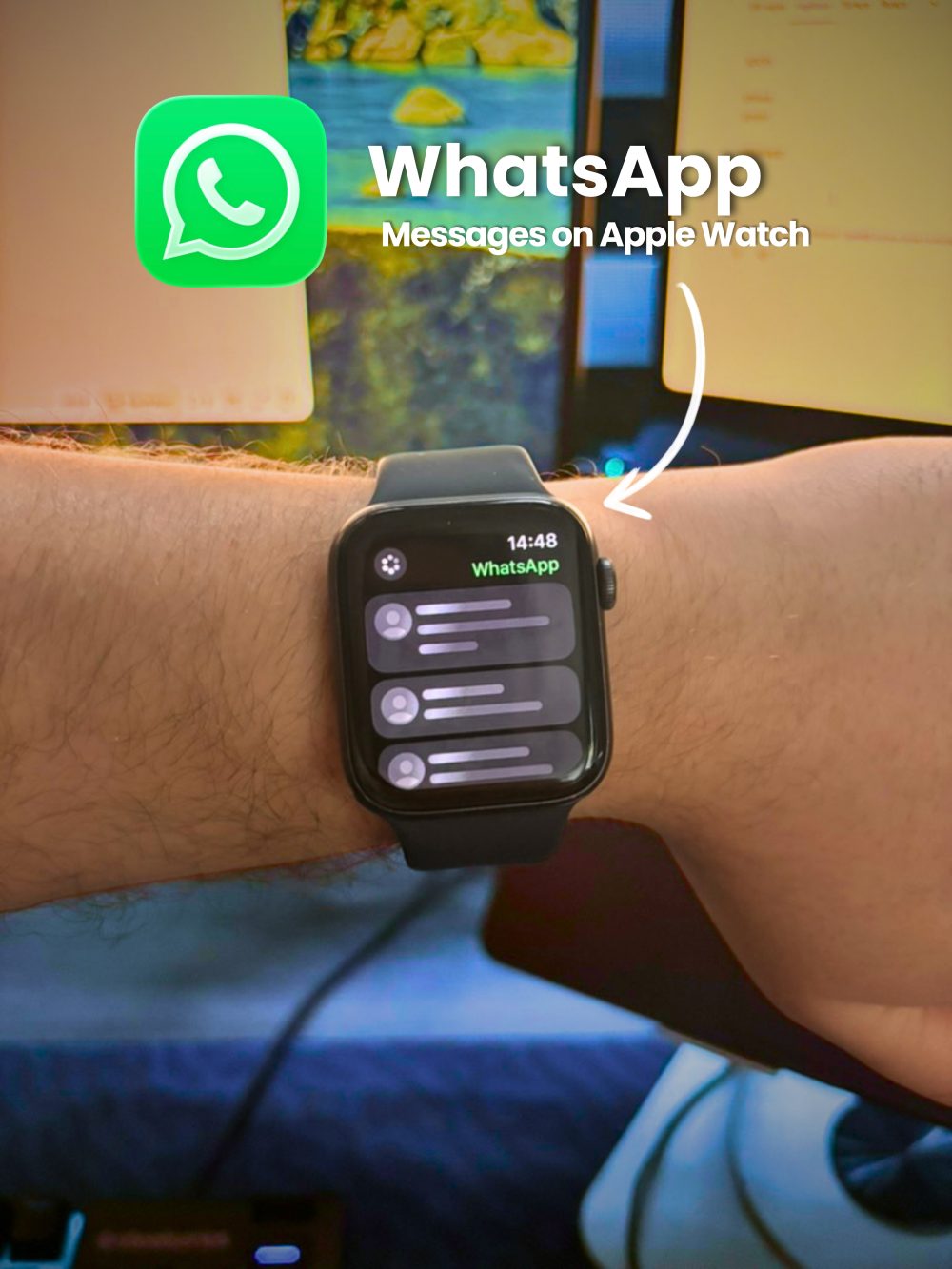
8. WhatsApp Messenger

WhatsApp is one of the most important communication apps for many users, but Apple Watch support can be limited depending on the exact experience you expect.

For everyday use, Apple Watch is mainly helpful for quick communication moments: seeing notifications, reading incoming messages and responding when supported through available watch interactions. It is not the same as having the full phone app experience on your wrist.

Still, for many users, WhatsApp notifications on Apple Watch are valuable. You can quickly see who messaged you and decide whether it needs an immediate reply.

Best for: people who rely on WhatsApp for daily communication.
Limitation: do not expect the complete WhatsApp mobile experience on Apple Watch. For longer chats, media browsing and full conversation management, iPhone is still the better device.

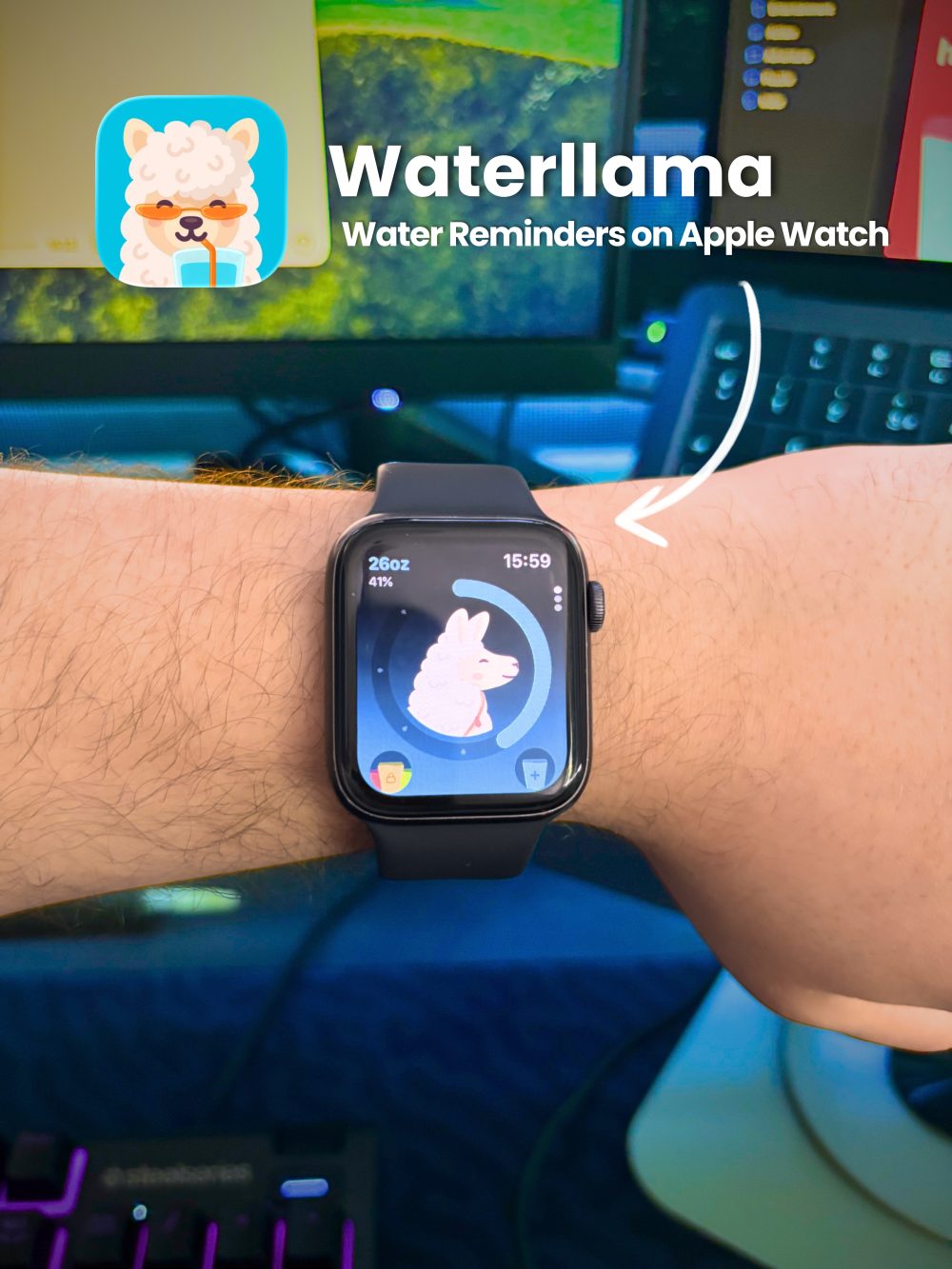
9. Water Tracker

A water tracker can be one of the most underrated useful Apple Watch apps.

Hydration apps work well on Apple Watch because they are based on quick reminders and simple logging. You do not need a large screen to tap that you drank water or check how close you are to your daily goal.

For people who forget to drink water during work, study or workouts, an Apple Watch water tracker can create small but helpful reminders throughout the day.

Best for: health-conscious users, fitness users and people who forget to drink enough water.
Limitation: hydration goals are personal. A tracker can help with reminders, but it should not turn into another stressful metric.

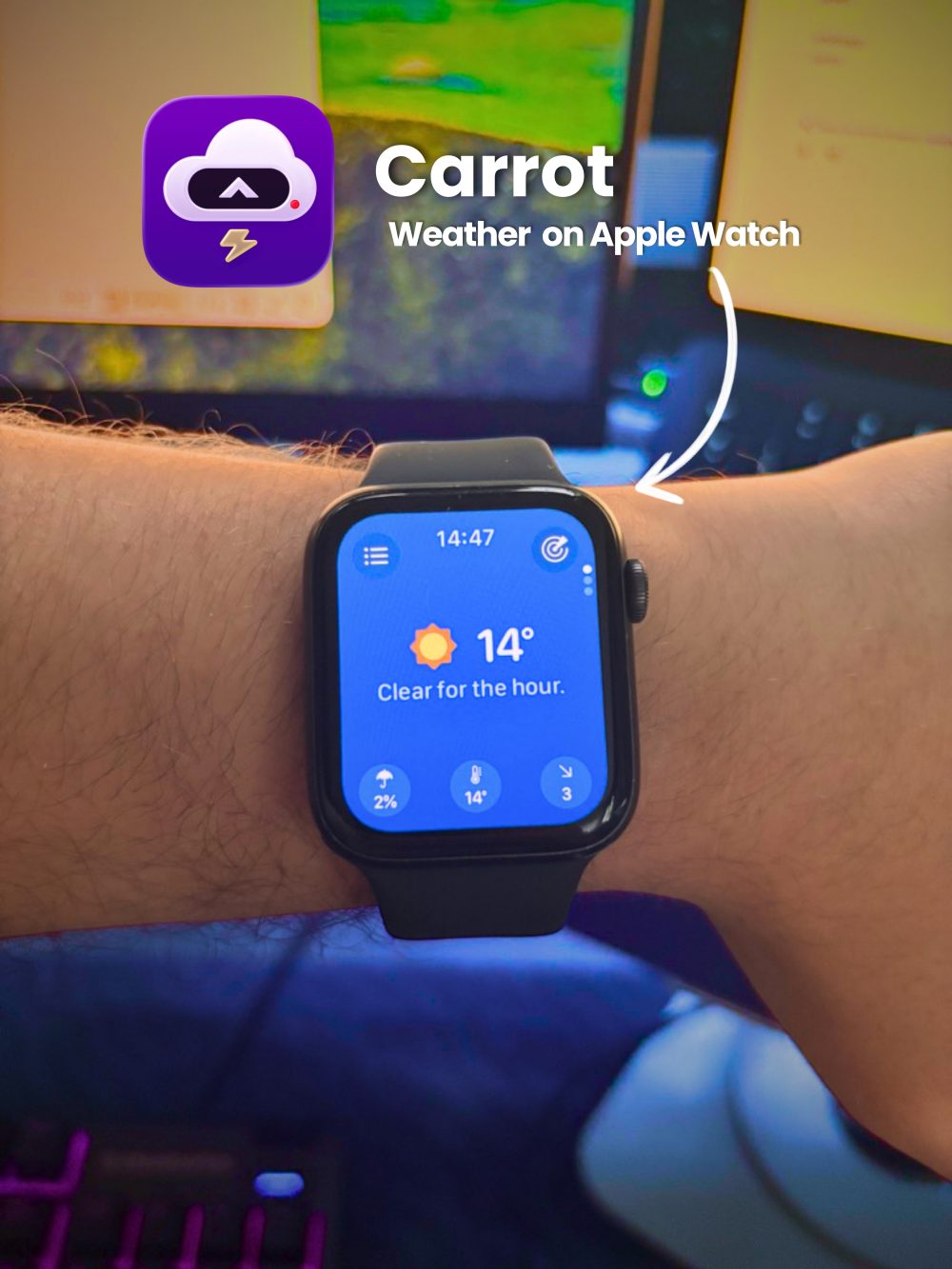
10. CARROT Weather : Alerts & Radar

CARROT Weather is a strong choice for checking weather properly from Apple Watch, especially if you care about radar and alerts.

The built-in weather experience may be enough for many people, but weather-focused users often want more detail. CARROT Weather can be useful when you want a more complete look at conditions, upcoming changes and weather alerts before going outside.

It is especially helpful for commuters, travelers, runners and anyone who plans their day around the weather.

Best for: weather-focused users, travelers, runners and commuters.
Limitation: advanced weather features can be more useful on a larger screen, especially when viewing detailed radar maps.

Best Apple Watch Productivity Apps in This List

For productivity, the strongest apps in this list are WristDocs, WristAnswer, WristNet and Fantastical-style calendar tools if you choose to add a dedicated calendar app to your setup.

WristDocs helps with document access. WristAnswer helps with quick AI answers and writing support. WristNet helps with web lookup. Together, these apps turn Apple Watch into more than a notification screen.

The key is to use Apple Watch for quick productivity, not full desktop-style work. You can check a PDF, ask a short question, search the web or review a calendar task, but deeper work still belongs on iPhone, iPad or Mac.

This is the best mindset for Apple Watch productivity apps: use your watch to reduce friction, not to replace every device.

Things to Know Before Installing Apple Watch Apps

Apple Watch apps are most useful when they fit the size and speed of the device.

A PDF reader can be helpful, but long documents are harder on a small screen. A browser can be useful, but heavy websites may feel cramped. AI chat can save time, but very long answers are not always comfortable to read on your wrist.

Battery life is another practical point. Apps that use audio, fitness tracking, browsing, maps, AI features or frequent notifications may use more battery than simple glance-based apps.

You should also think about input. Dictation, quick replies and taps work well for short actions. Long typing is usually not ideal. The best Apple Watch apps understand this and keep interactions simple.

A smart setup usually includes a few strong daily apps rather than dozens of rarely used ones.

Who These Apple Watch Apps Are Best For

These apps are especially useful for people who want Apple Watch to feel more practical throughout the day.

Students can use WristDocs for study notes and WristAnswer for quick explanations or writing help. Fitness users may prefer Strava, Seven, Water Tracker and Spotify. Travelers can benefit from WristDocs for tickets or travel PDFs, CARROT Weather for conditions and WristNet for quick web lookup.

Professionals may find the most value in document access, AI help, calendar-style workflows and communication notifications. Social media users may appreciate browser-based access through WristNet, especially for quick checks, although the experience will not match a full iPhone app.

For everyday users, the best approach is simple: choose apps that save time in real situations. If an app makes one small daily task easier, it earns its place on your watch.

FAQ

What are the best Apple Watch apps for productivity?

The best Apple Watch apps for productivity are apps that help you complete quick tasks without opening your iPhone. For document access, WristDocs is useful for checking PDFs and reference files. For quick AI answers or short writing help, WristAnswer can be practical. For fast web lookup, WristNet gives you browser-based access from your wrist. Calendar, reminder and note-style apps can also be useful if they keep the experience simple. Apple Watch productivity works best for quick checks and short actions, not long work sessions.

Can you browse the web on Apple Watch?

Yes, you can browse the web on Apple Watch through browser-based apps, but the experience is different from using Safari on iPhone. A small screen means some pages are harder to read, and complex websites may not load or behave perfectly. Watch Web Browser : WristNet is one practical option for quick searches, lightweight browsing and browser-based access to certain websites. It is best for quick lookup rather than long browsing sessions. For heavy websites, long articles or complicated login flows, iPhone is still more comfortable.

What is the best PDF reader for Apple Watch?

The best PDF reader for Apple Watch depends on what you need. If your goal is quick access to PDFs, study notes, travel files, tickets, work documents or manuals, PDF Watch Viewer : WristDocs fits this use case well. It is designed around viewing PDF files from your wrist. The main limitation is the Apple Watch screen size. Long PDFs or tiny text can be harder to read, so the best experience comes from shorter documents, clear pages and quick reference files rather than full-length reading.

Can you use AI on Apple Watch?

Yes, you can use AI on Apple Watch with apps built for quick AI chat or assistant-style answers. Chat AI on Watch : WristAnswer is useful for short questions, writing help, study support, travel ideas and quick explanations from your wrist. The best way to use AI on Apple Watch is to keep prompts focused and answers short. It is not ideal for long research sessions or heavy writing, but it can be very helpful when you want a fast answer without taking out your phone.

What Apple Watch apps are useful for travel?

Useful Apple Watch apps for travel include document viewers, weather apps, audio apps, browser apps and communication tools. WristDocs can help you keep travel PDFs, tickets or reference documents accessible. CARROT Weather is useful for checking conditions, radar and alerts. Spotify helps with music and podcasts during transit. WristNet can help with quick web lookup from your wrist. Communication apps and notifications are also valuable when you need to stay reachable without constantly checking your phone.

Conclusion

The best Apple Watch apps are the ones that make everyday actions faster, simpler and easier from your wrist. For most people, that means a mix of communication, fitness, audio, weather, productivity, document access and quick browsing.

WristDocs is useful if you want PDFs on Apple Watch. WristAnswer can help when you need quick AI support. WristNet is worth considering if you want browser-based web access from your wrist. Combined with well-known apps like Spotify, Strava, WhatsApp, Water Tracker and CARROT Weather, your Apple Watch can become much more useful in daily life.

Start with the apps that solve problems you actually have. A focused Apple Watch setup is usually better than a crowded one.