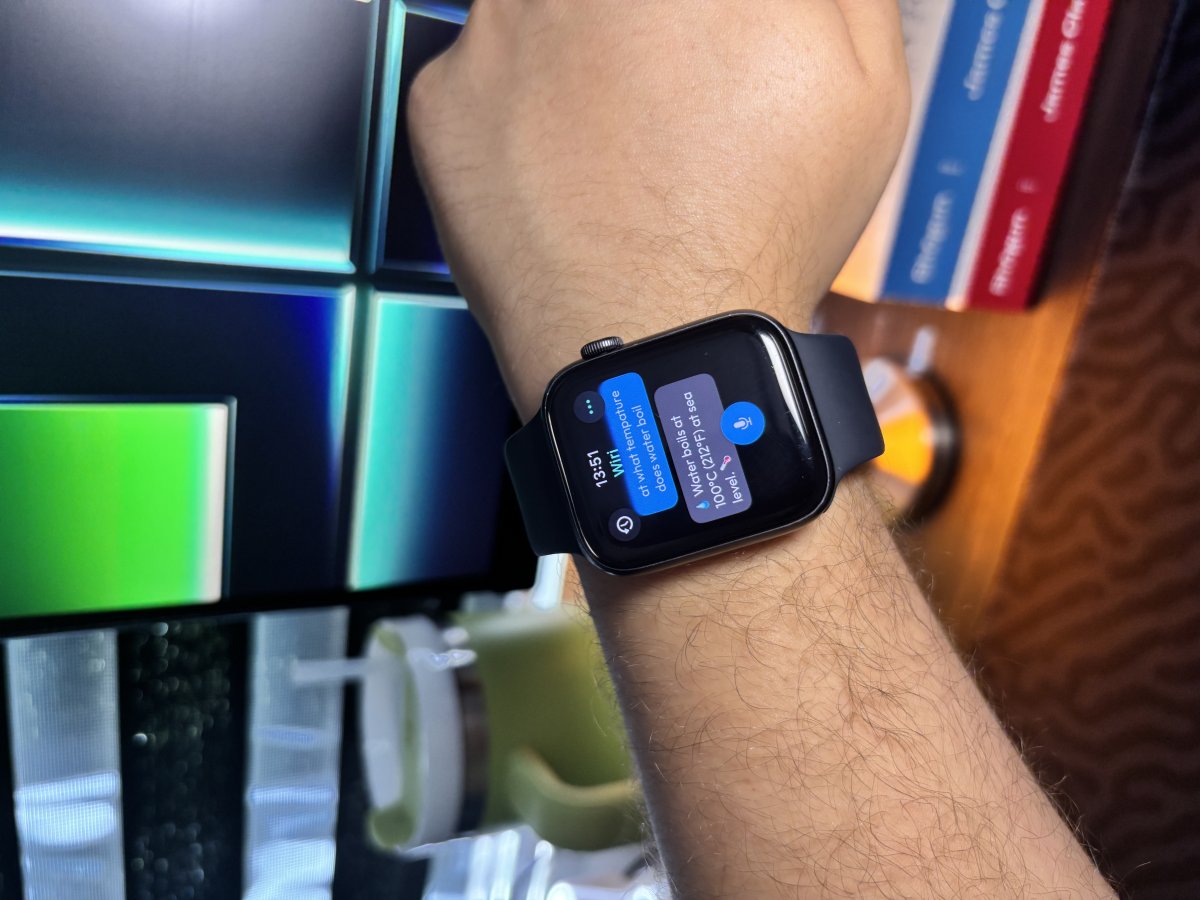
The best Apple Watch apps for students are the ones that make small study moments easier. Apple Watch is not meant to replace a laptop, tablet or phone, but it can help with quick notes, schedules, reminders, PDFs, study prompts and simple research during the day.
For students, the most useful apps are usually practical. You may need to check a class schedule, open a study PDF, ask for a quick explanation, save an idea, review a reminder or look something up without getting pulled into your phone.
Here are useful Apple Watch student apps worth considering.
1. WristDocs : PDF Watch Viewer
WristDocs : PDF Watch Viewer is one of the most useful apps for students who want study notes, PDFs and reference documents on Apple Watch.
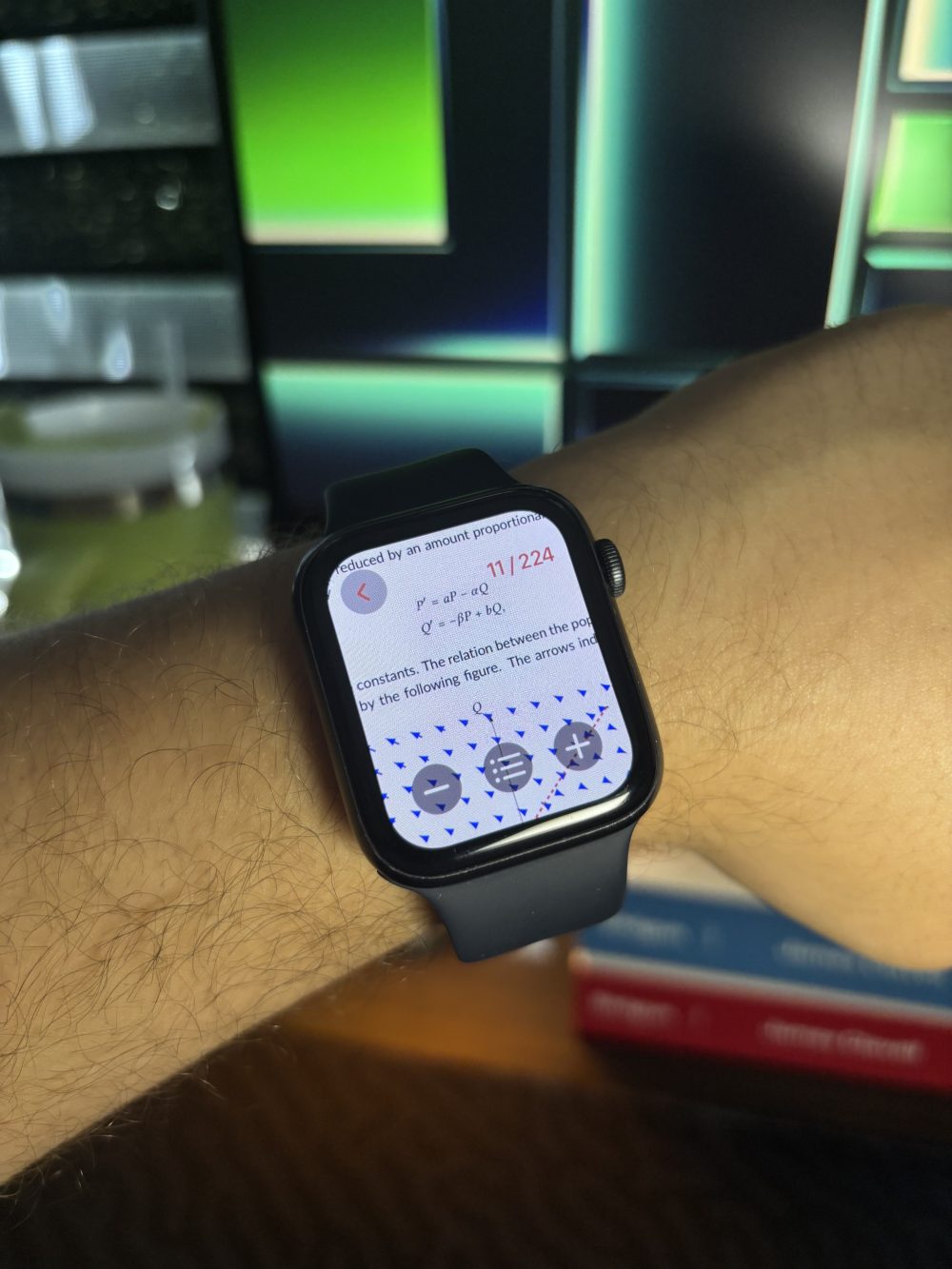
Students often carry class notes, lecture summaries, formulas, reading materials, schedules and exam reminders. With WristDocs, you can prepare a document on your iPhone, send it to Apple Watch and open it from your wrist when needed.
A practical option is:
https://apps.apple.com/us/app/pdf-watch-viewer-wristdocs/id6745387064
This makes WristDocs a strong Apple Watch PDF reader for students. It is useful before class, during study sessions, while commuting or when you need to check a specific detail quickly.
WristDocs also supports searching inside PDFs from Apple Watch. If you need to find a word, topic, name or section, search can be much faster than scrolling through the file manually.
Best for: Study PDFs, class notes, formulas, schedules and quick reference files.
2. Wiri : GPT AI Chatbot for Watch
Wiri : GPT AI Chatbot for Watch is useful for students who want quick AI help from their wrist.
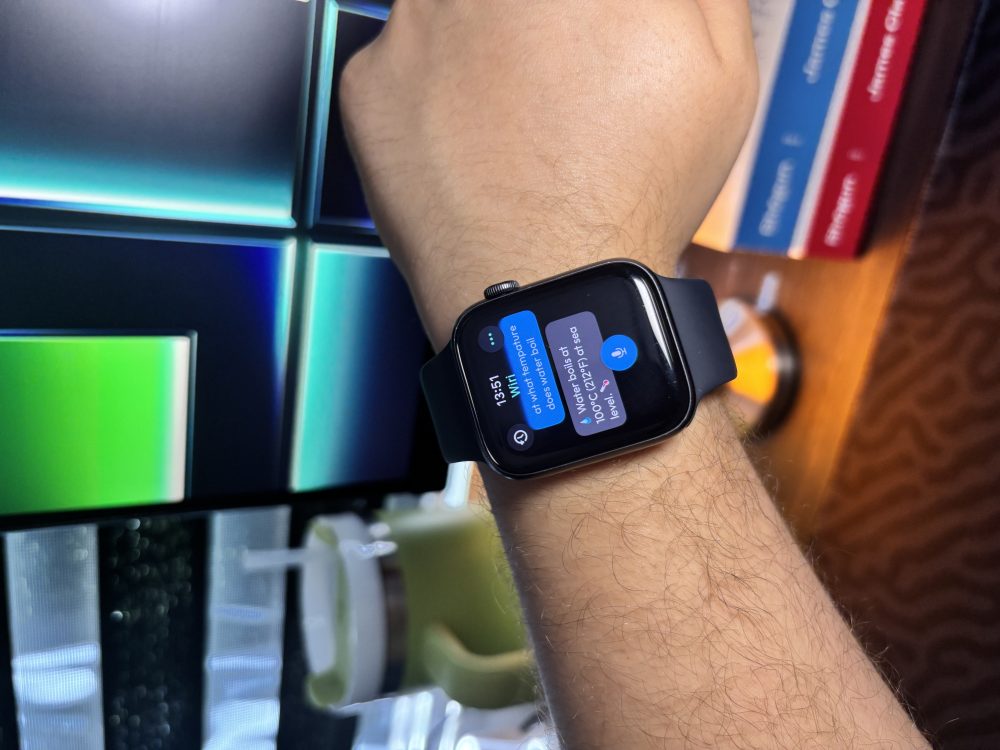
You can use it for simple explanations, writing ideas, study prompts, summaries, examples, definitions or quick help with wording. It is especially useful when you want a fast starting point without opening your phone and losing focus.
A practical option is:
https://apps.apple.com/us/app/wiri-gpt-ai-chatbot-for-watch/id6758810005
For example, a student can ask for a simpler explanation of a topic, a study question, a short summary structure or a better way to phrase a sentence. That makes Wiri a practical AI assistant for students on Apple Watch.
Best for: Quick explanations, writing help, summaries, ideas and study support.
3. Google Calendar
Google Calendar is useful for students who need to manage classes, exams, deadlines, study sessions and meetings.
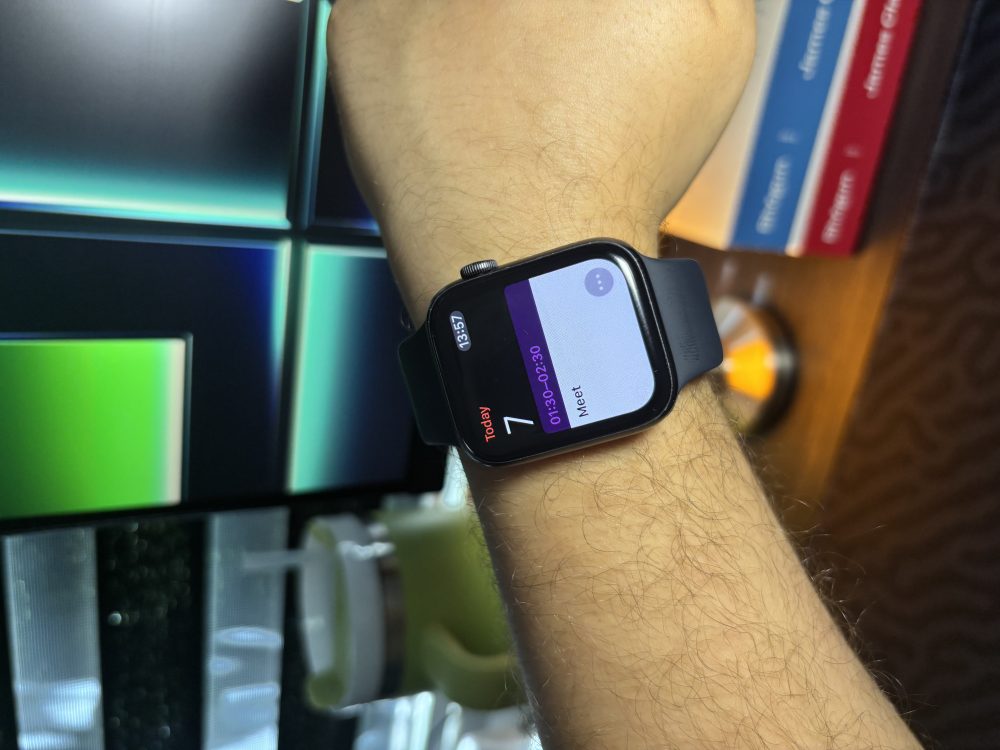
On Apple Watch, calendar access helps you quickly check what is next. This is useful when you are moving between classes, commuting, studying in the library or trying to stay organized during a busy week.
A good calendar setup can reduce missed deadlines and make the day feel easier to follow.
Best for: Class schedules, exams, reminders, meetings and study planning.
4. Todoist
Todoist is a helpful task manager for students who want to keep assignments and daily tasks organized.
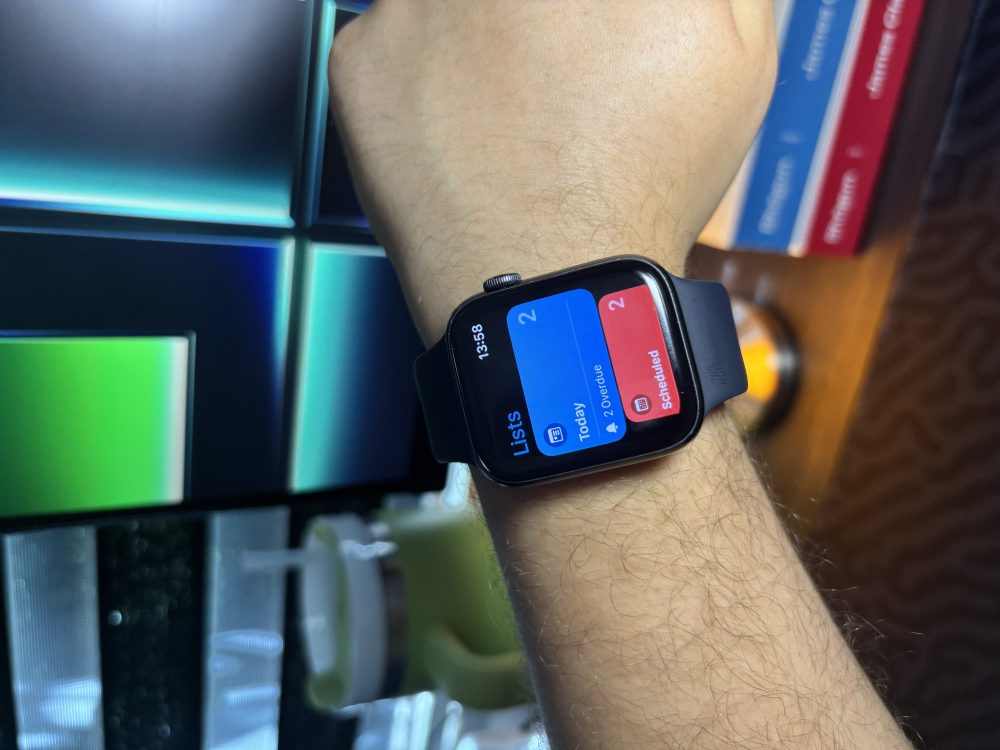
You can use it for homework, reading lists, project steps, exam preparation, errands and reminders. Apple Watch makes task checking easier because you can see what needs to be done without opening your phone every time.
For college students, Todoist can be useful when classwork, personal tasks and deadlines start to pile up.
Best for: Assignments, deadlines, daily tasks and study planning.
5. WristNet : Watch Web Browser
Watch Web Browser : WristNet is useful for quick web lookup from Apple Watch.
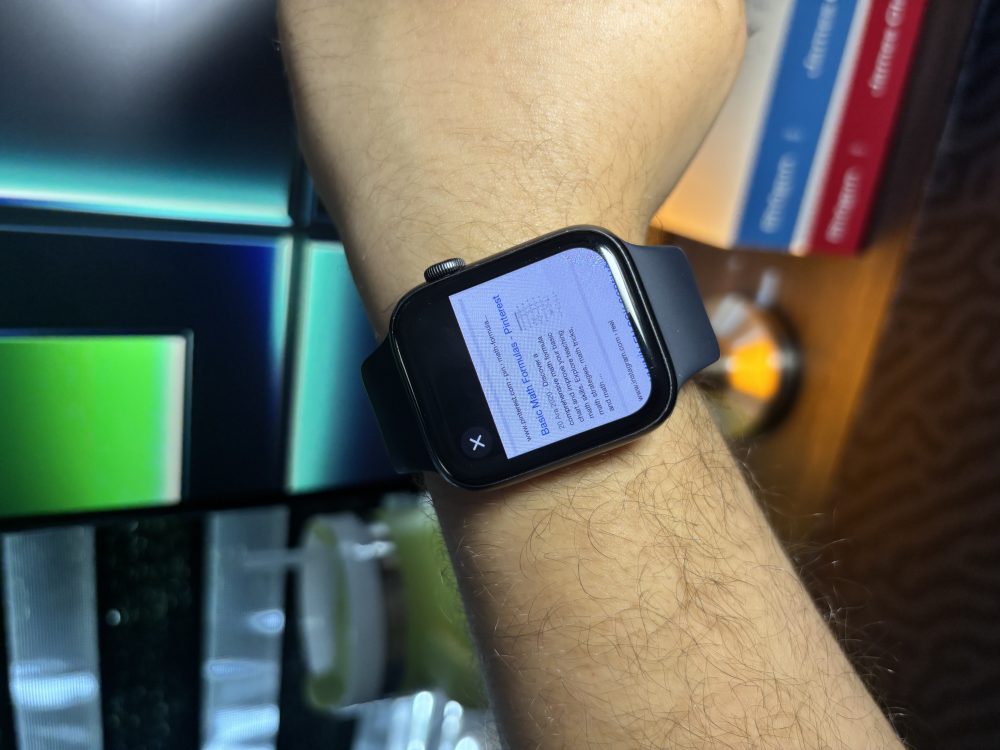
Students sometimes need to check a definition, open a link, search a topic or revisit a web page quickly. WristNet gives Apple Watch browser based access to websites and search, which can be helpful during light research.
A practical option is:
https://apps.apple.com/us/app/watch-web-browser-wristnet/id6747051754
WristNet is not about replacing deep research on a laptop. It is useful when you need fast information from your wrist, especially during short study moments, commuting or quick checks between classes.
Best for: Quick web lookup, definitions, links, bookmarks and light research.
6. Vocabulary : Learn Words Daily
Vocabulary : Learn Words Daily is useful for students who want to build vocabulary with short daily practice.
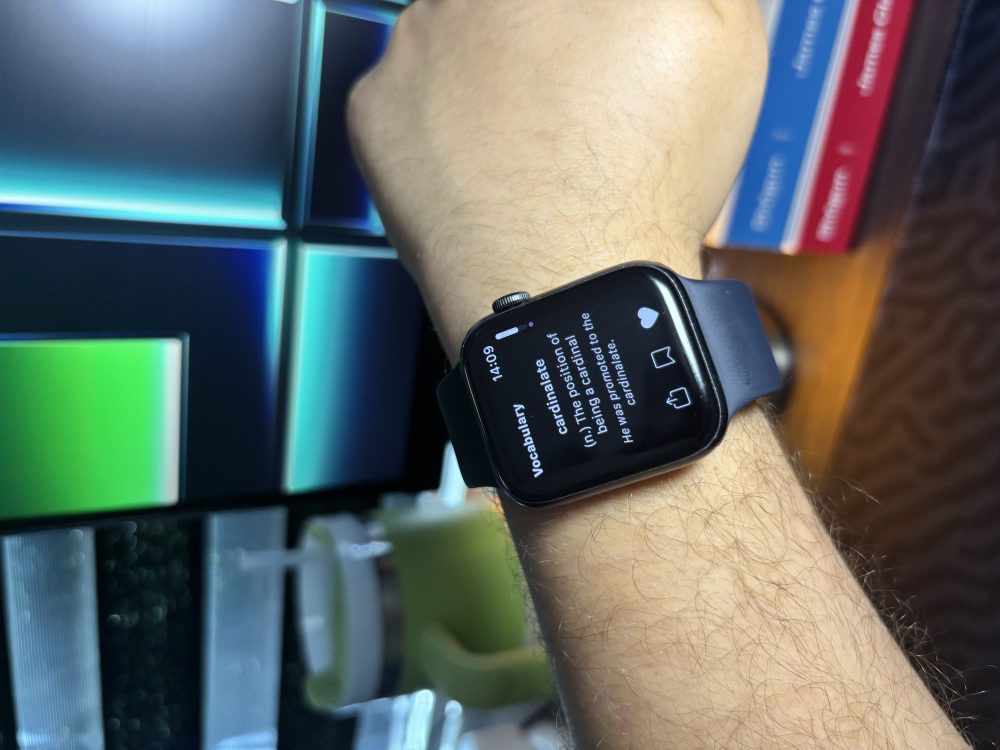
A practical option is:
https://apps.apple.com/us/app/vocabulary-learn-words-daily/id1084540807
Vocabulary learning fits Apple Watch well because it works in small moments. You can review words, build a habit and keep language learning visible during the day without starting a long study session.
For students, this can be helpful for English learning, exam preparation, writing improvement or simply expanding word knowledge over time.
Best for: Vocabulary learning, daily word practice, language habits and study consistency.
7. Voice Memos
Voice Memos can be useful when you want to capture an idea quickly.
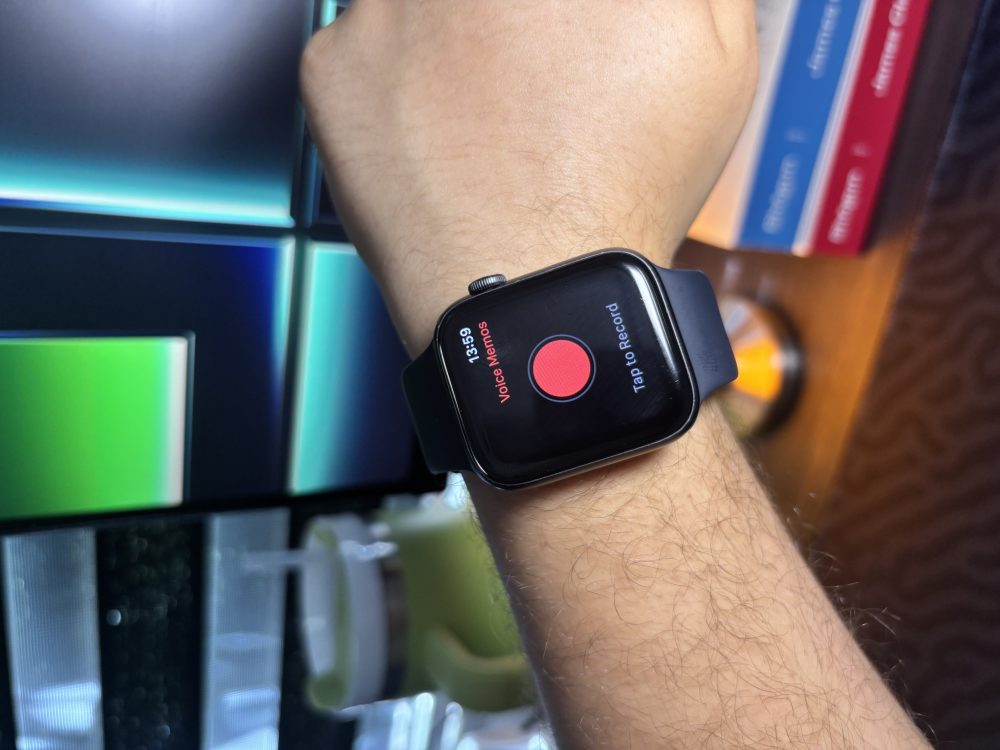
Students can use voice notes for lecture thoughts, project ideas, reminders, presentation practice, language learning or study reflections. Apple Watch makes this easy because you can start recording from your wrist.
This is especially helpful when typing is inconvenient or when you do not want to forget a quick thought.
Best for: Voice notes, ideas, reminders, presentations and study reflections.
How These Apps Work Together
A strong Apple Watch study setup does not need too many apps.
Use WristDocs for study documents. Use Wiri for AI help and quick explanations. Use Google Calendar for schedules. Use Todoist for assignments. Use WristNet for web lookup. Use flashcard tools for review and Voice Memos for quick capture.
Together, these apps turn Apple Watch into a useful study companion for small daily moments.
The best setup is simple: documents, answers, schedule, tasks, research and capture.
Conclusion
The best Apple Watch apps for students help with study, organization and quick information.
WristDocs is useful for study PDFs and notes. Wiri helps with explanations, writing ideas and AI support. Google Calendar and Todoist help with schedules and tasks. WristNet supports quick web lookup. Flashcard tools and Voice Memos help with review and idea capture.
Apple Watch works best for small study actions. When your setup is focused, it can make school and college life easier to manage from your wrist.