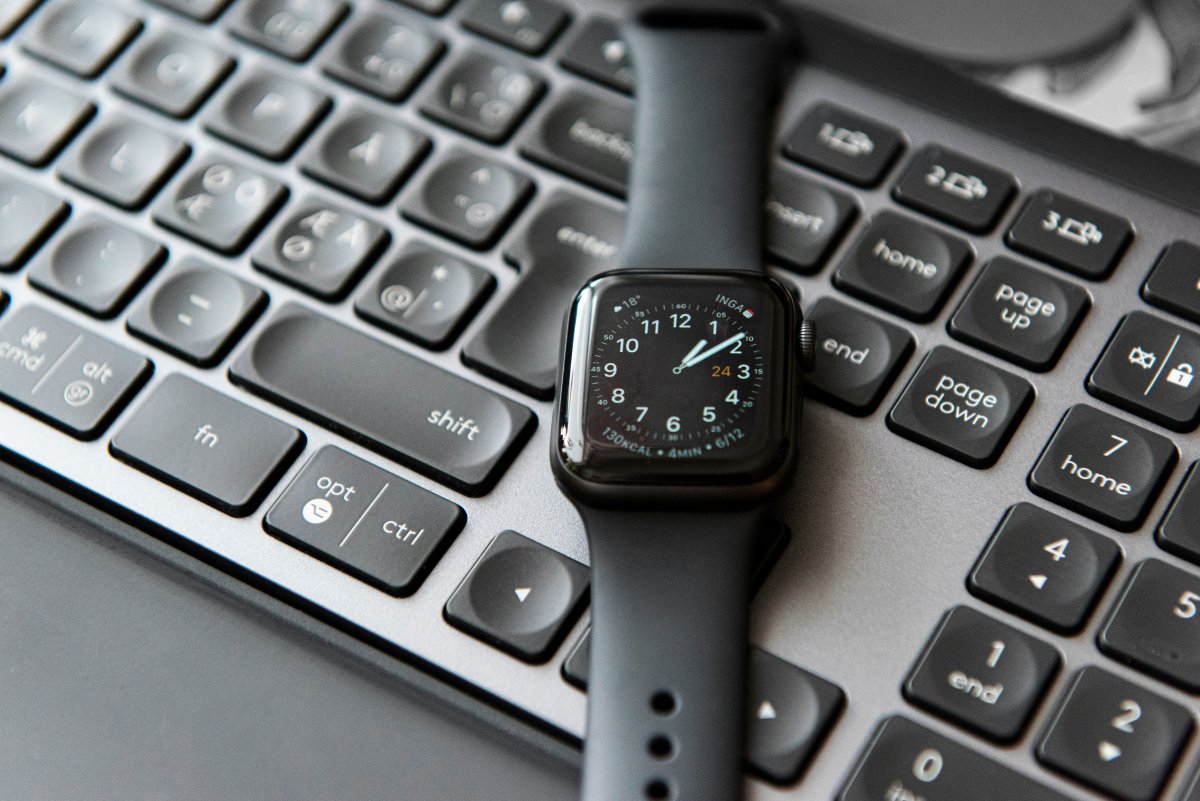
The best Apple Watch shortcuts for daily use are the ones that save small amounts of time many times a day. Apple Watch is already useful for notifications, timers, workouts and quick checks, but shortcuts can make those actions even faster.
You do not need to be technical to use Apple Watch shortcuts. A good shortcut should be simple, easy to start and useful in a real daily situation. If it takes more effort than doing the task normally, it is probably not the right shortcut for your watch.
What Are Apple Watch Shortcuts?
Apple Watch shortcuts are actions you can run from your wrist. They can be started through the Shortcuts app, Siri, complications or automation settings depending on how you build them.
A shortcut can start a timer, send a message, open directions, change a Focus mode, control a smart home device or begin a workout. The goal is not to make everything complex. The goal is to make common actions easier.
For beginners, the best approach is to start with one or two useful shortcuts instead of creating a large system right away.
Timer Shortcuts
Timers are one of the easiest Apple Watch shortcut ideas.
You can create shortcuts for common timers like coffee, cooking, laundry, study sessions, workouts or breaks. Instead of setting the timer manually every time, you can run the shortcut from your wrist or ask Siri.
For example, you might use “Start 25 minute study timer,” “Start laundry timer” or “Start 10 minute break.” These small shortcuts fit Apple Watch well because they are quick and practical.
Directions Shortcuts
Directions are useful when you often go to the same places.
You can create shortcuts for directions home, to work, to the gym or to a favorite location. This can be helpful when walking, commuting or traveling.
Instead of opening Maps and typing the address, you can run a shortcut and start navigation faster. On Apple Watch, this works well because you can follow simple prompts from your wrist.
Message Shortcuts
Message shortcuts can help with repeated texts.
For example, you can create a shortcut that sends “I’m on my way,” “I’ll call you soon” or “I arrived” to a specific person. This can be useful when you are walking, driving with CarPlay, working out or carrying something.
Keep message shortcuts simple. Apple Watch is best for short communication, not long typing.
Focus Mode Shortcuts
Focus modes can make Apple Watch less distracting.
You can create shortcuts to turn on Work Focus, Sleep Focus, Fitness Focus or Do Not Disturb. This is useful if you often forget to change Focus manually.
A good example is starting a study or work session with one shortcut that turns on Focus and starts a timer. This turns Apple Watch into a small productivity tool without making the setup complicated.
Smart Home Shortcuts
If you use smart home devices, Apple Watch shortcuts can be very convenient.
You can create shortcuts to turn lights on or off, start a scene, adjust a thermostat or control a connected device. This is especially useful at night, when entering a room or when your iPhone is not nearby.
Smart home shortcuts work best when they control one clear action. Keep them simple so they feel reliable from your wrist.
Workout Shortcuts
Workout shortcuts are useful if you often start the same activity.
You can create shortcuts that help start a walk, run, cycling session or other workout. This can save time and make it easier to begin without scrolling through options.
For fitness users, Apple Watch daily shortcuts can reduce friction. The faster a workout is to start, the more likely you are to actually do it.
Siri Shortcuts on Apple Watch
Apple Watch Siri shortcuts are helpful because speaking is often easier than tapping.
You can say a shortcut name and let Siri run the action. This is useful for timers, reminders, directions, messages and smart home controls.
The key is naming shortcuts clearly. Use natural phrases you will remember, such as “Start study timer,” “Directions home” or “Turn on Work Focus.”
Keep Shortcuts Simple
The best Apple Watch productivity shortcuts are simple.
Do not try to build complicated workflows that require many steps on a small screen. Apple Watch is strongest when a shortcut does one useful thing quickly.
Start with shortcuts you will actually use every day: timers, directions, messages, Focus modes, smart home actions and workouts. After that, add more only if they make your routine easier.
Conclusion
The best Apple Watch shortcuts for daily use are simple actions that make your routine faster.
Start with timers, directions, messages, Focus modes, smart home controls and workouts. Keep each shortcut clear and easy to run from your wrist. When shortcuts are simple, Apple Watch becomes more useful without feeling complicated.