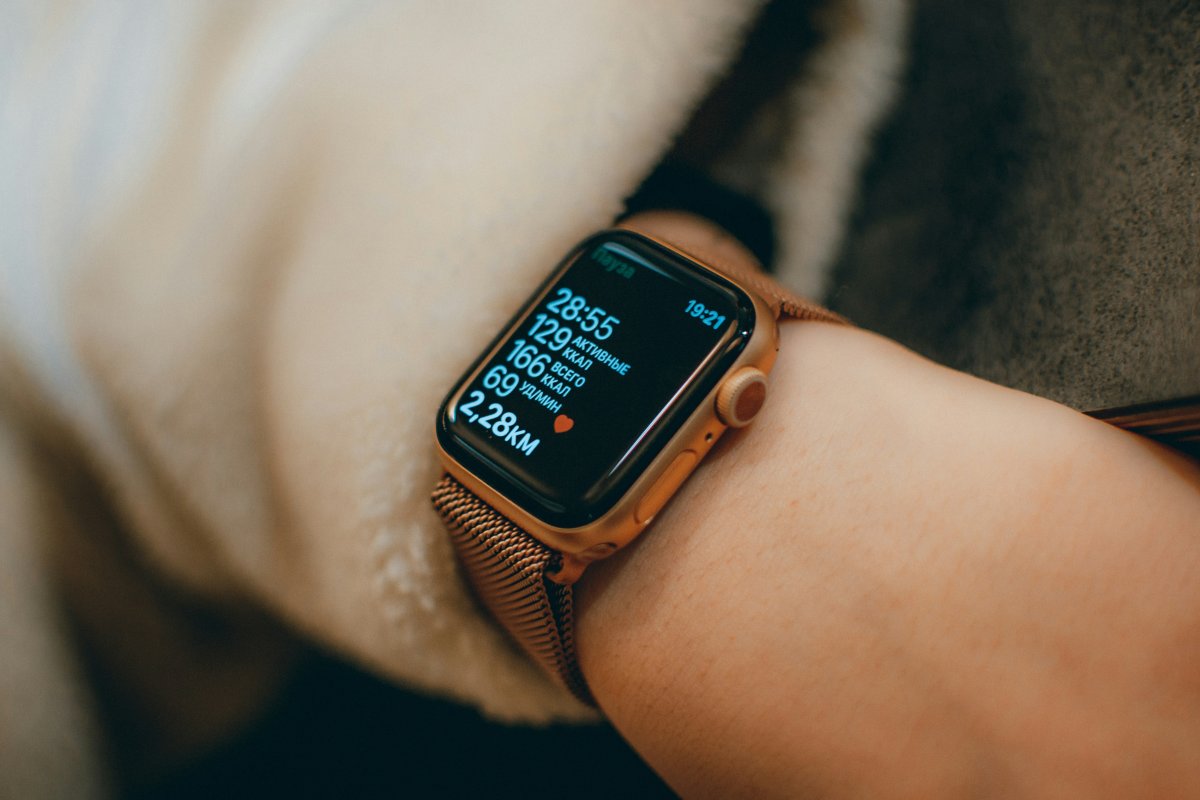
The best Apple Watch tips for runners are the ones that make tracking easier, more accurate and less distracting. Apple Watch can help with distance, pace, heart rate, GPS, music, safety and post run trends, but the setup matters.
A few small habits can make your runs cleaner and your data more useful.
Choose the Right Workout
Before running, choose the correct workout type.
Use Outdoor Run for outside runs and Indoor Run for treadmill sessions. This helps Apple Watch understand what kind of movement and data to track.
If you choose the wrong workout, your pace, distance or calorie estimates may look less useful later.
Let GPS Lock In
For outdoor runs, give Apple Watch a moment before starting.
If you begin running instantly, GPS may need time to settle. Starting after the watch is ready can help improve route, pace and distance tracking.
This is especially useful for Apple Watch GPS running in cities, parks or areas with tall buildings.
Check Wrist Fit
A loose watch can affect heart rate and tracking.
Wear Apple Watch snugly during workouts, with the back of the watch touching your skin. It should not slide around while you run.
Good fit helps with heart rate readings, haptics and overall Apple Watch run tracking.
Use Pace Alerts
Pace alerts can help you stay consistent.
If you often start too fast or slow down without noticing, set alerts for your target pace. This makes Apple Watch more useful during the run, not just after it.
Pace feedback is one of the most practical Apple Watch running tips for runners who want better control.
Set Up Music Before You Run
If you listen to music, prepare it before starting.
Download playlists if needed, connect headphones and make sure everything works before leaving. This avoids stopping mid run to fix audio.
For runners who leave the iPhone behind, this setup matters even more.
Check Weather First
Weather affects pace, effort and safety.
Before running, check temperature, wind, rain and heat conditions. A hot or windy day can make your usual pace feel harder.
Weather checks are simple, but they can prevent bad run decisions.
Use Safety Features
Apple Watch can help with safety during runs.
Check Emergency SOS, fall related settings if available and location sharing options if you run alone. If you run early, late or in unfamiliar areas, safety settings are worth reviewing before you need them.
Save Battery on Long Runs
Long GPS runs can use more battery.
Charge before running, reduce unnecessary notifications and consider Low Power Mode when needed. If you plan a long run, avoid starting with a low battery.
Battery habits matter most for longer outdoor workouts.
Review Post Run Trends
Do not judge every run by one number.
Look at pace, distance, heart rate, route and trends over time. Apple Watch fitness tips are most useful when you compare patterns, not just single workouts.
A bad run can come from poor sleep, heat, stress or recovery. Trends give better context.
Avoid Common Tracking Mistakes
The most common mistakes are loose fit, wrong workout type, low battery, poor GPS start, ignored weather and stopping the workout too late.
Start the right workout, wear the watch securely, wait briefly for GPS and end the session when you finish. These small steps make your running data cleaner.
Conclusion
The best Apple Watch tips for runners are simple: choose the right workout, check GPS, wear the watch securely, use pace alerts, prepare music, review weather, check safety and manage battery.
Apple Watch is most useful for runners when it supports the run without getting in the way. Set it up well before you start and your run data will be easier to trust afterward.