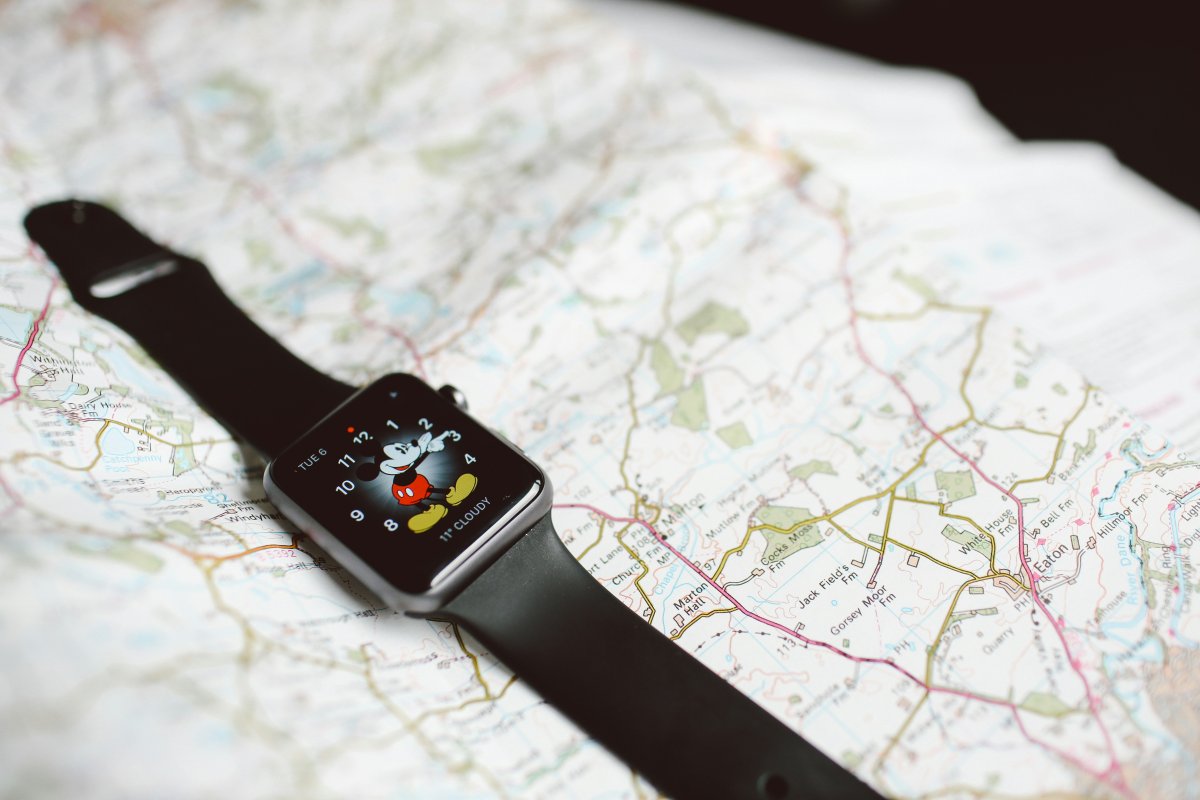
The best Apple Watch tips for travel are about making small moments easier. When you are moving through airports, checking directions, watching the weather or trying to save battery, your watch can help without making you pull out your iPhone every time.
Apple Watch is not a full travel device by itself, but it is very useful for quick access. With the right setup, it can show essential information, help you stay organized and make travel days feel less stressful.
Set Up Time Zones Before You Go
Time zones can be confusing during travel, especially if you need to follow both local time and home time.
Add a world clock complication to your watch face if you often check another time zone. This is useful for flights, remote work, family calls or avoiding mistakes with bookings.
After arriving, make sure your iPhone and Apple Watch update to the local time correctly. If something looks wrong, check date and time settings on your iPhone first because Apple Watch usually follows it.
Use Wallet for Fast Access
Wallet is one of the most useful Apple Watch travel features.
You can use it for boarding passes, cards, tickets and other supported passes. Having these on your wrist can be very convenient at airports, train stations, hotels and events.
Before your trip, add important passes to Wallet and check that they appear correctly on Apple Watch. Do not wait until you are in line to test them.
Keep Maps Ready
Apple Watch can help with walking directions, transit prompts and quick navigation alerts.
This is especially helpful in a new city because you can follow small direction cues from your wrist instead of holding your phone the whole time. It also helps you move more naturally in crowded places.
For longer route planning, use your iPhone. For quick turn alerts and simple walking guidance, Apple Watch is very practical.
Check Weather Often
Weather can change your travel plans quickly.
Add weather to your watch face or keep your weather app easy to reach. Quick access to temperature, rain alerts, wind and daily conditions can help before walking outside, booking activities or heading to the airport.
This is one of the simplest Apple Watch travel settings, but it can save time every day.
Use Translation and Quick Help
Apple Watch can be useful for short travel questions, translation help or quick phrases, depending on the apps and features you use.
It is not ideal for long conversations, but it can help when you need a simple phrase, a quick explanation or fast help without opening your phone.
For serious translation, detailed directions or important documents, your iPhone is still more comfortable.
Create a Travel Focus
A travel Focus can help reduce noise during flights, airport waits or busy travel days.
You can allow only important people and apps, such as family, calendar, maps, airline alerts, Wallet and hotel messages. This keeps useful notifications visible while blocking less important ones.
You can also use Sleep Focus during flights or hotel stays if you want fewer interruptions.
Save Battery on Travel Days
Battery life matters more when you travel.
Lower brightness, reduce unnecessary notifications, use Low Power Mode when needed and avoid long cellular use if your iPhone is nearby. GPS, workouts, maps, calls and constant notifications can drain battery faster than usual.
A simple Apple Watch battery travel tip is to charge whenever you have a quiet moment, not only at night.
Think About Cellular Before the Trip
A Cellular Apple Watch can be useful when you want to leave your iPhone behind for short periods.
It can help with calls, messages and connected features when supported by your carrier and plan. But cellular can also use more battery, especially when signal is weak.
If your iPhone will be with you most of the time, GPS models and Wi Fi can still be enough for many travel needs.
Use Find Devices
Find Devices is useful when traveling because losing something away from home is more stressful.
Use Apple Watch to help find your iPhone or check connected devices when supported. The Ping iPhone feature is especially helpful in hotel rooms, bags, rental cars and airport lounges.
Before traveling, make sure Find My is set up properly on your Apple devices.
Keep Essential Information Easy to Access
Before your trip, think about what you may need quickly: boarding passes, hotel address, travel documents, emergency contacts, maps, weather and key reminders.
Put the most useful items on your watch face, Smart Stack, Wallet or easy to reach apps. The goal is not to store everything on Apple Watch. The goal is to keep the important things close.
Conclusion
The best Apple Watch tips for travel are simple: prepare before you leave, keep important tools easy to reach and protect your battery on busy days.
Use Wallet for passes, Maps for quick directions, weather for planning, Focus modes for fewer distractions and Find Devices when something goes missing. With the right setup, Apple Watch can become a small but very helpful travel companion.