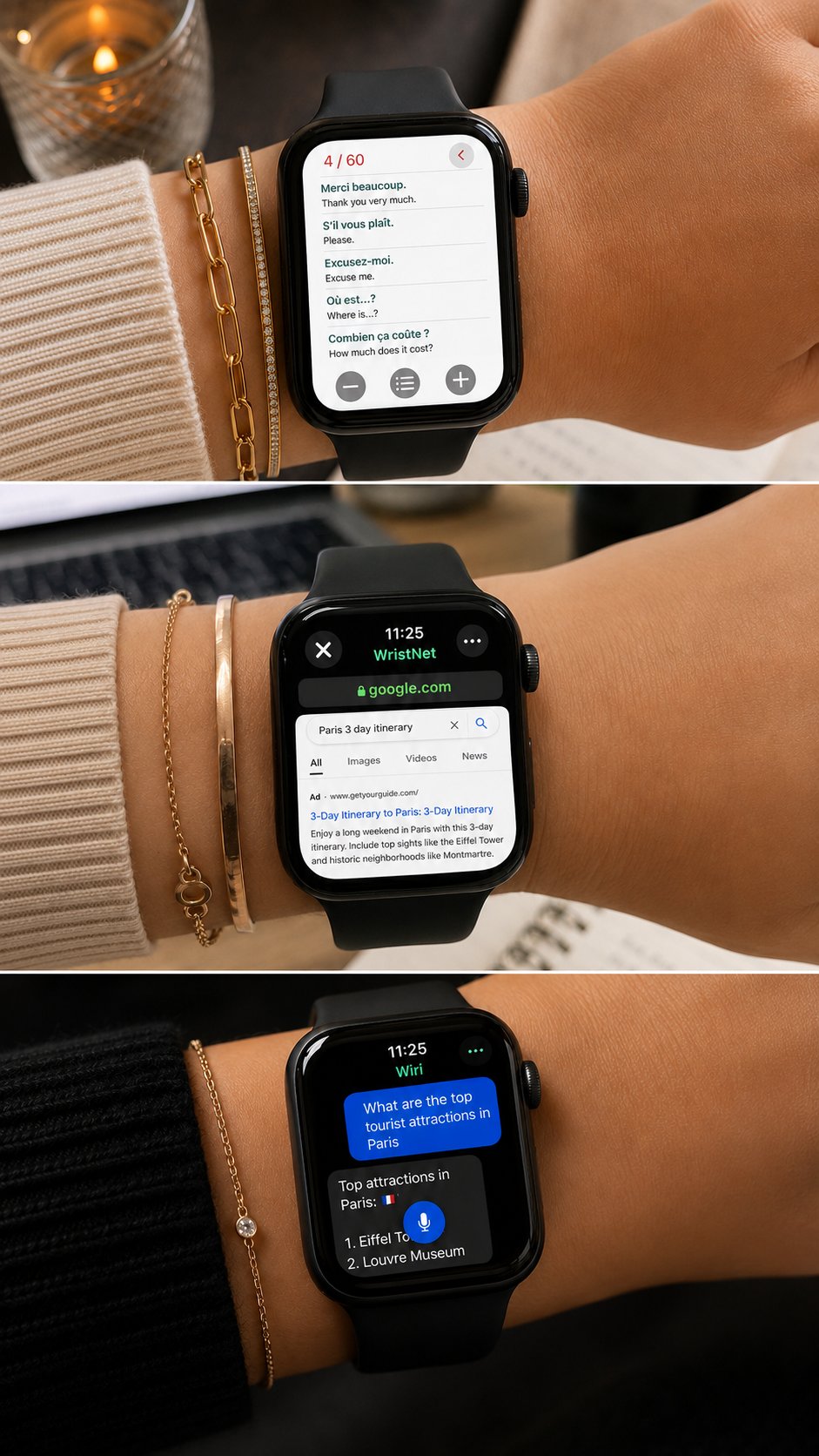
The best Apple Watch utility apps are the apps that solve small daily problems quickly. They help you open a website, check a document, get a quick answer, pay for something, calculate a number, check the weather or find your way without reaching for your iPhone every time.
Apple Watch works best when apps are simple and practical. Utility apps are especially useful because they match how people use a watch: quick actions, fast information and easy access from the wrist.
Here are some useful Apple Watch utility apps worth adding to your setup.
1. Watch Web Browser : WristNet
Watch Web Browser : WristNet is a practical Apple Watch browser app for users who want web access from the wrist.
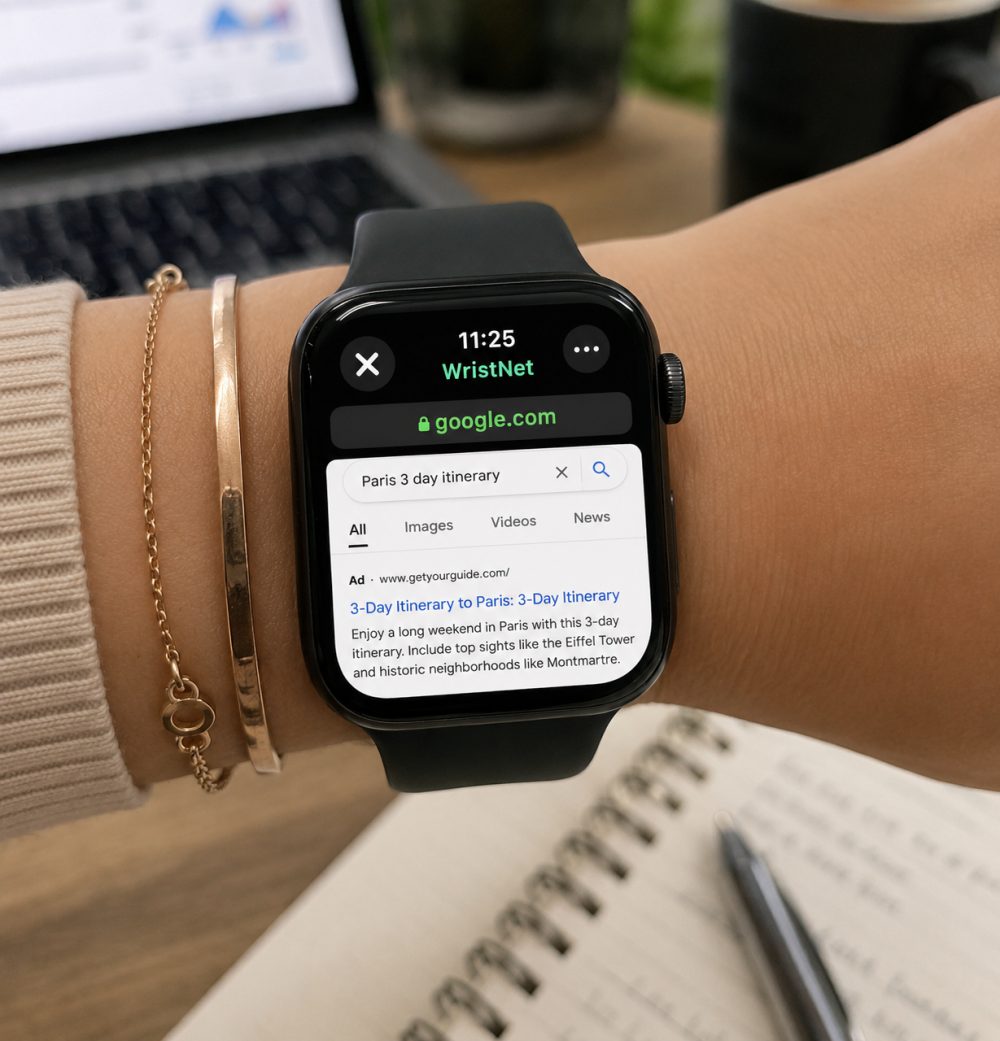
It lets you open websites, search the web and access browser based pages directly on Apple Watch. This is useful when you want to check something quickly, open a link, search a page or access social media web pages from your watch.
A practical option is:
https://apps.apple.com/us/app/watch-web-browser-wristnet/id6747051754
WristNet is useful because Apple Watch does not include a full browser experience by default. With a browser app, your watch becomes more flexible for daily web access, quick searches and lightweight browsing.
Best for: web lookup, links, bookmarks, social pages and quick browsing.
2. WristDocs : PDF Watch Viewer
WristDocs : PDF Watch Viewer is a useful Apple Watch document viewer for PDFs and important files.
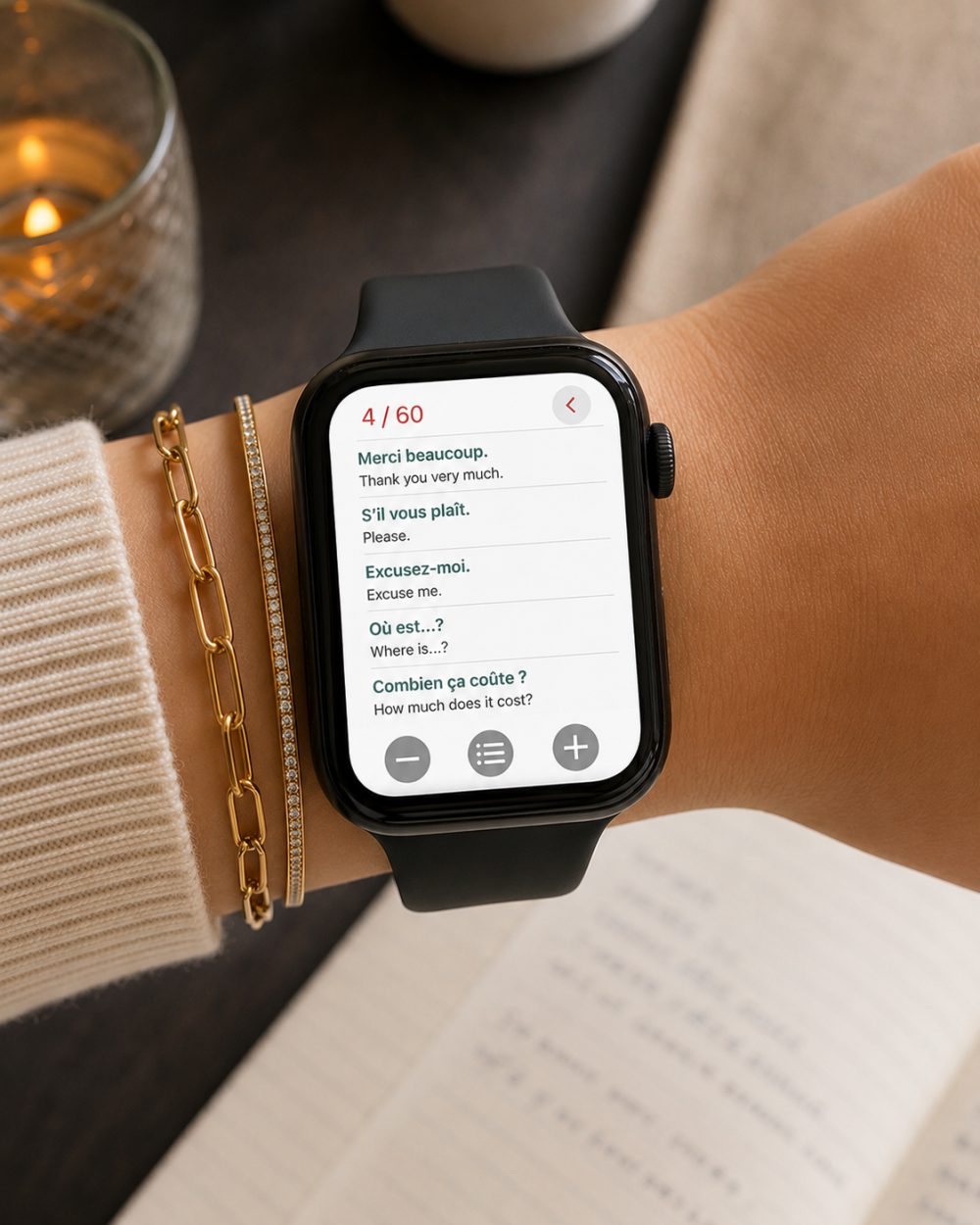
It helps when you want to keep a ticket, travel document, study note, work file, checklist, manual or reference PDF easy to reach. You can prepare documents on your iPhone, send them to Apple Watch and open them from your wrist when needed.
A practical option is:
https://apps.apple.com/us/app/pdf-watch-viewer-wristdocs/id6745387064
WristDocs also supports searching inside a PDF from Apple Watch. If you need to find a word, section, name or detail, you can search inside the document instead of scrolling manually.
Best for: PDFs, study notes, travel files, work documents and quick reference materials.
3. Wiri: GPT AI Chatbot for Watch
Wiri: GPT AI Chatbot for Watch turns Apple Watch into a quick AI assistant.

It is useful when you want a fast explanation, idea, message draft, simple summary, travel help, study support or productivity answer from your wrist. Instead of waiting until you open your phone, you can ask from Apple Watch and get help in the moment.
A practical option is:
https://apps.apple.com/us/app/wiri-gpt-ai-chatbot-for-watch/id6758810005
Wiri fits well as an Apple Watch AI assistant because it supports quick thinking, writing and everyday questions directly from the watch.
Best for: quick answers, writing help, study support, ideas and productivity prompts.
4. Apple Wallet
Apple Wallet is one of the most useful Apple Watch tools for daily life.
You can use it for supported cards, passes, tickets, boarding passes and transit options depending on availability. Having Wallet on your wrist is especially helpful when you are commuting, traveling, shopping or entering an event.
Instead of searching through your iPhone, you can double press the side button and access what you need quickly.
Best for: payments, passes, tickets, travel and commuting.
5. Calculator
Calculator is simple, but it is one of the most useful Apple Watch apps for daily tasks.
It helps with quick math, tips, totals, small conversions and everyday numbers. You may not use it every hour, but when you need it, having it on your wrist is convenient.
It is a good example of a utility app that does not need to be complicated. It solves one small problem quickly.
Best for: quick math, tips, totals and simple calculations.
6. Weather
Weather is a daily utility that fits Apple Watch perfectly.
You can check temperature, rain, wind, conditions and upcoming changes from your wrist. This is useful before leaving home, walking, commuting, running, traveling or planning your day.
Adding weather to your watch face or Smart Stack makes it even easier to check without opening an app.
Best for: daily planning, commuting, workouts and travel.
7. Maps
Maps is useful when you need directions without constantly looking at your iPhone.
Apple Watch can help with walking directions, driving prompts, transit guidance and quick navigation alerts depending on your setup. The wrist based prompts are especially helpful in busy places because you can move naturally while still following directions.
Maps is one of the strongest Apple Watch utility apps because it helps in real world situations, not just on the screen.
Best for: directions, walking, commuting, travel and quick navigation.
How to Choose the Right Utility Apps
A good Apple Watch utility setup should not feel crowded.
Start with apps that solve problems you actually have. If you often search the web, WristNet is useful. If you need PDFs or documents, WristDocs is worth adding. If you want quick AI help, Wiri fits well. For everyday basics, Wallet, Calculator, Weather and Maps are easy wins.
The best setup is a mix of built in tools and focused utility apps. Together, they make Apple Watch more useful throughout the day.
Conclusion
The best Apple Watch utility apps make daily tasks faster and easier.
WristNet helps with web browsing, WristDocs helps with PDFs and documents and Wiri gives you quick AI support. Apple Wallet, Calculator, Weather and Maps cover everyday needs like payments, numbers, conditions and directions.
A good utility setup makes Apple Watch feel more practical in real life, not just during workouts or notifications.