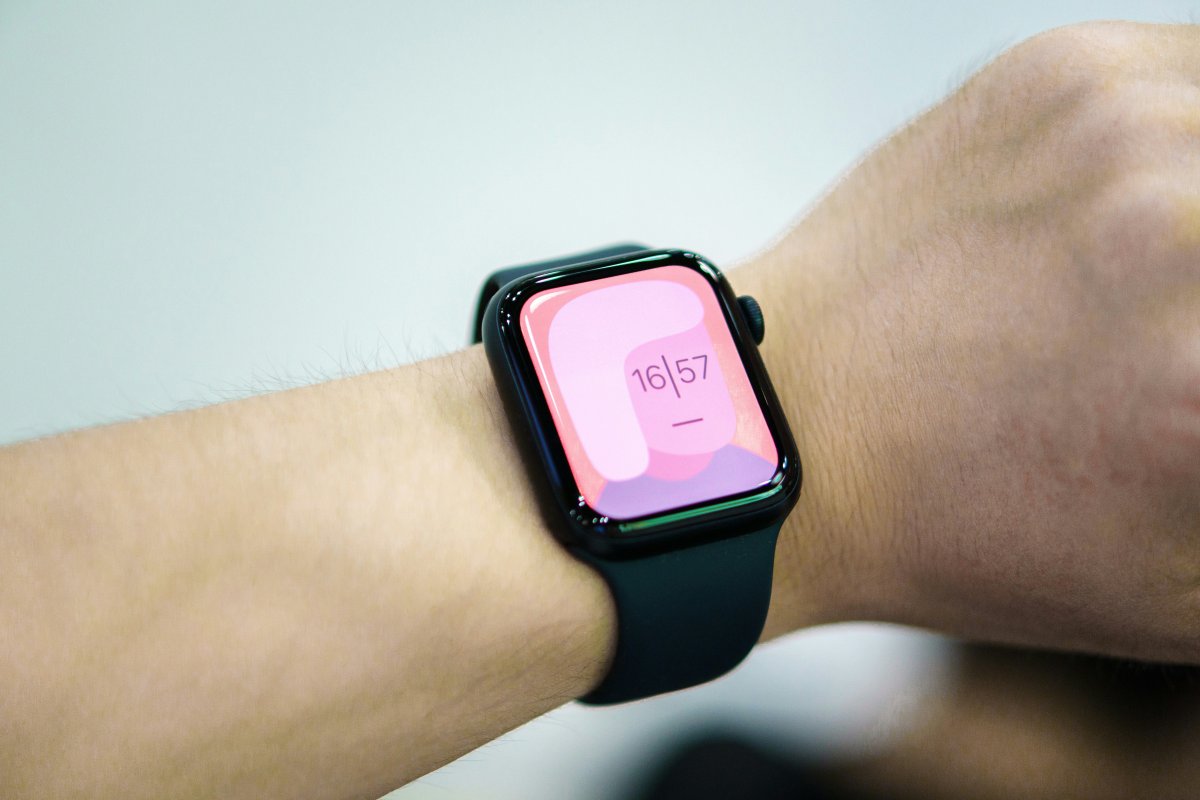
If you want to know how to make Apple Watch vibrate stronger, start with haptic settings. Apple Watch uses small wrist taps for alerts, timers, calls and notifications. If those taps feel too weak, you may miss important alerts even when the watch is working normally.
The best fix is usually a mix of stronger haptics, better wrist fit and cleaner notification settings.
Turn On Prominent Haptics
Open Settings on Apple Watch, then go to Sounds and Haptics. Make sure Haptic Alerts are turned on.
If available, choose Prominent. Apple Watch prominent haptics adds a stronger alert before some notifications, which can make taps easier to notice.
You can also adjust these options from the Watch app on iPhone under Sounds and Haptics.
Check Silent Mode
Silent Mode does not stop vibration. It only turns off sound.
If you want Apple Watch silent alerts, keep Silent Mode on but make sure Haptic Alerts are also on. This lets your watch tap your wrist without making noise.
If Silent Mode is on and haptics are off, you may feel like notifications are not working at all.
Improve Wrist Fit
Wrist fit affects how strong haptics feel.
Your Apple Watch should be snug enough to stay in contact with your skin, but not painfully tight. If the band is loose, vibration may feel weak or inconsistent.
Try adjusting the band slightly higher on your wrist and make sure the back of the watch touches your skin properly.
Review Notification Settings
If your Apple Watch not vibrating enough problem happens only with certain apps, check notification settings.
Open the Watch app on iPhone, go to Notifications and review the apps you care about. Make sure alerts are enabled and that the app is allowed to notify your Apple Watch.
Also check notification settings on iPhone. If an app cannot notify your iPhone, it may not alert your watch properly either.
Check Focus Mode Conflicts
Focus modes can silence or limit alerts.
If Do Not Disturb, Sleep Focus, Work Focus or another Focus mode is active, your watch may not tap you for some notifications. Check Control Center on Apple Watch and review Focus settings on iPhone.
Allow important apps or contacts if you still want alerts during a Focus mode.
When It May Be Hardware or Software
If haptics feel weak across every app, restart your Apple Watch and iPhone. Also check for software updates.
If vibration still feels unusually weak, or you feel no haptics at all, there may be a hardware issue. In that case, professional support may be needed.
Conclusion
Learning how to make Apple Watch vibrate stronger starts with Apple Watch haptic settings.
Turn on Haptic Alerts, use Prominent Haptics if available, check Silent Mode, adjust wrist fit and review notifications. If alerts still feel weak after these steps, restart your devices, update software and consider hardware support if there is no vibration at all.