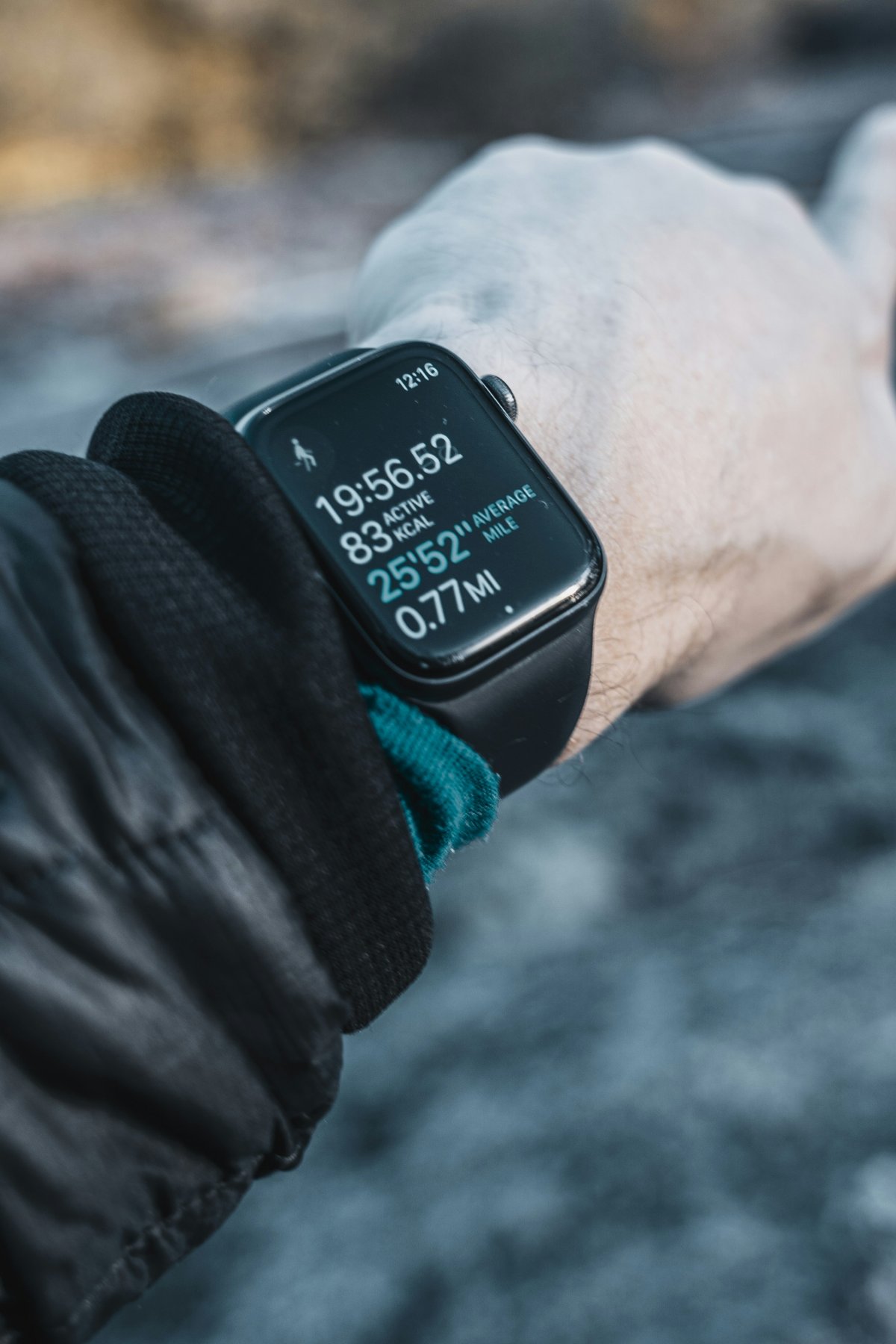
If you want to know how to make Apple Watch workouts more accurate, start with the basics: choose the right workout, wear the watch correctly and keep your personal details updated.
Apple Watch workout accuracy depends on sensors, movement, GPS, heart rate readings and the information you give it. It is not perfect, but a better setup can make your workout data more useful.
Choose the Correct Workout Type
Always choose the workout that matches your activity.
Use Outdoor Run for outside runs, Indoor Run for treadmill runs, Outdoor Walk for walks and the closest available option for gym sessions or mixed training.
Choosing the wrong workout can affect distance, pace, calories and heart rate interpretation. This is one of the easiest ways to improve Apple Watch workout accuracy.
Wear Apple Watch Snugly
Fit matters a lot during exercise.
Your Apple Watch should sit snugly on your wrist, with the back touching your skin. It should not slide around while you move. A loose band can affect heart rate readings and make tracking less consistent.
Do not wear it painfully tight. The goal is secure contact, not pressure.
Update Personal Details
Apple Watch uses your personal information to estimate calories and activity.
Check your height, weight, age and sex in the Health app. If these details are outdated, Apple Watch calorie accuracy may be less useful.
This is especially important if your weight or fitness routine has changed.
Calibrate With Outdoor Workouts
Outdoor walks and runs can help Apple Watch learn your stride and movement patterns.
For better calibration, do outdoor workouts in a flat open area where GPS works well. Over time, this can help improve pace and distance estimates, especially when GPS is limited later.
Improve GPS Accuracy
For outdoor workouts, wait a moment before starting if possible.
Tall buildings, tunnels, trees and poor signal areas can affect GPS. If route or distance looks strange, the issue may be location signal, not the watch itself.
Apple Watch GPS works best with a clear view of the sky.
Understand Heart Rate Issues
Apple Watch heart rate workout accuracy can vary.
Cold weather, fast movement, tattoos, loose bands, sweat and wrist position can affect readings. If heart rate drops out during workouts, adjust the band and make sure the sensor area is clean.
Heart rate data is helpful, but it should be read as an estimate.
Focus on Trends, Not Perfection
No fitness tracker is perfectly precise.
Use Apple Watch for trends: Are you running farther? Is your pace improving? Is your heart rate changing over time? Are workouts becoming more consistent?
Trend data matters more than one exact calorie number or one unusual workout reading.
Conclusion
Learning how to make Apple Watch workouts more accurate is mostly about better habits.
Choose the correct workout, wear the watch snugly, update personal details, calibrate with outdoor sessions and understand heart rate limits. Apple Watch fitness tracking accuracy is most useful when you focus on long term trends instead of perfect precision from a single workout.