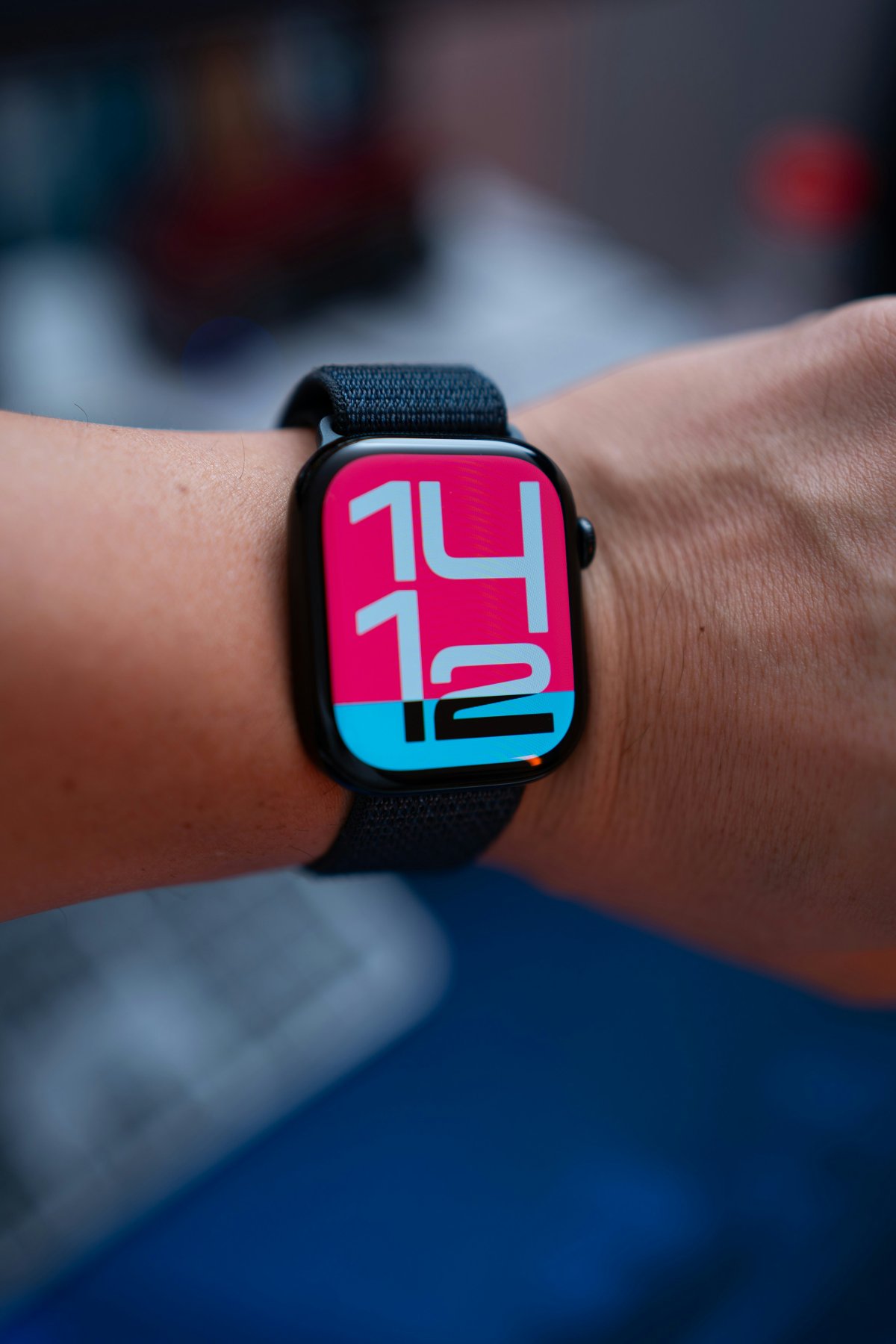
Learning how to use Apple Watch as a daily routine tool can make the watch feel more useful throughout the day. It is not only for workouts or notifications. With the right setup, Apple Watch can help you move through your morning, workday, exercise, reminders and evening routine more smoothly.
The key is to keep it simple. Apple Watch works best when it supports small habits you already have, instead of adding more noise to your day.
Start With Morning Alarms
Apple Watch can be a helpful morning alarm because it is on your wrist and can wake you with sound or haptics.
Set a wake alarm that fits your routine. If you use sleep tracking, make sure the watch has enough battery before bed. You can also use Sleep Focus so your morning starts with fewer distractions.
A simple morning routine might include waking up, checking the time, seeing the weather and reviewing your first calendar event.
Check Weather Before Leaving
Weather is one of the easiest Apple Watch everyday use features.
Add weather to your watch face or Smart Stack so you can quickly check temperature, rain, wind or daily conditions. This helps before commuting, walking, exercising or planning what to wear.
It is a small habit, but it can save time every morning.
Use Calendar for the Day Ahead
Apple Watch can keep your schedule close without making you open your iPhone constantly.
Calendar alerts are useful for meetings, classes, appointments, calls and events. You can add a calendar complication to your watch face or check your next event from Smart Stack.
For better daily routine flow, keep calendar notifications clean. Let the important events reach your wrist and avoid unnecessary app alerts.
Use Reminders for Small Tasks
Apple Watch reminders work well because they appear where you can see them quickly.
Use reminders for simple daily tasks like taking something with you, making a call, checking a list, starting laundry, drinking water, leaving on time or preparing for an appointment.
This is where Apple Watch reminders feel practical. They help with small actions that are easy to forget during a busy day.
Add Workouts to Your Routine
Apple Watch can help make workouts easier to start.
You can begin a walk, run, cycling session, strength workout or other activity from the Workout app. Even if you are not following a strict fitness plan, starting a short workout from your wrist can help you stay aware of movement during the day.
The goal is not to make big health claims. The practical benefit is simple: Apple Watch makes exercise tracking easy to start and easy to review.
Use Hydration Reminders
Hydration reminders can fit naturally into an Apple Watch daily routine.
A reminder or hydration app can help you remember to drink water during work, study, workouts or travel. It does not need to become complicated. A gentle reminder during the day can be enough.
Apple Watch is useful for this because the reminder appears on your wrist, not buried on your phone.
Set Focus Modes for Different Parts of the Day
Focus modes can make Apple Watch feel calmer.
Use Work Focus during work or study. Use Fitness Focus during workouts. Use Sleep Focus at night. You can decide which people and apps can still reach you.
This helps your watch match your routine. Instead of receiving every notification all day, you can make Apple Watch support the moment you are in.
Use Sleep Tracking at Night
Apple Watch can also be part of your evening and sleep routine.
Before bed, check battery level, turn on Sleep Focus and wear the watch comfortably. In the morning, you can review sleep data in the Health app on iPhone.
Sleep tracking is most useful when you treat it as routine awareness, not something to obsess over every day. Look at patterns over time rather than judging one night too seriously.
Build an Evening Wind Down
Apple Watch can help you end the day more calmly.
You can use reminders to start winding down, set a bedtime alarm, turn on Sleep Focus, check tomorrow’s calendar or start a short timer for reading, stretching or preparing for bed.
The best evening routine is simple. Fewer alerts, a clear next day plan and a charged watch can make the next morning easier.
Keep the Setup Clean
The most useful Apple Watch habits are the ones you actually keep.
Do not add too many apps, alerts or complications at once. Start with alarms, weather, calendar, reminders, workouts, Focus modes and sleep. Then add more only if it helps your real routine.
Apple Watch should make daily life feel easier, not more crowded.
Conclusion
Knowing how to use Apple Watch as a daily routine tool is about building small habits around your day.
Use it for morning alarms, weather, calendar alerts, reminders, workouts, hydration reminders, Focus modes, sleep tracking and evening wind down. Keep the setup simple and let the watch support your routine in small, practical ways.