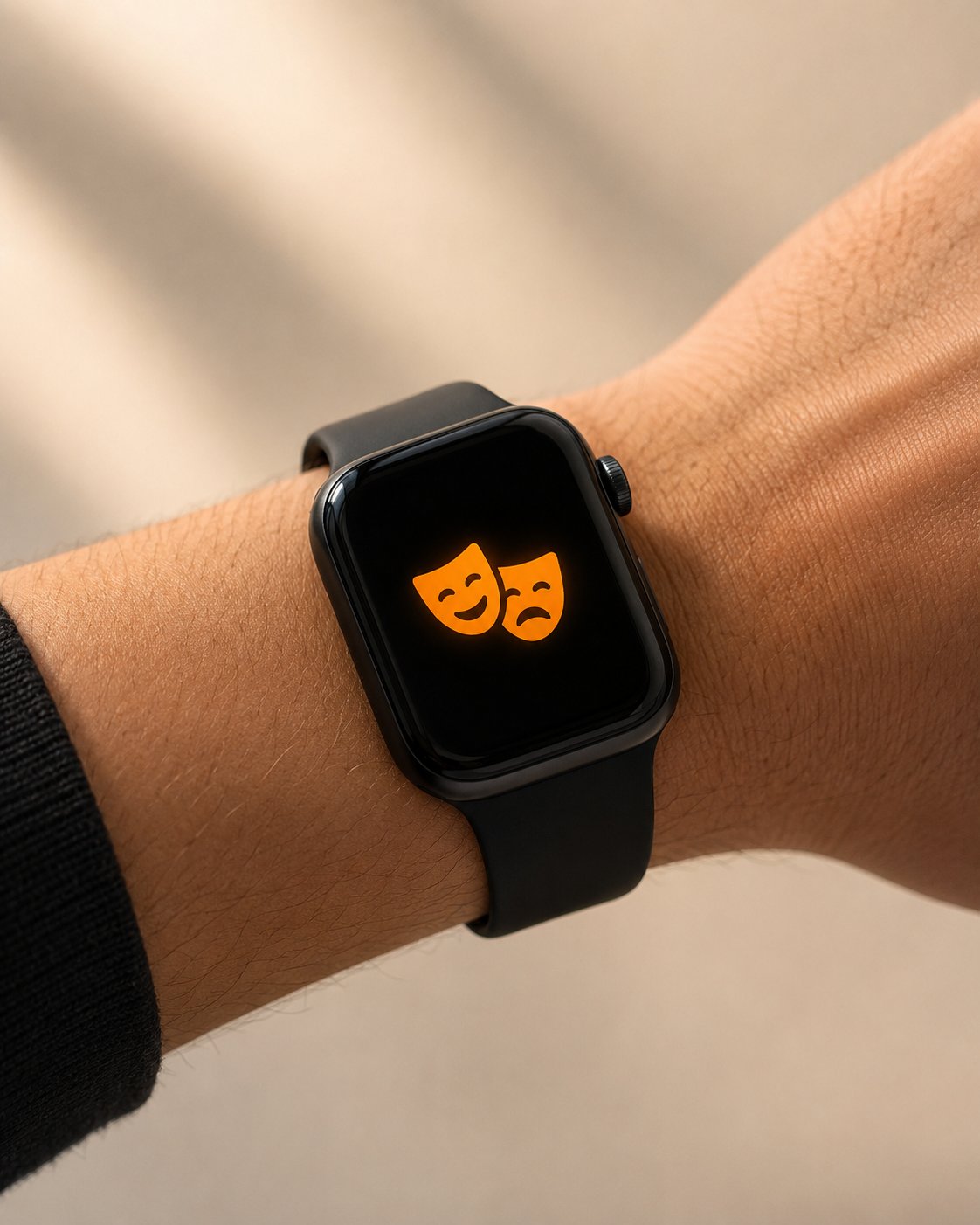
If you are wondering what is Theater Mode on Apple Watch, it is a quick setting that keeps your watch screen from lighting up when you raise your wrist.
This is useful in dark or quiet places where you do not want the screen to turn on by accident. It is also one of the most common reasons people think their Apple Watch screen is not waking.
When Theater Mode is on, your Apple Watch still works. It does not turn off the watch. It simply changes how the screen and alerts behave.
What Does Theater Mode Do?
Apple Watch Theater Mode stops the screen from waking automatically when you raise your wrist.
Normally, Apple Watch lights up when you turn your wrist toward your face. With Theater Mode on, the screen stays dark until you tap it, press the Digital Crown or press the side button.
Theater Mode also works together with Silent Mode. That means sounds are muted, but you can still receive haptic alerts on your wrist if haptics are enabled.
This is why some users call it an Apple Watch silent screen mode or Apple Watch cinema mode.
Why Your Apple Watch Screen Is Not Waking
If your Apple Watch screen not waking issue started suddenly, check Theater Mode first.
Open Control Center and look for the theater masks icon. If it is active, Theater Mode is turned on. Turn it off and test Wake on Wrist Raise again.
This is not a bug. The watch is doing exactly what the setting is designed to do. Theater Mode prevents accidental screen wake in situations where light or movement would be distracting.
How to Turn Theater Mode On or Off
To use Theater Mode, open Control Center on your Apple Watch and tap the theater masks icon.
When the icon is active, Theater Mode is on. Tap it again to turn it off.
It is one of the most useful Apple Watch quick settings because you can enable it in seconds without changing deeper display settings.
When Should You Use Theater Mode?
Theater Mode is helpful in any situation where you want your watch to stay quiet and dark.
Use it at the movies, in theater halls, during meetings, in classrooms, on flights or when someone near you is sleeping. It is also useful at night if your watch screen keeps lighting up when you move in bed.
For travel, Theater Mode can be helpful on planes, trains and buses where you want fewer distractions from your wrist.
Theater Mode vs Water Lock
Theater Mode and Water Lock are different.
Theater Mode keeps the screen from waking when you raise your wrist. Water Lock prevents accidental touch input when the screen is wet.
If the screen stays dark, check Theater Mode. If the screen is visible but does not respond to touch and you see a water drop icon, check Water Lock.
Conclusion
Now you know what is Theater Mode on Apple Watch and why it matters.
It keeps your screen dark when you raise your wrist, mutes sounds and helps avoid distractions in movies, meetings, classrooms, travel and nighttime use. If your Apple Watch screen suddenly stops waking, Theater Mode should be one of the first settings you check.