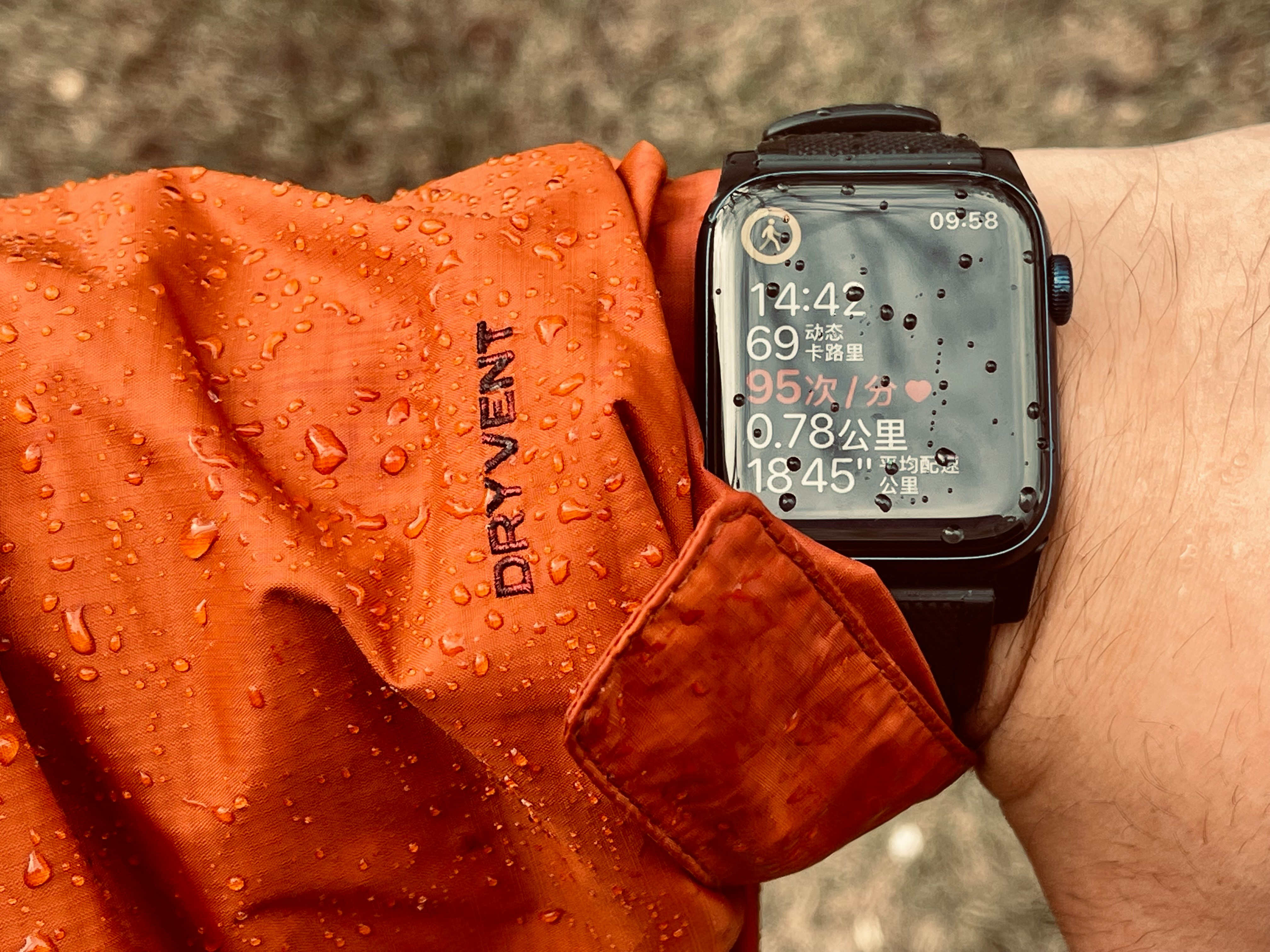
If you have seen the water drop icon on your watch, you may wonder what is Water Lock on Apple Watch and whether it means your watch is protected from water. The short answer is simple: Water Lock prevents accidental screen taps when your Apple Watch is wet.
It is useful while swimming, showering nearby water, washing your hands or doing anything where water might touch the screen. Water can confuse the touch display, so Water Lock keeps the screen from reacting normally until you turn it off.
But Water Lock does not make your Apple Watch waterproof. It does not create a physical seal, repair water damage or make every water activity safe. It is a touch control feature that also helps clear water from the speaker when you unlock the watch after swimming or water exposure.
What Is Water Lock on Apple Watch?
Apple Watch Water Lock is a feature that locks the touch screen so water does not cause accidental taps.
When Water Lock is active, you may still see the watch face or workout screen, but tapping and swiping will not work normally. This is expected. The feature is designed to stop water droplets from opening apps, ending workouts or changing settings by mistake.
The Apple Watch water drop icon means Water Lock is turned on. If your screen is not responding and you see that icon, your watch is probably not broken. It is simply waiting for you to unlock it.
How to Turn On Water Lock
You can turn on Water Lock from Control Center.
Open Control Center on your Apple Watch and tap the water drop icon. Once it is active, the screen will stop responding to normal touch input.
Water Lock may also turn on automatically when you start certain water based workouts, such as pool swim or open water swim. This is why many users first notice the feature during swim tracking.
Use Water Lock before swimming, when you expect the screen to get wet or when water may cause accidental touches.
How to Unlock Apple Watch After Swimming
To unlock Apple Watch after swimming or water exposure, press and hold the Digital Crown until the watch unlocks.
Your Apple Watch may play sounds and vibrations to help clear water from the speaker. This does not remove all moisture from the watch, but it helps push water out of the speaker area.
After unlocking, dry the watch and your wrist with a soft cloth. If the screen still feels difficult to use, make sure your finger and the display are dry.
What Water Lock Does Not Do
Water Lock is often misunderstood.
It does not make Apple Watch fully waterproof. It does not increase water resistance. It does not protect against soaps, shampoos, salt water damage, high pressure water or deep diving beyond what your specific Apple Watch model supports.
Water resistance can also change over time because seals and materials can wear down. That means an older watch may not handle water the same way it did when it was new.
Water Lock only helps with accidental screen touches and speaker water clearing after you turn it off.
Common Water Lock Mistakes
One common mistake is thinking the watch is frozen when Water Lock is active. If the touch screen does not respond and you see the water drop icon, unlock it with the Digital Crown.
Another mistake is assuming Water Lock must always be used around water. It is helpful, but it is not a magic protection mode. You should still avoid unnecessary exposure to soaps, chemicals, high speed water and conditions beyond your model’s water resistance rating.
Some users also forget to turn it off after swimming. If your screen feels locked later, check the water drop icon first.
Conclusion
Now you know what is Water Lock on Apple Watch and why the water drop icon appears. Water Lock stops accidental screen touches when your watch is wet and helps clear water from the speaker when you unlock it.
Use it before swimming or around water, then press and hold the Digital Crown to unlock Apple Watch after swimming. Just remember that Water Lock does not make the watch waterproof. It is a smart control feature, not extra water protection.