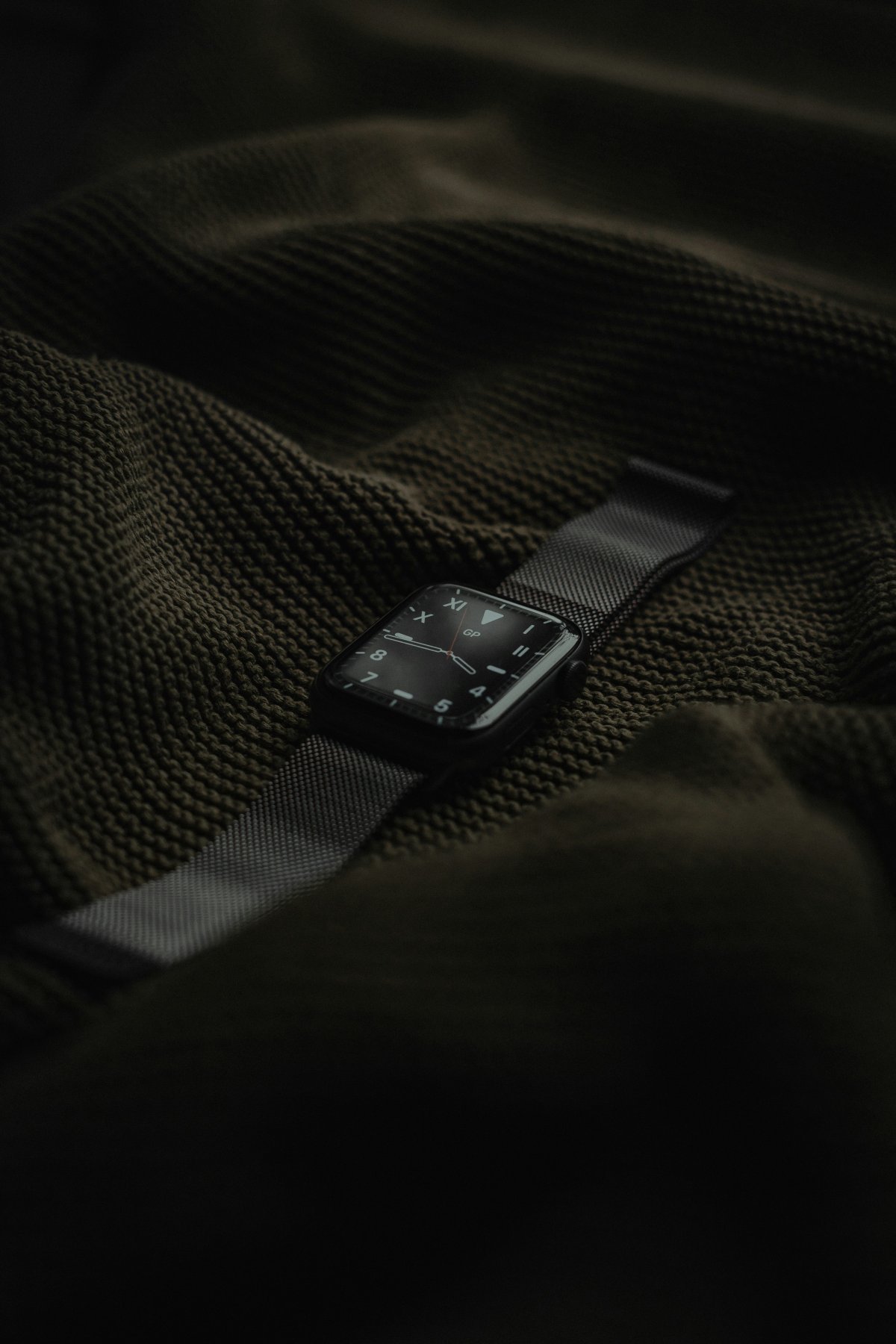
If you are asking why did Apple Watch not track my sleep, the problem is usually related to setup, battery, Sleep Focus, wrist fit or missing permissions.
Apple Watch sleep tracking works best when your sleep settings are ready before bed and the watch stays on your wrist long enough. If one part of that setup is missing, you may wake up and find little or no sleep data in the Health app.
Check Sleep Focus
Sleep Focus is one of the first things to check when Apple Watch sleep tracking not working becomes a repeated issue.
Sleep Focus helps your iPhone and Apple Watch understand when you are sleeping. If it is not active during the night, sleep tracking may not work as expected or the data may be incomplete.
You can turn on Sleep Focus manually from Control Center or use a sleep schedule so it activates automatically. If your sleep times change often, make sure the schedule still matches your real routine.
Review Your Sleep Schedule
An Apple Watch sleep schedule problem can lead to missing sleep data.
Open the Health app on iPhone and check your Sleep settings. Make sure your bedtime, wake time and active days are correct. If your schedule is set only for weekdays, your watch may not track the same way on weekends.
If you sleep outside your usual schedule, manually turning on Sleep Focus can help.
Make Sure the Battery Is High Enough
Apple Watch needs enough battery to track sleep through the night.
If the battery is too low before bed, the watch may die overnight or stop tracking before morning. As a simple habit, charge your watch before sleep if the battery is low.
If your Apple Watch sleep data missing issue happens after the watch dies overnight, the cause is probably battery level rather than sleep settings.
Wear the Watch Correctly
Wrist fit matters for sleep tracking.
The watch should be comfortable but secure. If it is too loose, the sensors may not stay in good contact with your skin. If it is too tight, it can become uncomfortable and may shift while you sleep.
Wear it for enough of the night as well. If you remove the watch early, wear it only briefly or put it on after falling asleep, the sleep data may be incomplete.
Check Health Permissions and Data
Sleep data is usually viewed in the Health app on iPhone.
Open Health, go to Sleep and check whether any data appears. Sometimes users think Apple Watch did not track sleep because they are looking in the wrong place or expecting the data to appear instantly.
Also check that Apple Watch is allowed to write sleep data to Health. If permissions are off or another app is interfering, the data may not show correctly.
Restart and Update
If your settings look right but sleep tracking still fails, restart both Apple Watch and iPhone.
A simple restart can fix temporary sync issues. After that, check for watchOS and iOS updates. Software bugs can affect sleep tracking, Health data and syncing between devices.
If the issue started after an update, check settings again because some options may behave differently or need review.
Conclusion
If you are wondering why did Apple Watch not track my sleep, start with the basics: Sleep Focus, sleep schedule, battery level, wrist fit and Health permissions.
Most missing sleep data problems come from setup or routine issues, not a broken watch. Wear the watch securely, make sure it has enough battery and check your sleep data in the Health app on iPhone.