Apple Watch is easy to use for basic things like checking notifications, tracking workouts and seeing the time. But many of the most useful tools are not always obvious.
The best Apple Watch hidden features are not gimmicks. They are small controls that make daily use faster, quieter, safer or more personal. Once you know where they are, your watch can feel much more useful.
Smart Stack
Smart Stack is one of the most useful Apple Watch features people miss.
It gives you quick access to widgets like weather, calendar, timers, activity, music and reminders. Instead of opening separate apps, you can glance at useful information in one place.
It is especially helpful if you want your watch face to stay clean but still need quick access to daily updates.
Gestures
Apple Watch gestures can make the watch easier to use when your other hand is busy.
Depending on your model and settings, gestures may help you answer calls, dismiss alerts, scroll, select items or control certain actions. They are useful while walking, cooking, carrying something or working out.
Gestures are not meant to replace every tap, but they can make common actions faster.
Ping iPhone
Ping iPhone is a simple feature, but it is one of the best Apple Watch tricks.
Open Control Center and tap the phone icon to make your iPhone play a sound. This is perfect when your phone is under a pillow, inside a bag, on a desk or somewhere in the house.
It saves time and avoids the usual “where is my phone?” search.
Theater Mode
Theater Mode keeps your Apple Watch screen from lighting up when you raise your wrist.
This is useful at night, in movies, during meetings, on flights or anytime you do not want the screen to wake accidentally. It also helps explain why your watch screen may suddenly stop waking if you turned it on by mistake.
Look for the theater masks icon in Control Center.
Water Lock
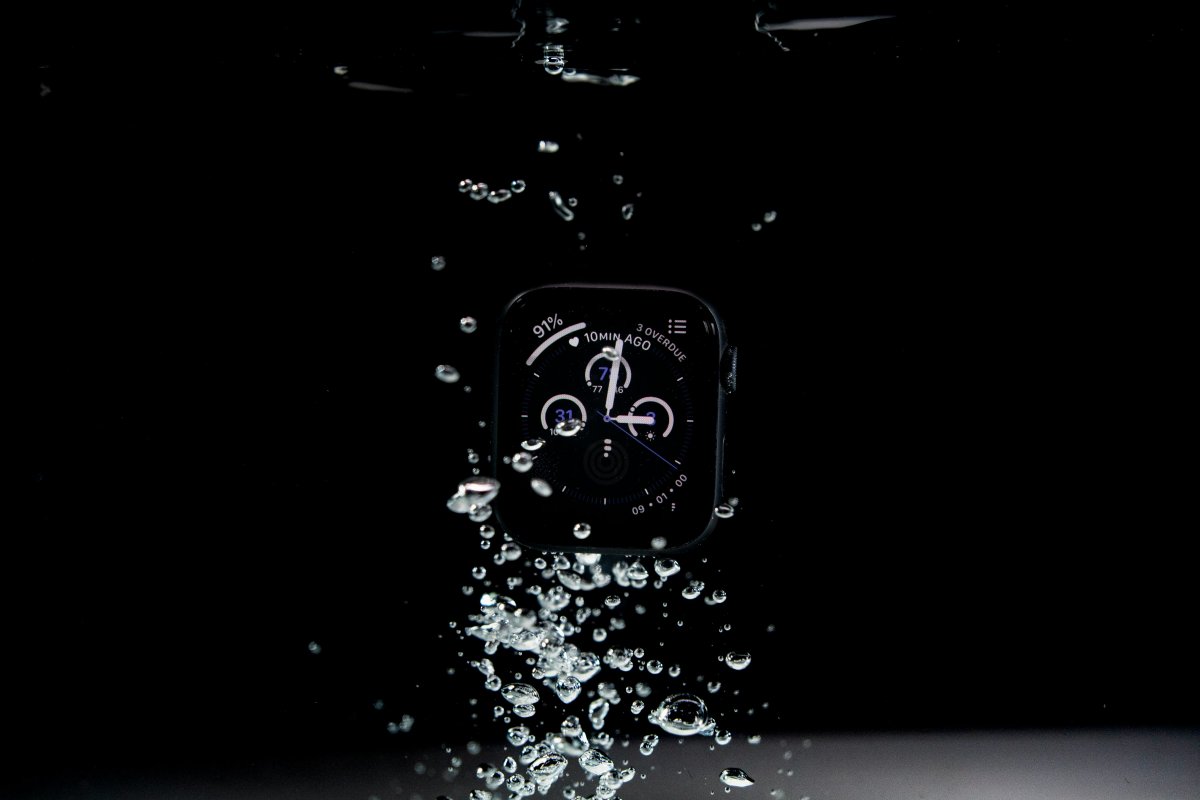
Water Lock prevents accidental screen taps when your Apple Watch is wet.
It is useful while swimming, washing hands, walking in rain or doing anything around water. When Water Lock is on, the screen may not respond normally. That is expected.
To unlock it, press and hold the Digital Crown. The watch may also clear water from the speaker.
Handwashing Detection
Handwashing detection is one of those underused Apple Watch features that can be helpful without needing much attention.
When enabled, Apple Watch can detect handwashing and show a timer. It is a small feature, but it can be useful for building better habits, especially during busy days.
If you do not like extra prompts, you can turn it off. But it is worth trying once.
Medication Reminders
Medication reminders can be very useful if you take daily vitamins, supplements or medicine.
You can set reminders and log when you take them. This helps reduce missed doses and makes the watch more useful beyond fitness.
For people who already wear Apple Watch every day, medication reminders can become one of the most practical health features.
Shortcuts
Shortcuts can turn Apple Watch into a quick action tool.
You can run simple shortcuts from your wrist, such as starting routines, logging information, controlling smart home actions or opening repeated tasks faster.
The best shortcuts are simple. If an action takes only one tap from your watch, it is more likely to become part of your daily routine.
Privacy Controls
Privacy controls are easy to forget, but they matter.
You can manage notifications, app permissions, location access and health data settings. You can also use a passcode so your watch locks when removed from your wrist.
These settings help keep personal information safer, especially because Apple Watch can show messages, health data, reminders and payment related features.
Conclusion
The best Apple Watch hidden features are the ones that make normal daily use easier.
Smart Stack helps you see useful information faster. Ping iPhone saves time. Theater Mode and Water Lock prevent annoying mistakes. Gestures, Shortcuts, medication reminders and privacy controls make the watch more personal.
Try a few of these features and keep the ones that actually improve your routine.