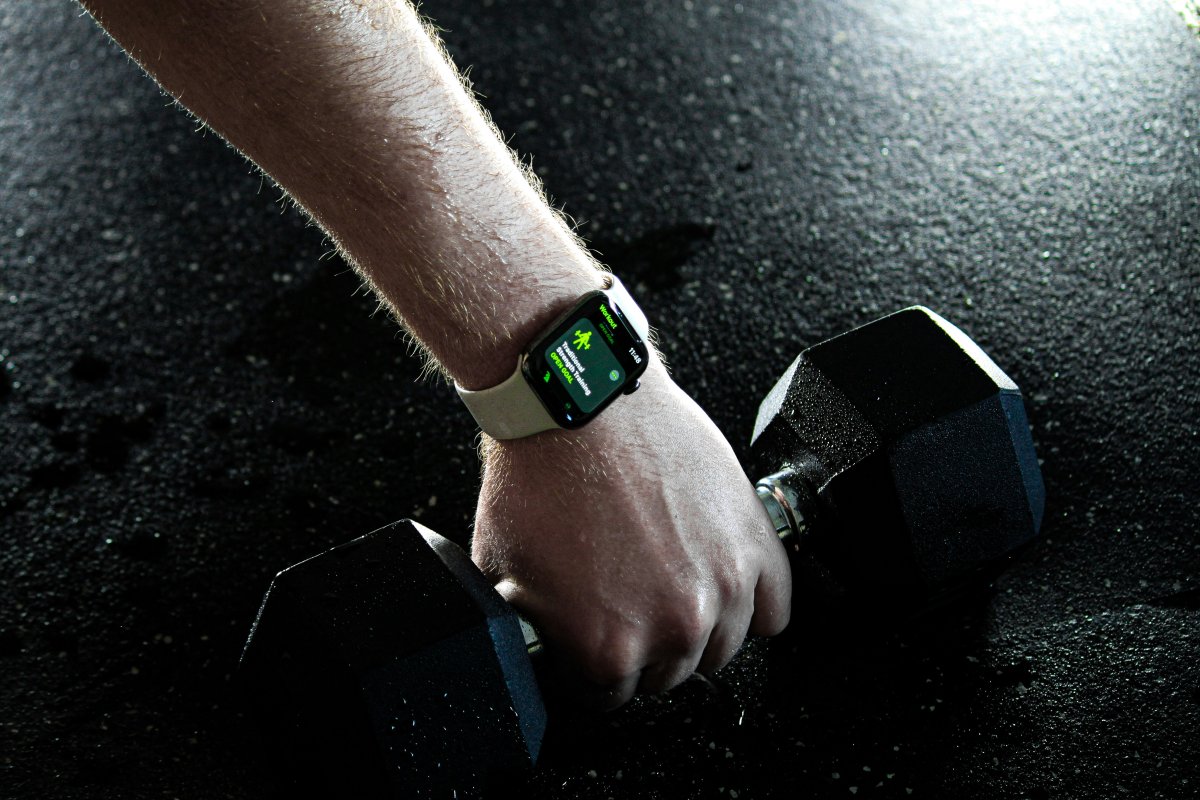
If you are asking can Apple Watch track workouts without iPhone, the answer is yes. Apple Watch can track many workouts even when your iPhone is not nearby.
You can start a workout from your watch, track heart rate, record time, estimate calories and save the workout. For outdoor workouts, Apple Watch can also use GPS to track distance and route, depending on your model and settings.
The main difference is what you want to do during the workout besides tracking.
Apple Watch Workouts Without iPhone
Apple Watch can handle many workouts by itself.
You can track running, walking, cycling, swimming, strength training, HIIT, yoga and other workout types from the Workout app. This makes Apple Watch fitness without phone useful for people who do not want to carry their iPhone during exercise.
After the workout, your data can sync back to your iPhone when the devices reconnect.
GPS vs Cellular During Workouts
An Apple Watch GPS workout can work without your iPhone for tracking activity. This is especially useful for outdoor runs, walks and bike rides.
A Cellular model gives you more freedom because it can stay connected for calls, messages and some online features without your iPhone nearby. This is useful if you want to run, walk or exercise outside while still being reachable.
If you only care about workout tracking, GPS may be enough. If you also want connection without your phone, Cellular is better.
Running Without iPhone
You can do an Apple Watch run without iPhone and still track important workout data.
Apple Watch can record pace, time, distance, calories and heart rate. For many runners, this is enough for a normal run.
If you want music, make sure your audio is available before leaving. Depending on the app, you may need downloaded music, Bluetooth headphones or cellular streaming support.
Heart Rate and Syncing Later
Apple Watch can track heart rate during workouts without iPhone.
This matters because heart rate helps with calorie estimates, effort levels and workout summaries. For better results, wear the watch snugly during exercise so the sensors stay in contact with your skin.
When your iPhone is nearby again, workout data should sync automatically. If it does not appear right away, give it time, keep both devices close and check Bluetooth and Wi Fi.
What to Test Before Relying on It
Before leaving your iPhone at home, test your setup.
Start a short workout without your phone nearby. Check if distance, heart rate, music, headphones and syncing work the way you expect. Also make sure the watch has enough battery before longer workouts.
If you rely on calls, messages or safety features during outdoor exercise, test cellular coverage too.
Limitations to Know
Apple Watch standalone workout tracking is useful, but it is not the same as carrying your iPhone.
Some apps may need your phone for setup, live syncing or full features. Streaming music can depend on cellular, downloads and app support. Maps, messages and online features may be limited on GPS models without iPhone or Wi Fi.
For basic exercise tracking without iPhone, Apple Watch works well. For full connectivity, Cellular gives more flexibility.
Conclusion
So, can Apple Watch track workouts without iPhone? Yes. Apple Watch can track many workouts, record heart rate, save exercise data and sync it later.
For basic workouts, a GPS model is often enough. For calls, messages, streaming and more independence during outdoor exercise, a Cellular model is better. Before relying on it, test your workout, music, GPS, syncing and battery setup once in real conditions.