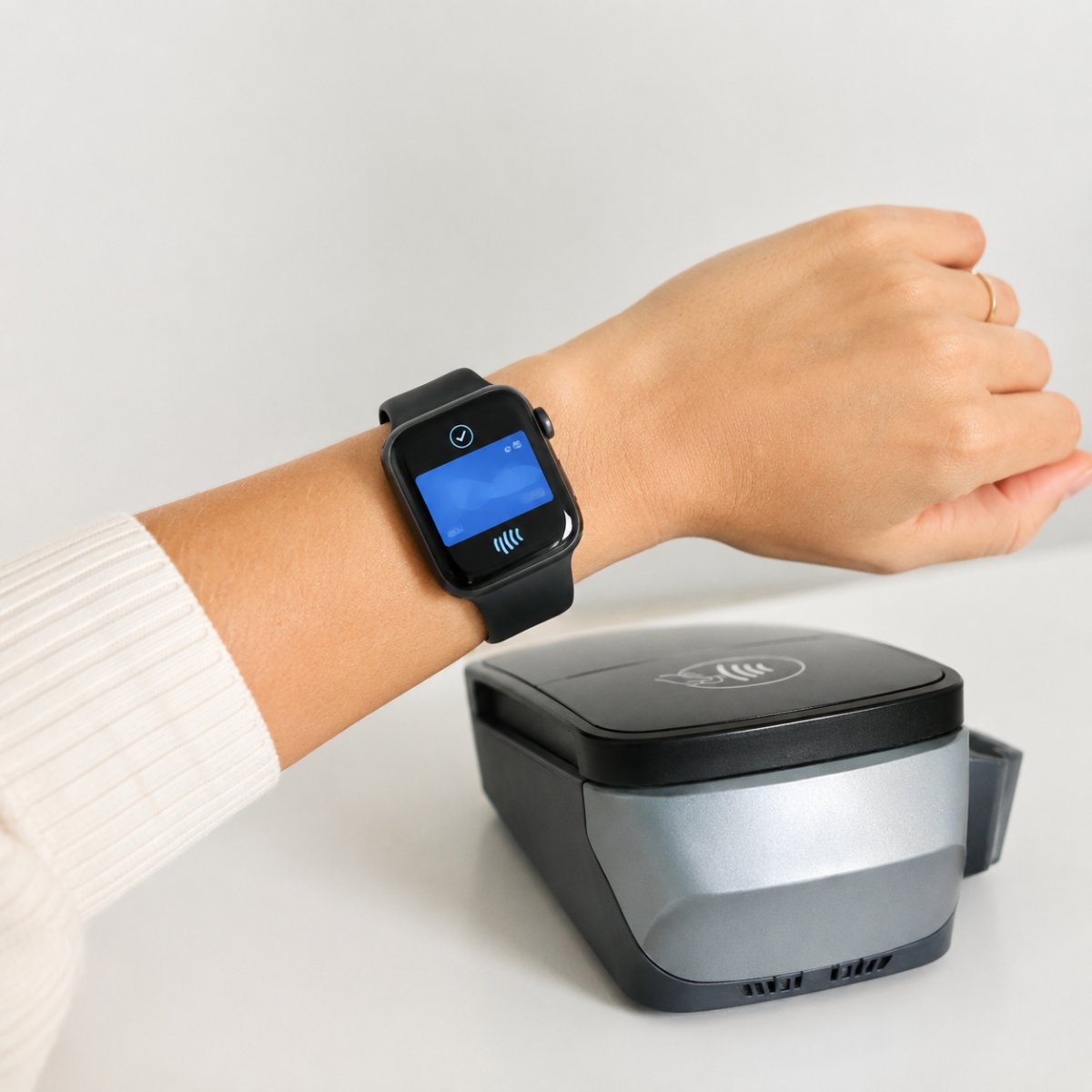
If you are asking can you use Apple Pay on Apple Watch without iPhone, the answer is yes in many normal payment situations. Once Apple Pay is set up on your Apple Watch, you can use your watch for supported contactless payments even when your iPhone is not nearby.
This is one of the most useful Apple Watch features for travel, commuting, shopping, coffee runs and quick errands. You do not need to unlock your iPhone or take out your wallet every time.
The important part is setup. Apple Pay needs to be added properly before you rely on it.
Set Up Apple Pay First
Before using Apple Pay from your watch, you need to add a supported card to Wallet.
Open the Watch app on your iPhone, go to Wallet and Apple Pay and add your card. Your bank or card provider may ask for verification. Once the card is approved, it can appear in Wallet on Apple Watch.
This setup step requires your iPhone, but after setup, many payments can be made directly from Apple Watch.
Passcode Is Required
Apple Watch payments need a passcode for security.
If you remove your Apple Watch from your wrist, it should lock. When you put it back on, you need to unlock it again before using Apple Pay.
This is why Wrist Detection and passcode settings matter. They help protect your cards if the watch is lost or removed.
How to Pay With Apple Watch
To use Apple Pay on Apple Watch, double press the side button, choose the card you want and hold the watch near the contactless reader.
You do not need to open your iPhone. You also do not need to unlock your iPhone at the register.
This makes Apple Watch payments fast and convenient, especially when your hands are full or your phone is in a bag.
Does It Work Offline?
Apple Watch can make many contactless payments without your iPhone nearby because the payment card is already set up on the watch.
However, payment acceptance depends on the store, card, bank, country and terminal. Some transit systems, banks or cards may have different rules.
Before relying on Apple Pay Apple Watch without iPhone during travel or commuting, test it once in a normal situation and keep a backup card with you.
Supported Cards and Availability
Not every card, bank or region supports Apple Pay in the same way.
If a card does not appear as available in Wallet, or if verification fails, check with your bank or card provider. You should also make sure the store or transit system accepts contactless payments.
Apple Watch Wallet without iPhone works best when your card is already approved, your watch is unlocked and the payment terminal supports contactless payment.
Security Basics
Apple Pay on Apple Watch is designed to be secure, but your settings still matter.
Use a passcode, keep Wrist Detection on and do not share your watch passcode. If your Apple Watch is lost, use Find My to help protect your device.
Also review Wallet after changing cards, banks or devices. Make sure only the cards you actually use are active on the watch.
What to Check Before Relying on It
Before leaving your iPhone behind, check a few things.
Make sure your Apple Watch is charged, unlocked and on your wrist. Confirm your card appears in Wallet on Apple Watch. Test Apple Pay once at a supported terminal. If you are traveling, keep another payment method as backup.
Once everything is set up, use Apple Pay on Apple Watch can be one of the easiest ways to pay without your phone.
Conclusion
So, can you use Apple Pay on Apple Watch without iPhone? Yes, as long as Apple Pay is set up correctly and your card is supported.
Add your card in the Watch app, use a passcode, keep Wrist Detection on and test payments before relying on them. Once ready, Apple Watch can make everyday payments faster and easier without needing your iPhone in your hand.