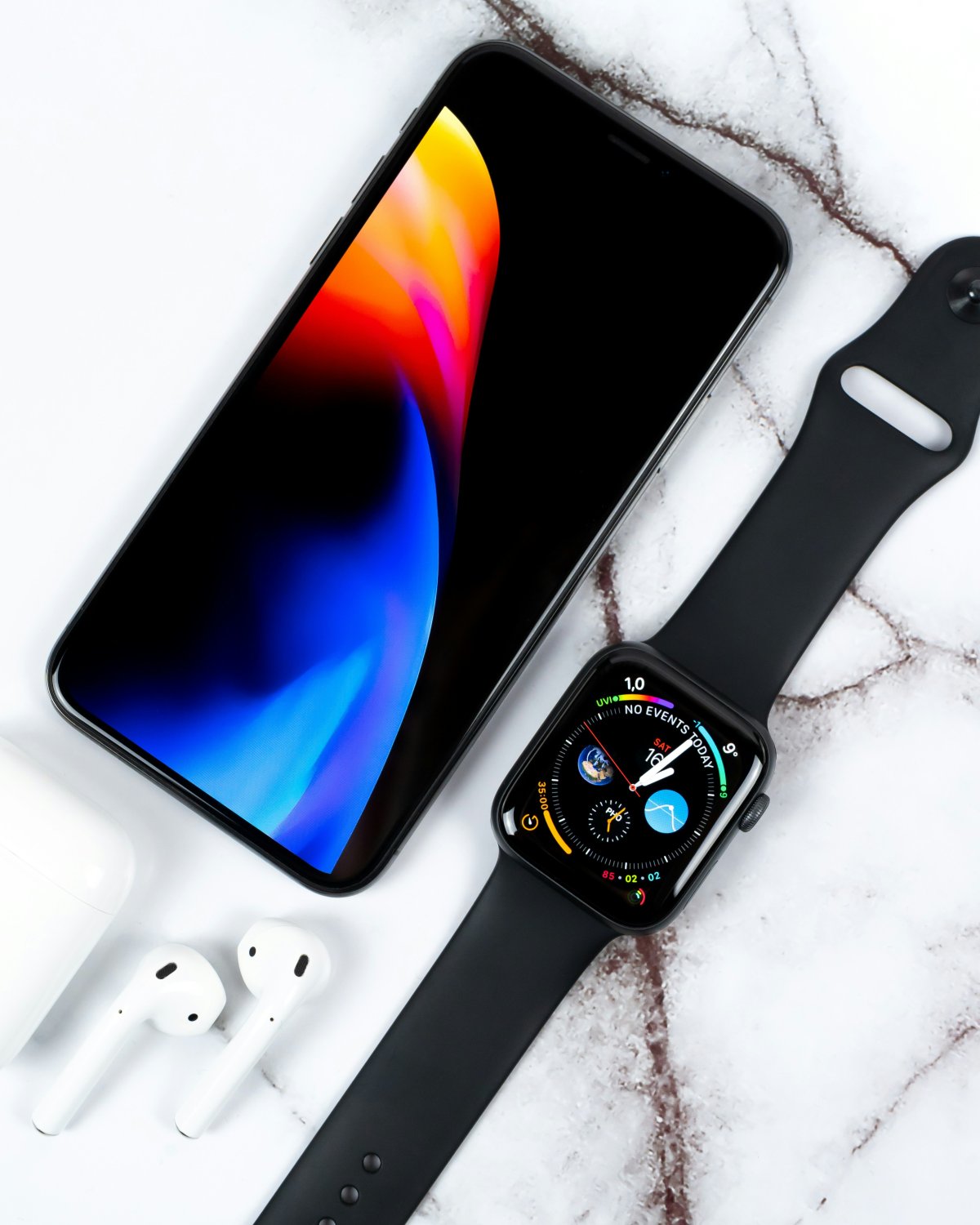
Learning how to use Apple Watch without iPhone helps you understand what your watch can still do when your phone is not nearby. Apple Watch can handle many useful tasks on its own, but some features depend on Wi-Fi, cellular or a previous connection to your iPhone.
The exact experience depends on your Apple Watch model and setup.
What Works Without iPhone Nearby
Even when your iPhone is not with you, Apple Watch can still be useful.
You can check the time, use alarms, start timers, track workouts, record health data, use Apple Pay in many supported situations and listen to downloaded music or podcasts.
These are some of the most reliable Apple Watch features without iPhone because they do not always need a live phone connection.
Apple Watch With Wi-Fi
If your Apple Watch connects to a known Wi-Fi network, it can do more without your iPhone.
You may be able to receive some notifications, use supported apps, send messages, use Siri, check weather and use internet based features depending on the app and connection.
This is where Apple Watch Wi-Fi without iPhone becomes useful. The watch is not fully dependent on the phone if it can connect to the internet another way.
Apple Watch Cellular Without iPhone
A Cellular Apple Watch can be more independent if it has an active carrier plan.
With cellular, you may be able to make calls, send messages, receive notifications, use maps, stream music and use connected apps away from your iPhone.
This is the strongest version of Apple Watch standalone use, but it can use more battery and depends on cellular coverage.
Workouts, Apple Pay and Media
Apple Watch can track many workouts without your iPhone. Outdoor workouts can use GPS on supported models, and the data can sync later.
Apple Pay can also work without your iPhone nearby if your card is already set up on the watch and supported.
Downloaded media is another useful option. If music or podcasts are saved to the watch, you can listen with Bluetooth headphones without your phone.
Main Limitations
Without iPhone, Wi-Fi or cellular, live features are limited.
New notifications, calls, messages, weather updates, maps updates, streaming and app syncing may not work fully. Some apps may only show data that was already synced.
So, use Apple Watch away from iPhone for workouts, payments, media, timers and health tracking. For live communication, you need Wi-Fi or cellular.
Conclusion
Knowing how to use Apple Watch without iPhone makes the watch more useful during workouts, travel, errands and phone free moments.
A GPS model can still handle workouts, Apple Pay, downloaded media, timers and health tracking. A Cellular model adds more live communication when coverage is available. The main limit is simple: without iPhone, Wi-Fi or cellular, Apple Watch can still work, but connected features become limited.