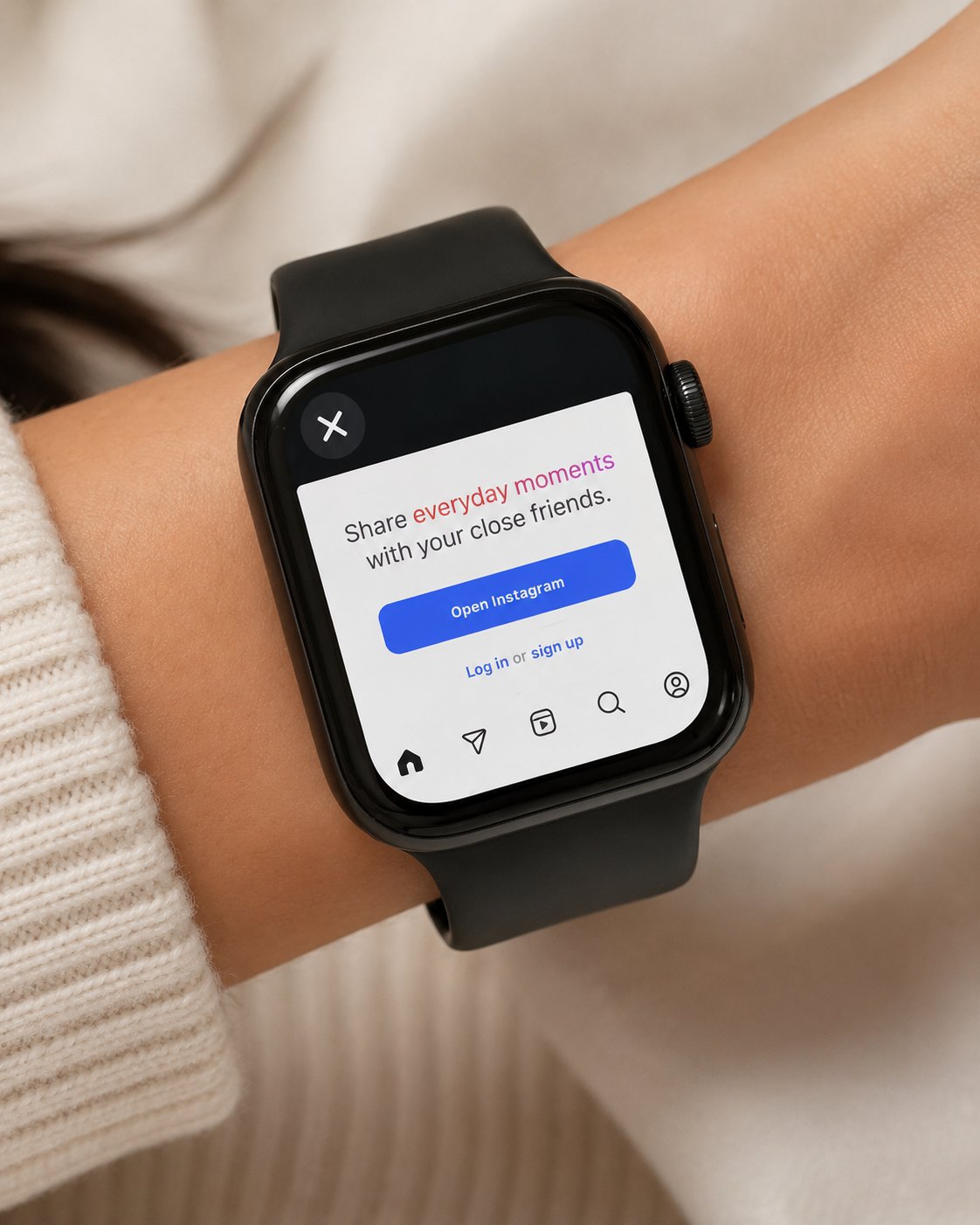
If you are searching for how to use Instagram on Apple Watch, the first thing to know is that this is usually done through browser based access, not through an official Instagram Apple Watch app.
That means you should not expect the same Instagram experience you get on iPhone. Apple Watch is better for quick checks, opening links, viewing simple web pages or checking a profile when your phone is not convenient.
For this kind of use, Watch Web Browser : WristNet is a practical option because it lets you open websites from your wrist, including Instagram web pages when supported.
Can You Use Instagram on Apple Watch?
You can use Instagram on Apple Watch in a limited way through the web.
This is different from having a full official Apple Watch Instagram app. The watch screen is small, typing is limited and some Instagram pages may not behave the same way they do on iPhone.
Still, browser based access can be useful. You may want to open an Instagram profile, check a link, view a public page or quickly look at something without taking out your iPhone.
Using WristNet for Instagram Web
A simple way to browse Instagram on Apple Watch is to use an Apple Watch browser.
Watch Web Browser : WristNet is designed for browser based web access from Apple Watch. You can use it to open websites, search the web and access pages from your wrist.
A practical option is:
https://apps.apple.com/us/app/watch-web-browser-wristnet/id6747051754
For Instagram, this means you can use WristNet to try opening Instagram web pages, profiles or links. The experience depends on the page, login state and Instagram’s web behavior, but it gives your Apple Watch a way to access Instagram through the browser.
How to Browse Instagram on Apple Watch
Start by opening WristNet on your Apple Watch.
From there, you can search for Instagram, open a profile link or enter a web address if you already know it. If you often visit the same page, saving it as a bookmark can make access faster later.
This works best for quick checks. For example, you may want to open a profile, look at a link someone sent you or check a web page connected to Instagram.
For posting, editing, messaging or watching lots of Reels, your iPhone is still the better device.
What Works Best on Apple Watch Instagram Web?
Instagram web Apple Watch access is most useful for simple actions.
Opening profile pages, checking links and viewing lightweight pages can make sense from the wrist. If a page loads clearly and does not require too much typing, it can be useful in short moments.
The best use case is convenience. You are not replacing the iPhone app. You are giving yourself another way to check something quickly when your phone is not in your hand.
Honest Limits to Know
Apple Watch social media access has natural limits.
Some Instagram pages may require login, may load slowly or may not fit perfectly on the watch screen. Videos, Reels, comments, DMs and posting tools are usually better on iPhone.
Typing is also not ideal on Apple Watch, so search, bookmarks and direct links are easier than long manual input.
This is why WristNet should be seen as an Apple Watch browser for Instagram web access, not as a full Instagram replacement.
When Should You Use iPhone Instead?
Use iPhone when you want the full Instagram experience.
If you want to post, edit photos, watch Reels, reply to DMs, browse for a long time or manage your account, iPhone is much more comfortable.
Use Apple Watch for quick access. Use iPhone for full social media use.
Conclusion
Knowing how to use Instagram on Apple Watch is mostly about setting the right expectation.
There is not a full iPhone style Instagram experience on the watch. But with browser based access through Watch Web Browser : WristNet, you can open Instagram web pages, profiles and links from your wrist when supported.
For quick checks, Apple Watch can be useful. For full Instagram use, iPhone is still the better device.