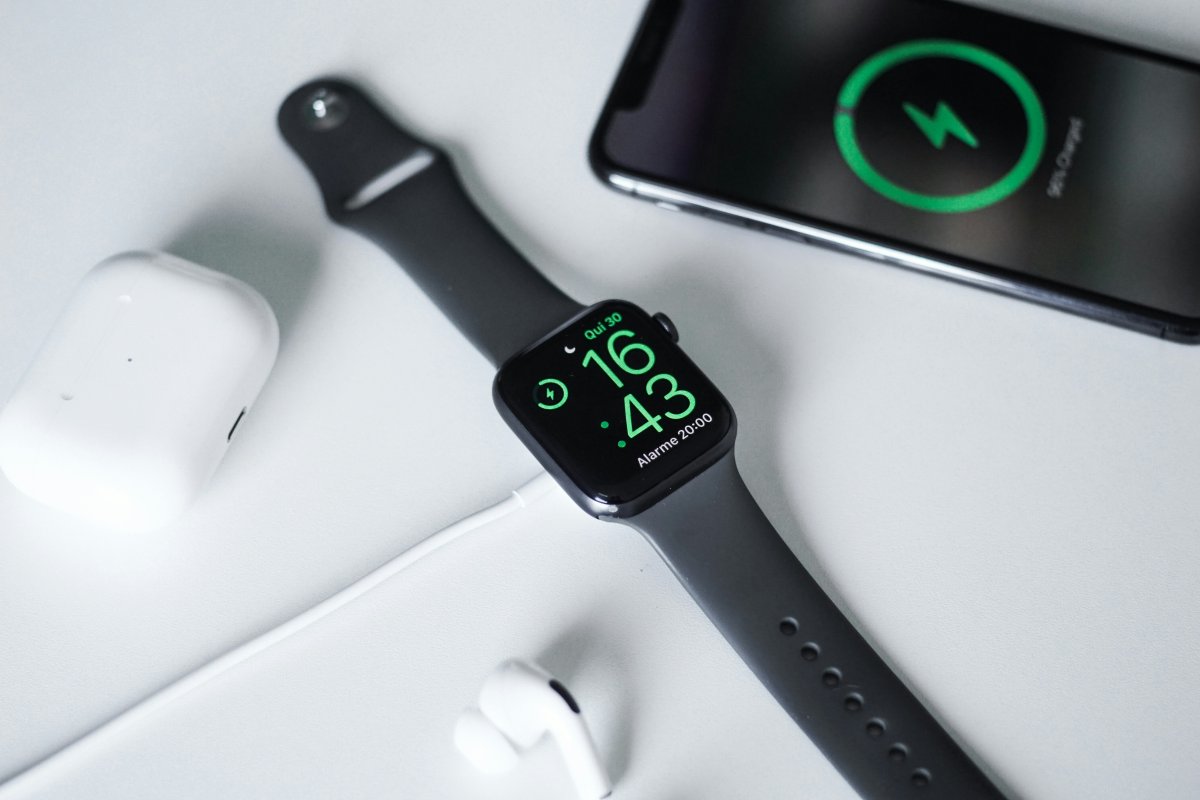
If you are asking why is my Apple Watch charging slowly, the cause is usually simple: charger compatibility, cable problems, weak wall adapter power, heat, dirty charging surfaces or battery settings.
Apple Watch charging can also feel slower when the battery is very low, the watch is warm or Optimized Charging is delaying the final part of the charge. Before assuming the battery is damaged, check the basics first.
Check the Charger and Cable
Start with the charging cable.
If your Apple Watch charging slowly issue started suddenly, the cable may be damaged, loose or not sitting correctly under the watch. Check for bends, wear, dirt or a weak magnetic connection.
Also make sure the back of your Apple Watch is centered on the charger. If the watch is slightly off position, charging may be slow or inconsistent.
Use the Right Wall Adapter
The wall adapter matters too.
If you plug your Apple Watch charger into a weak adapter, old USB port, laptop port or low power hub, charging may be slower than expected. For better results, use a reliable wall adapter with enough power for the charger you are using.
If your Apple Watch is not charging fast, try a different wall adapter before blaming the watch.
Clean the Watch and Charger
A dirty charging surface can create an Apple Watch charger issue.
Remove the watch from the charger and gently clean the back of the watch and the charging puck with a soft cloth. Sweat, dust, lotion and small debris can affect the connection.
Do not use sharp tools or harsh cleaners. A clean surface helps the magnets connect properly and can solve slow or inconsistent charging.
Let the Watch Cool Down
Temperature can affect charging speed.
If your Apple Watch feels warm, it may charge more slowly until it cools down. This can happen after workouts, navigation, direct sunlight, heavy app use or charging in a hot room.
Move it to a cooler place, remove any tight case if needed and let it rest for a while. Heat is one of the most common reasons for an Apple Watch charging problem.
Check Optimized Charging
Optimized Charging can sometimes make charging feel slower near the end.
This feature learns your routine and may delay charging past a certain point to help reduce battery aging. If your watch charges normally at first but seems to pause or slow near the final part, Optimized Charging may be the reason.
This is not usually a fault. It is a battery health feature.
Restart and Update
If the charger, cable and adapter look fine, restart your Apple Watch.
A software glitch can affect battery readings or charging behavior. After restarting, check again. You should also keep watchOS updated because software updates can fix charging and battery related bugs.
If the issue started after an update, give the watch some time, restart it and check your settings again.
Try Another Charger
The fastest way to identify the problem is to test another charger.
Try another Apple Watch charging cable, another wall adapter or another outlet. If the watch charges normally with a different setup, your original cable, adapter or outlet was likely the problem.
If your Apple Watch slow charging issue continues with multiple chargers, the watch itself may need service.
Conclusion
If you are wondering why is my Apple Watch charging slowly, start with the charger, cable, wall adapter and charging surface. Then check heat, Optimized Charging, software updates and restart the watch.
Most slow charging problems come from accessories, temperature or simple connection issues. If your Apple Watch charges slowly with multiple chargers and after all basic fixes, battery service may be worth considering.