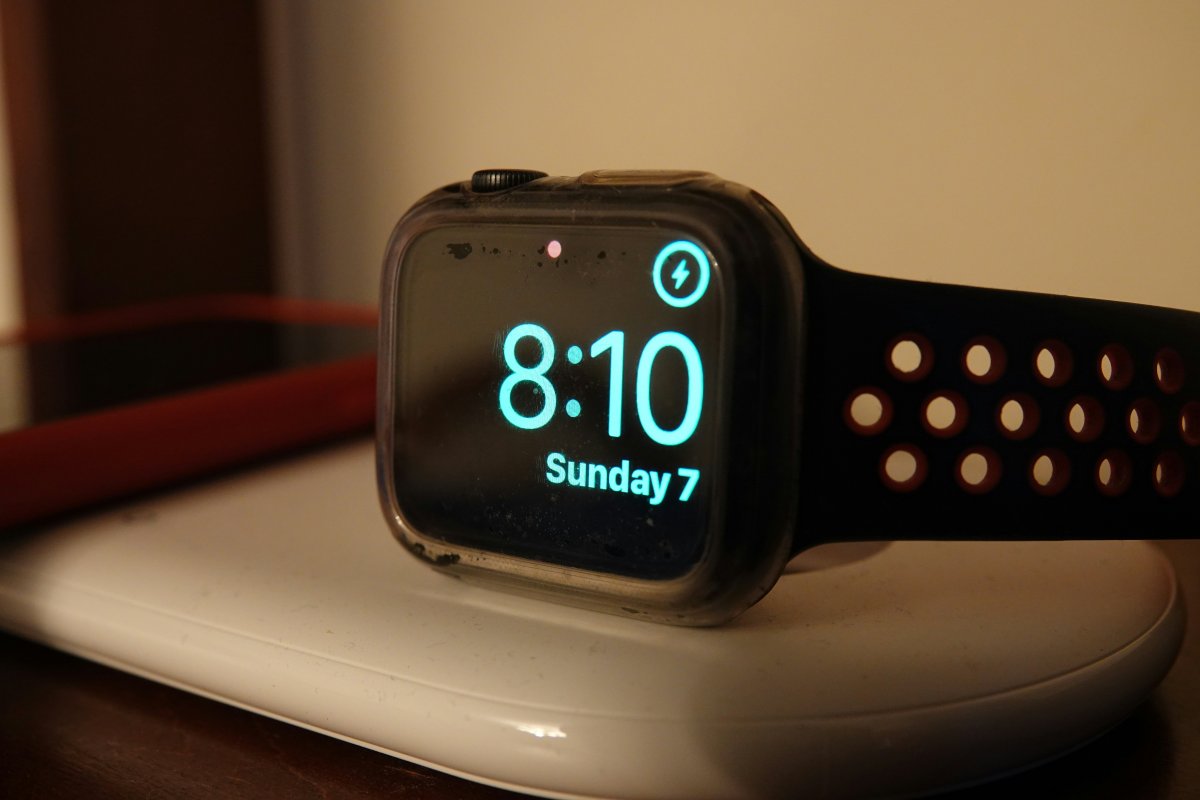
Knowing how to use Low Power Mode on Apple Watch can help when your battery is low or you need your watch to last through a long day.
Low Power Mode is Apple Watch’s battery saving mode. It reduces some background activity and limits certain features so the watch can use less power. It is useful during travel, long workdays, outdoor plans or any time you cannot charge soon.
It is not a magic fix for every battery problem, but it can help you get more time from the battery when you need it.
How to Turn On Low Power Mode Apple Watch
To turn on Low Power Mode Apple Watch, open Control Center and tap the battery percentage. Then choose Low Power Mode and confirm.
You can also find it in Settings under Battery. Once enabled, your Apple Watch will show that Low Power Mode is active.
This is one of the easiest Apple Watch battery settings to use because you can turn it on quickly whenever your battery starts getting low.
What Low Power Mode Does
Apple Watch Low Power Mode reduces battery use by limiting some features.
Depending on your model and settings, it may reduce background updates, some health measurements, automatic workout behavior, Always On Display and other power heavy activity.
The watch still remains useful. You can still check the time, receive many alerts, use apps and track important tasks. The main idea is to keep the essentials working while reducing extra battery use.
When You Should Use It
Low Power Mode is useful when you know charging will be difficult.
Use it during travel, long commutes, busy workdays, events, hikes or days when you forgot to charge fully. It can also help when you want your watch to last until bedtime.
For many users, it works best as a temporary tool. Turn it on when battery life matters more than having every feature active.
When Low Power Mode Is Not Enough
If your Apple Watch battery drains fast every day, Low Power Mode may not solve the real issue.
Check brightness, Always On Display, notifications, Background App Refresh, cellular use, workouts and battery health. If your battery drains quickly even with normal use, you may need deeper battery troubleshooting.
Low Power Mode helps in the moment, but repeated battery problems usually need settings review.
Conclusion
Learning how to use Low Power Mode on Apple Watch gives you a simple way to stretch battery life when you need it.
Use it during long days, travel, events or low battery situations. But if your battery drains quickly all the time, check your Apple Watch battery settings, display options, notifications and battery health too.
Low Power Mode is best as a helpful battery tool, not the only fix for ongoing battery problems.