New Apple Watch? 10 Apps to Install First (2026)
Just unboxed an Apple Watch? Start with these 10 apps that earn their place on your wrist, plus five quick settings to change before you install anything.
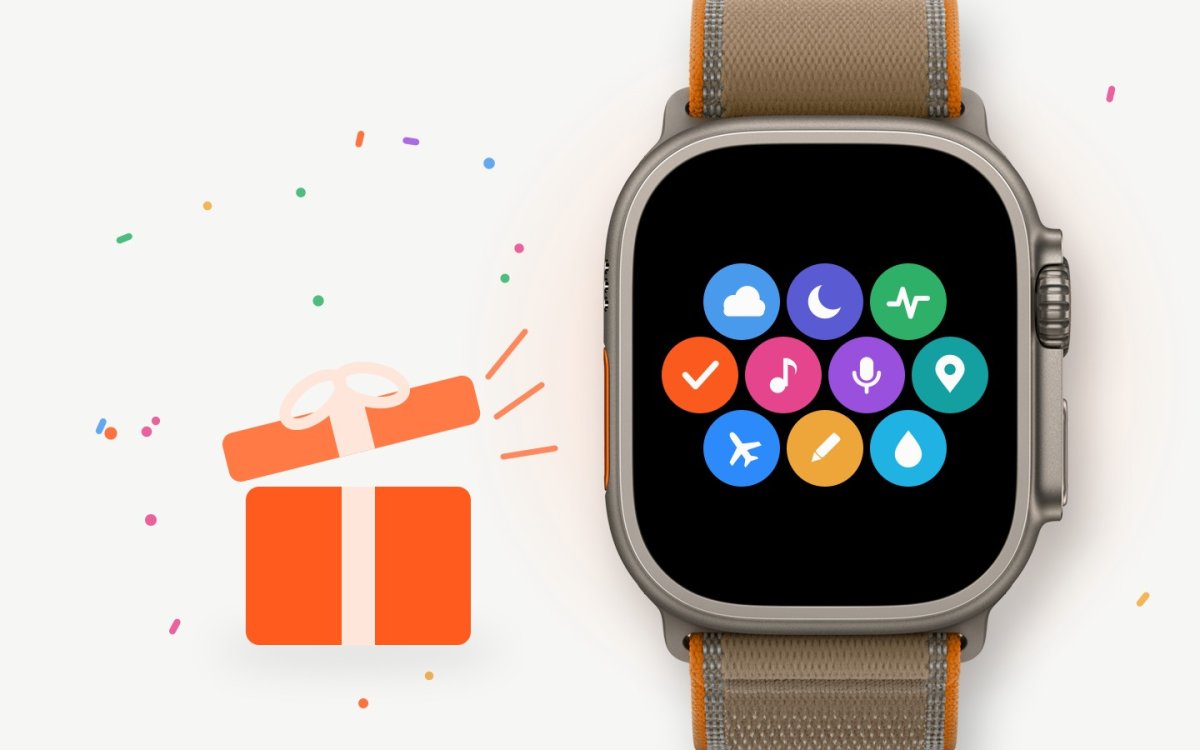
Short answer: Start with the apps that fix something you already do every day: check the weather, track sleep and workouts, keep a to-do list, listen on the go and get around. The 10 below each do one of those jobs well on the wrist, and nine of them are free to download. Before you install anything, spend five minutes on the settings further down. They decide how useful the watch feels in week one.
Five settings to change first
- Update to watchOS 27 if your watch supports it (Series 9 or later, SE 3, Ultra 2 or later). It adds Siri AI, the dynamic app grid and a unified Find My app.
- Turn off Automatic App Install in the Watch app on your iPhone. Otherwise every iPhone app with a watch version lands on your wrist, and the good ones get buried.
- Learn the app grid. Press the Digital Crown: watchOS 27 shows your most-used apps with Siri in the middle. Scroll the Crown up for the full list.
- Add Apple Pay in the Wallet app. Then pay with a double-click of the side button, no phone or wallet needed.
- Put your favourite apps on a watch face. A complication opens its app in one tap, straight from the watch face.
More setup help: How to set up Apple Watch for the first time and Apple Watch settings you should change first.
The 10 apps to install first
1. CARROT Weather (Weather)
The best weather complications on the watch, deeply customisable, with a famously sarcastic personality you can turn down. Free, with a subscription for extras. See CARROT Weather
2. AutoSleep (Health & Sleep)
Wear your watch to bed and AutoSleep tracks the night automatically, no buttons to press. It goes further than Apple's built-in Sleep app, with a detailed report each morning. $9.99 one-time. See AutoSleep
3. Gentler Streak (Fitness)
An activity tracker built around rest as much as effort, so new owners don't burn out chasing rings in January. Free, with a subscription for extras. Already a runner or cyclist? Install Strava instead. See Gentler Streak
4. Todoist (Productivity)
See today's tasks at a glance and add new ones by voice. Free. Prefer a one-time purchase? Things 3 is $9.99. See Todoist
5. Spotify (Music & Audio)
Control playback from your wrist, and with Premium download playlists and podcasts to the watch for phone-free runs. Free. See Spotify
6. Overcast (Music & Audio)
A favourite podcast player with a capable watch app for managing your queue from the wrist. Free. See Overcast
7. Citymapper (Navigation & Travel)
Step-by-step transit directions, with a tap on your wrist when your stop is coming up. Free. See Citymapper
8. Flighty (Navigation & Travel)
Live flight status, gate changes and delays on your wrist. Install it before your holiday trip, not at the gate. Free, with a subscription for extras. See Flighty
9. Day One Journal (Utilities)
Dictate a quick journal entry the moment something happens; it's waiting on your iPhone later. Free, with a subscription for extras. See Day One
10. WaterMinder (Health & Sleep)
Log a glass of water in two taps and get gentle reminders through the day. Free. See WaterMinder
At a glance
| App | Best for | Price |
|---|---|---|
| CARROT Weather | Weather on your watch face | Free + subscription |
| AutoSleep | Automatic sleep tracking | $9.99 |
| Gentler Streak | Fitness without burnout | Free + subscription |
| Todoist | Tasks by voice | Free |
| Spotify | Music without your phone (Premium) | Free |
| Overcast | Podcasts | Free |
| Citymapper | Public transport | Free |
| Flighty | Flights | Free + subscription |
| Day One | Quick journaling | Free + subscription |
| WaterMinder | Drinking more water | Free |
Already on your watch: worth turning on
- Siri AI (watchOS 27, beta): ask questions and take actions in apps. Needs a paired Apple Intelligence iPhone. More in our AI apps guide.
- Find My: one app in watchOS 27 for devices, items and people, with Precision Finding for a lost iPhone.
- Sleep and Workout: set a sleep schedule and try one workout before you add third-party apps; you'll know what you're missing.
FAQ
How do I install apps on Apple Watch? Open the App Store on the watch (press the Digital Crown, then tap App Store), or install from the Watch app on your iPhone.
Do Apple Watch apps cost extra? Most are free or come with the iPhone app you already have. A few, like AutoSleep and Things 3, are paid; prices above are App Store prices in US dollars as of November 2026.
Do these apps work without my iPhone? Some do, especially on cellular models, but many still sync through your phone. See How to use Apple Watch without your iPhone.
My watch can't update to watchOS 27. Does this list still apply? Series 8 and earlier, SE 2 and the first Ultra stay on watchOS 26. Check each app's App Store page for its minimum watchOS version.
Last checked: 23 November 2026.
Apps mentioned in this guide
 Strava: Run, Bike, Hike
Record runs, rides and hikes from your wrist and share them with a global community.
 WaterMinder
Track your daily water intake and get gentle reminders to stay hydrated.
 Things 3
An award-winning to-do app to organize your life, right on your wrist.
 Todoist
Capture and complete tasks on the go with a clean, fast to-do list.
 Day One Journal
Jot down a journal entry or dictate a memory whenever the moment hits.
 CARROT Weather
Hyper-accurate forecasts delivered with a side of dark humor.